
On This Page
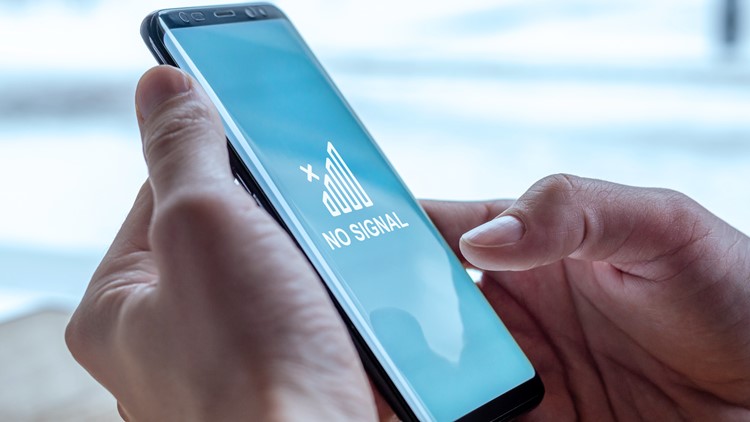
A cell service outage can leave you unable to make calls, send texts, or use mobile data, sometimes across an entire region at once. If your AT&T service suddenly stops working, the steps below will help you confirm whether it is a network outage or a problem with your own phone, and what to do until service returns.
How To Tell If It’s an Outage or Just Your Phone
Before assuming the whole network is down, rule out a device-specific issue:
- Check whether others are affected. If people near you on the same carrier still have service, the problem is more likely your phone or account than a network outage.
- Look at your signal indicator. “No Service,” “SOS,” or a constant single bar can point to a coverage or network problem.
- Try a quick reset. Toggle Airplane Mode on and off, then restart the phone. This re-registers your device with the network and fixes many temporary glitches.
How To Check for a Carrier Outage
To confirm an outage, use sources that report network status directly:
- The carrier’s official status or support page. AT&T and other major carriers publish service-status tools where you can enter your ZIP code or address to see reported issues in your area.
- The carrier’s official social media accounts. Carriers often post outage acknowledgments and restoration updates there.
- Third-party outage trackers. Crowd-sourced outage sites show spikes in user reports by location, which is a quick way to gauge whether others are affected.
- Local news and emergency alerts. Widespread outages are often reported by local media, especially when they affect calling.
What To Do During an Outage
If you confirm an outage, you can usually stay connected another way until service is restored:
- Use Wi-Fi calling. If your phone supports it, enabling Wi-Fi calling lets you make calls and send texts over a Wi-Fi network even when the cellular network is down. This is one of the most reliable workarounds.
- Switch to internet-based messaging. Apps that work over Wi-Fi let you message and call contacts without cellular service.
- Conserve your battery. Phones searching for a lost signal drain quickly; lower your screen brightness or use Low Power Mode while you wait.
- Avoid repeated resets. One restart is helpful; constantly resetting rarely speeds up a network-side fix.
Calling 911 During an Outage
This is the most important safety point. During a cellular outage you may be unable to reach 911 over the normal cellular network. To improve your chances:
- Enable Wi-Fi calling so emergency calls can route over a Wi-Fi connection.
- Try a landline or ask someone nearby on a different, working carrier to call for you.
- Check for local text-to-911 service, which is available in many areas when calling fails.
When To Contact Your Carrier
If your service is still down after the carrier reports the outage resolved, or if only your line is affected, reach out to customer support. They can check your account status, confirm your device is provisioned correctly, and reset your network connection on their end. It can also help to remove and reseat your SIM card or, on an eSIM, confirm the line is still active.
The Bottom Line
Most cell outages are temporary and resolved by the carrier within hours. The best response is to confirm the outage through official status pages, switch to Wi-Fi calling or internet-based apps to stay reachable, and keep a backup plan for emergencies. Knowing these steps in advance means a sudden loss of service is an inconvenience rather than an emergency.