
On This Page
Many families and seniors who receive SNAP or other benefits also want a way to stay online without adding another big bill every month. That is why so many people search for the best free tablet with EBT.
1. Free Tablet with EBT Explained
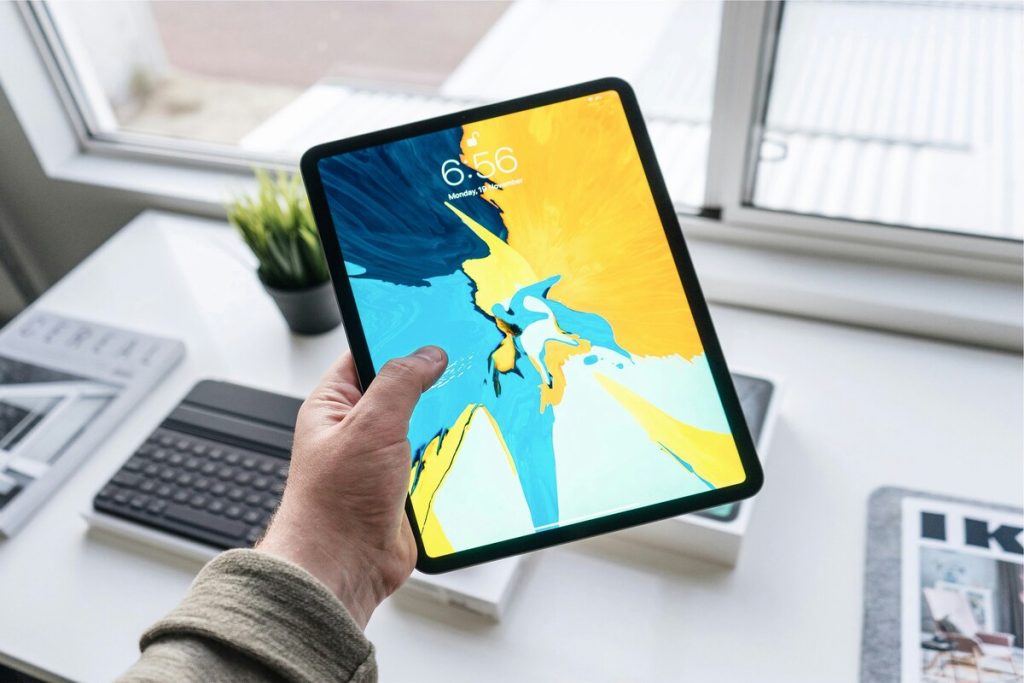
**Obtain a free tablet with EBT (Image by Unsplash) **
How EBT Can Help You Get Free or Discounted Tablets
EBT (Electronic Benefit Transfer) is the card that delivers SNAP food benefits and sometimes other state assistance. On its own, the card does not pay for a tablet.
Lifeline, a long-running federal program, gives a monthly discount on phone or internet service to eligible low-income households. One way to qualify for Lifeline is if you (or someone in your household) receives SNAP benefits. When you sign up for Lifeline services with a provider, that company may offer a tablet at a steep discount as a special offer.
That is the link between SNAP EBT and tablet support: Your SNAP participation can automatically qualify you for Lifeline benefits, and Lifeline opens the door to device promotions.
Understanding Free Tablets with EBT
Free or low-cost tablets in the Lifeline program are provided through provider promotions rather than direct government offers.
Lifeline tablets offer work like this:
- You qualify for Lifeline through income or participation in programs such as SNAP.
- The provider may then give a tablet at a very low one-time price while stock lasts.
2. Free Tablet With EBT: What You Should Expect
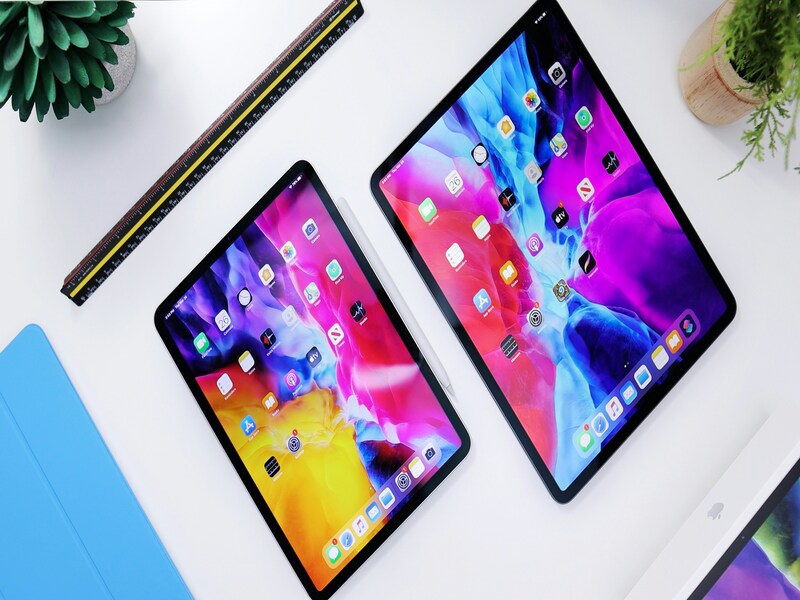
How to get a free tablet for free? (Image by Unsplash)
Who Has the Best Government Tablets for Free?
The question “Who has the best government tablets for free?” sounds simple, yet there is no single official answer. Lifeline is a federal program, but it works through many private carriers.
Different companies run different promotions, and offers change based on state and stock.
If you are looking for the best free tablet with EBT, it helps to focus on three things:
- Is the provider an approved Lifeline carrier?
- Does the provider clearly list tablet offers and any one-time fees?
- Does the provider actually serve your ZIP code?
For many households, the best option is the one that balances good device features, a clear application path, and honest details about small payments and limits.
Common Tablet Models You May Find Through Lifeline
The exact tablet you receive through a Lifeline-based promotion will depend on what is in the warehouse at that time. In general, support programs focus on tablets that can handle:
- Web browsing
- Email and messaging
- Video calls
- Light school or work tasks
Screen sizes and storage space vary. You may see popular mid-range Android tablets or similar devices. Because stock changes quickly, the “best” free tablet with EBT today may be a different brand than the one listed next month.
When you’re looking for the best free tablet with EBT, you’re really choosing between many different device groups, not just one fixed model.
Every day Samsung Tab A series
The Samsung Tab A line covers roughly 8 to 10.5 inches. These tablets suit small households and anyone who likes the familiar Samsung layout. They handle online classes, reading documents, streaming, video calls, and more. These models are an everyday choice because they balance price and comfort.
- Galaxy Tab A 2018
- Galaxy Tab A 2020
- Galaxy Tab A 10.5 inch
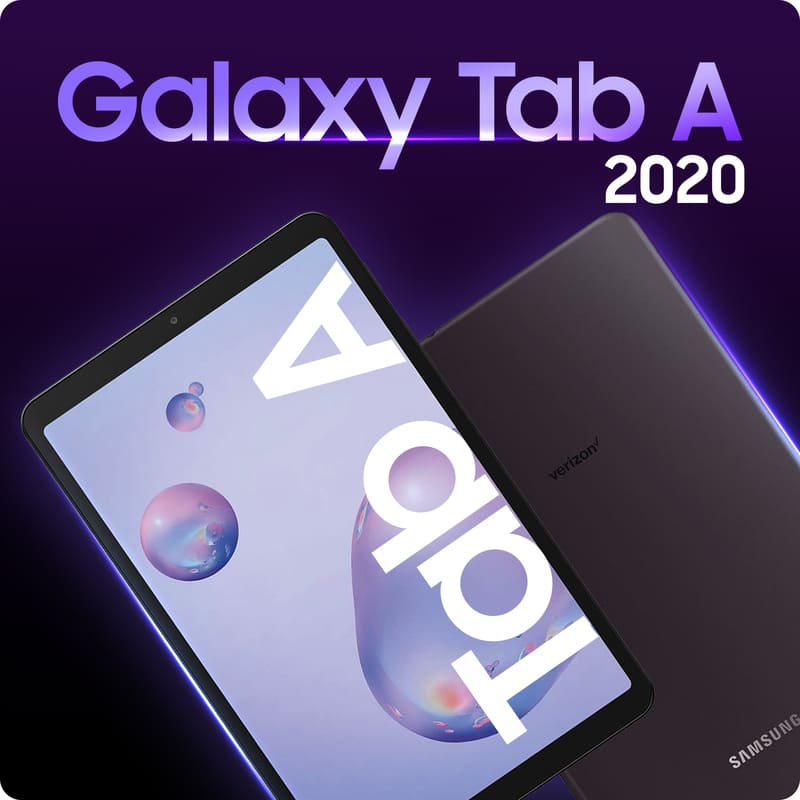
Galaxy Tab A 2020.
Budget 8″ Android tablets
These tablets are easy to hold and carry. They fit users who want a small, low-cost device for simple daily tasks. Most people use them for web browsing, email, social apps, and short videos. The one-time device payment is usually low, while the screen is still larger than a phone.
- Samsung Galaxy Tab A7 Lite
- Sky Pad8
- Alcatel Joy Tab
Classic family tablets
Classic family tablets usually sit around 9.6–10.1 inches. They are made for shared use: one device that parents and kids can pass around.
Typical uses include family movies, YouTube, light online learning for children, news, and casual browsing. The screens are wide enough to sit on a table so several people can watch together, which helps households that want a bigger display while still watching their budget.
- Galaxy Tab E
- Galaxy Tab 4
- Galaxy Tab A 10.5 inch
Study & work 10″ tablets
These tablets have around 10-inch screens and suit students and remote workers. They are often used for school portals, virtual classes, long PDFs, and longer video meetings.
For households with children in school or adults taking online courses, this group works well because the screen is large enough for reading and note-taking without straining the eyes.
- TCL Tab 10 5G
- LG G Pad 5 10.1
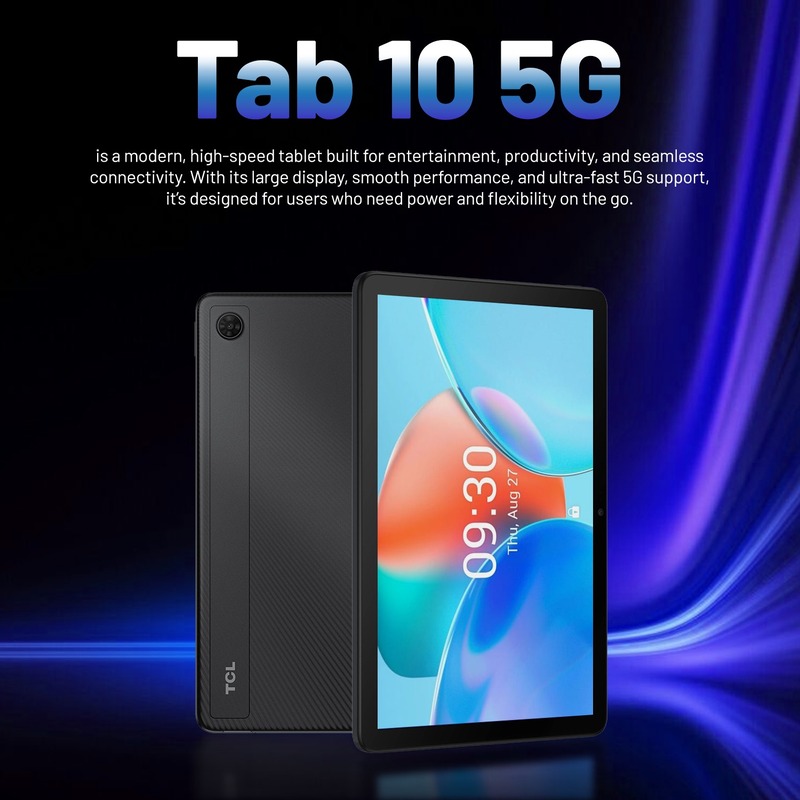
TCL Tab 10 5G.
Media & entertainment tablets
Media-focused tablets sit in the 9.7–10.5-inch range and target users who watch a lot of video or join frequent video calls. People pick them for streaming shows, video chat, light gaming, and viewing photos.
- Samsung Galaxy Tab S4
- Galaxy Tab S5e
- Galaxy Tab S2 9.7
Apple iPad line
Common uses include web browsing, note-taking, online classes, FaceTime, and education apps from the App Store. For seniors or parents who know iOS, moving to an iPad feels natural, and the supported pricing through Lifeline makes these tablets more affordable than buying at full retail.
- iPad 3
- iPad Air 2
- iPad Air 4
Ultra-low price/backup tablets
This group includes tablets from 8 to 9.7 inches, priced very low. They serve users with a tight budget or families who want a second device. People often use them as a backup for travel, a spare screen for kids, or a simple device for browsing and video.
For low-income households, these tablets add another large screen for school or entertainment while keeping the device cost close to “free” once discounts and promotions are applied.
- Alcatel Joy Tab
- iPad 3
4. How Do I Get a Tablet for Free or at a Lower Cost?
If you are asking, “How do I get a tablet for free?”, the first step is to check whether your household qualifies for Lifeline. If your income is at or below 135% of the Federal Poverty Guidelines or you take part in certain programs, like SNAP, Medicaid, or SSI, you may qualify.
If you or someone in your household participates in SNAP, you automatically qualify for Lifeline.
Applicants should be ready with some documents:
- A document that shows current participation in SNAP or another qualifying program, or proof of income.
- A photo ID, such as a driver’s license or state ID.
- A document confirming your home address, such as a utility bill or an official letter.
Having these documents ready before you start the online form will make the process of obtaining the best free tablet with EBT much smoother.
After you submit the form, if approved, your order moves to shipping, and you can activate service once it arrives.
5. FAQs
Can I get a tablet with food stamps?
Who has the best government tablets for free?
Are tablets fully free or discounted for EBT users?
Most tablets in these offers are heavily discounted. You can expect a small one-time payment, while Lifeline covers part of the monthly service.
Related SenGov Guides
- Free Government Phone Near Me – Find the Best Options (Newest Guide)
- Low Income Apartments Sacramento: How to Find Affordable Housing Options Today
- What Restaurants Accept EBT Near Me? Find SNAP-Friendly Meal Options
- $10 Internet with Food Stamps – Accessible Connectivity Options for Low-Income Families