
On This Page
The best iPhone for elderly is the one that combines easy use, a clear display, and helpful features. Today, seniors can choose models like the iPhone SE 3, iPhone 13, iPhone 14, or even large-screen iPads for simple navigation and strong performance. Some can even get these iPhones free or at a low cost if they qualify for Lifeline.
This guide explains which iPhone suits different senior needs and how to get one without spending too much. Keep reading to find the right iPhone and see how to apply today.
1. What is the Best iPhone for the Elderly Today?
The best iPhone for the elderly should be easy to use, comfortable to hold, and feature support for vision, hearing, and daily communication needs. Today, Several models meet these criteria and fit different senior lifestyles. Here are the top recommendations:
1.1. iPhone SE 3 – Best Overall for Seniors
The iPhone SE 3 is a strong choice for most elderly users. Here are the key benefits:
- Compact and lightweight, easy to hold
- Touch ID for quick unlocking without Face ID
- A15 Bionic chip for smooth performance
- Still supports the latest iOS updates
- Affordable, with discounted or free options for Lifeline-eligible seniors
2.2. iPhone 12 & 13 Mini – Best for Seniors Who Want Small Size & Face ID
If someone prefers Face ID but still wants a small phone, the iPhone 12 mini & iPhone 13 fit well. Here are the highlights:
- Super Retina display for clear text and images
- Long battery life for all-day use
- Compact size allows one-handed operation
- Runs the latest iOS for security and app support
2.3. iPhone 14 Pro/Pro Max – Best for Visual/Audio Accessibility
These models are better suited for seniors with vision or hearing needs. Check their main features:
- Larger screens for easier reading and typing
- Built-in accessibility tools like VoiceOver, Display Zoom, and Hearing Aid Mode
- Emergency SOS and Magnifier features
- 5G capability for faster connections
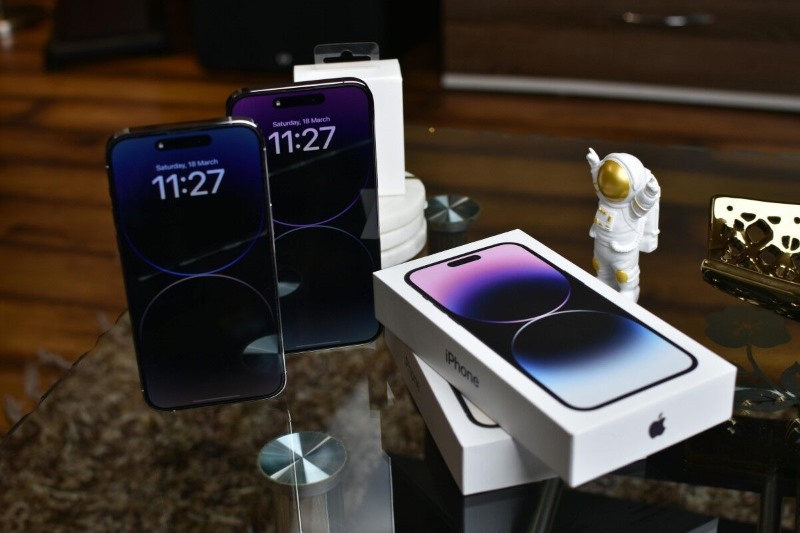
iPhone 14 Pro/Pro Max is perfect for seniors with vision or hearing needs(Image by Pexels)**
2.4. iPhone 15 – For Tech-Comfortable Seniors
The iPhone 15 is powerful, but not always the most budget-friendly. Here are the reasons to consider it:
- Enhanced AI and voice command features
- Excellent camera for family photos and video calls
- Suitable for seniors who are confident with technology
- High cost unless obtained through a Lifeline provider or upgrade program
2.5. FOXXD A67L – Best Budget-Friendly Option for Seniors
Besides iPhones, seniors can consider some other free Android phone models. FOXXD A67L suits seniors who want a no-cost smartphone with essential features for calls, texts, and light app use. It’s a free option that’s simple yet practical for daily use.
- Large, clear display for easy reading
- Long-lasting battery to reduce charging frequency
- User-friendly Android interface with customizable home screen
- Lightweight design for comfortable handling
2.6. RADIANT Max 5G – Best Free 5G Option for Seniors
The RADIANT Max 5G combines modern connectivity and a bigger display for better usability. It’s perfect for those who want faster performance without paying extra.
- 5G connectivity for smoother video calls and browsing
- Large HD+ display for improved visibility
- Sturdy build with good grip for everyday handling
- Compatible with accessibility settings like larger fonts and voice commands
Take a look at the comparison table of iPhone models for seniors below:
| Model | Size & Weight | Ease of Use Features | Ideal User Profile |
|---|---|---|---|
| iPhone SE 3 | 5.45″, Lightweight | Touch ID, Simple Layout | Seniors wanting a small, easy phone with good speed |
| iPhone 12 & 13 | 5.18″, Compact | Face ID, Retina Display | Seniors wanting a small size + modern unlocking |
| iPhone 14 Pro/ProMax | 5.81 and 6.7″, Medium Size | Large Screen, VoiceOver | Seniors with vision/hearing needs |
| iPhone 15/ 15 plus | 5.81″, Varies | Voice Commands, AI Features | Tech-savvy seniors who want the latest device |
| FOXXD A67L (Free) | 6.7″ | Long battery life, large screen | Seniors who want a no-cost, basic smartphone |
| RADIANT Max 5G (Free) | 6.82″ | 5G, big display, voice commands | Seniors who want a free phone with modern connectivity |
3. Can Low-Income Seniors Get a Free iPhone Through Lifeline?
When qualifying for Lifeline, you can receive subsidies for phone or monthly service plans, including:
- Up to $9.25/month in standard support.
- Up to $34.25/month in enhanced support for tribal residents.
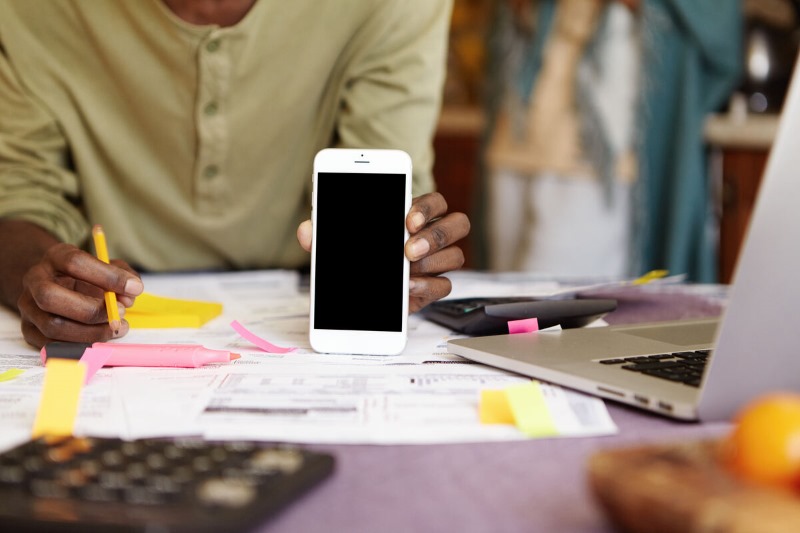
Low-income seniors can get a free Lifeline phone if they qualify(Image by Freepik)**
- Free talk and text every month.
- Free international calling to 200+ countries and territories.
- Up to 15GB of monthly data.
- Special tribal plans with enhanced benefits.
- Fast approval: most applications are processed in under 30 minutes.
- **Free shipping: **phones delivered in 7 – 10 business days with tracking.
- **Good customer care: **support available online and by phone.
- Strong coverage: reliable in both urban and tribal areas.
- **Wide variety of devices: **from free smartphones to upgraded iPhones.
Note:* Availability of devices varies by ZIP code and provider stock.*
»>* Also read:**A Step-By-Step Guide To Free Phone For Seniors On Medicaid*
4. Step-by-Step: How to Get an iPhone for a Senior Through Lifeline
If you’re wondering how to get an iPhone for elderly family members or for yourself, the Lifeline program offers a straightforward process. Here’s how it works:
Step 1: Check Eligibility
Start by confirming you meet the income or program requirements. A person qualifies if they:
- Be enrolled in assistance programs such as Medicaid, SNAP, SSI, or Federal Public Housing.
- Reside on tribal lands and take part in Tribal TANF or FDPIR.
- Have a total household income that does not exceed 135% of the Federal Poverty Guidelines.
Step 3: Choose Your Plan
After entering the ZIP code, the screen will display the Lifeline plan available to you. Click** “Select Now**” to continue with the application process.
Step 4: Select Your iPhone
Browse the list of available free or discounted devices and choose the model that best suits the senior’s needs.
Step 5: Upload Necessary Documents (If Required)
If your state cannot verify eligibility automatically, you will need to upload clear digital copies of:
- A government-issued photo ID.
- Proof of government benefit or income.
Step 6: Submit Application & Wait
Once the application and documents are submitted:
- Most approvals happen in under 30 minutes if eligibility is auto-verified.
- In case your documents need reconfirmation, the process can take** 3–4 business days**.
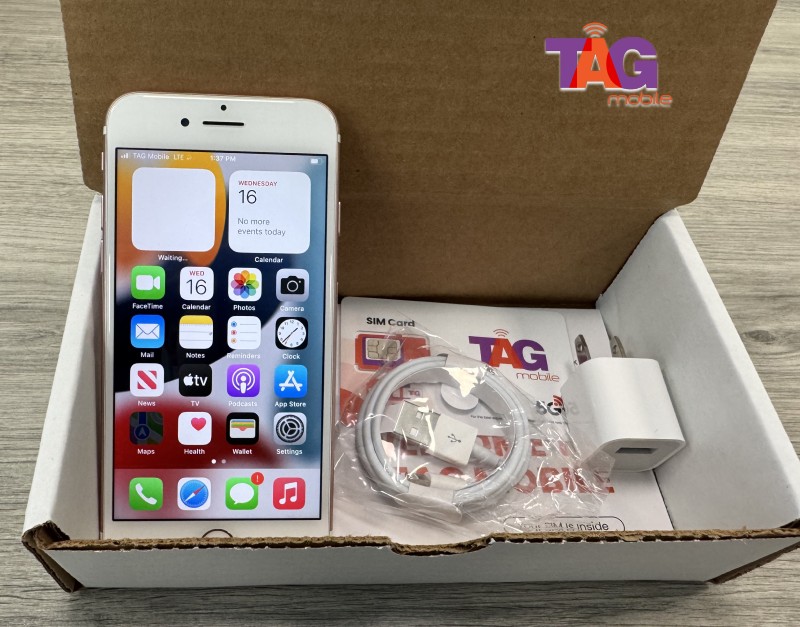
Your iPhone will be delivered within 7-10 business days after approval
5. What Makes an iPhone Senior-Friendly?
Not every iPhone is equally easy for older users to handle. The best iPhone for elderly people usually balances clear visibility, simple operation, and comfortable handling. Here’s what to look for:
5.1. Accessibility Features
Apple includes built-in tools to help users with vision or hearing needs. These can make the phone easier to read, hear, and control. Here are some key features:
- **VoiceOver: **Reads aloud what is on the screen.
- **Display Zoom: **Makes text and icons bigger for easier viewing.
- **Hearing aid compatibility: **Works well with many hearing aids.
- **Emergency SOS: **Quickly calls for help in urgent situations.
- **Text size adjustment: **Let’s you choose larger text for easier reading.
- **AssistiveTouch: **Adds an on-screen button for simple navigation.
5.2. Interface Simplicity
A senior-friendly iPhone should have a clean and simple interface. This makes it easier to find and use apps without feeling overwhelmed.
- **Face ID or Touch ID: **Unlocks the phone quickly without typing a password.
- **Fewer apps: **Keep only the needed apps on the home screen.
- **Customizable layout: **Arrange icons for faster access.
- Siri for hands-free use: Ask Siri to make calls, send messages, or set reminders.
5.3. Physical Handling
Comfort and ease of handling are also important for elderly users. The right size and design can make a big difference.
- **Lightweight design: **Easier to hold for long periods.
- Button-based UI: Good for those who prefer physical buttons instead of Face ID only.
- Case-friendly sizing: Fits well with protective cases for better grip.
6. FAQs
6.1 What is the simplified iPhone for older people?
The simplified iPhone for older people is usually the iPhone SE 3. It has a compact size, a physical Touch ID button, and a clean iOS interface that is easy to navigate. Features like larger text, VoiceOver, and Display Zoom make it comfortable for seniors who want a phone without too many complicated settings.
6.2 What is the simplest phone for a senior to use?
For seniors who prefer minimal features, the simplest option is often a basic flip phone or a Touch ID iPhone like the iPhone SE series. These devices focus on essential functions like calling, texting, and basic apps, without the extra complexity of advanced models.
6.3 Which iPhone is easiest for seniors?
The iPhone SE 3 is considered the easiest iPhone for seniors thanks to its familiar button-based navigation, long software support, and strong performance. It is lightweight, works well with hearing aids, and supports emergency features like SOS and Medical ID.
Final Words
Choosing the best iPhone for elderly depends on comfort, accessibility, and budget. Models like the iPhone SE 3 or iPhone 13 are small, light, and easy to manage, while larger options help with vision or hearing support.