
On This Page
Can you make phone calls on an iPad? The answer depends on your device model and connection method.
Although iPads are not designed as traditional phones, they support voice calling through Wi-Fi, cellular data, and internet-based apps. Some models even include SIM card or eSIM support for mobile connectivity.
This article explains how iPad calling works and the easiest ways to make and receive calls on your tablet.
1. How to Make Phone Calls on an iPad via Wi-Fi (No SIM Needed)
Can you make phone calls on an iPad? Yes. But how to do it?
In reality, you can make phone calls on an iPad without a SIM card by leveraging Wi-Fi. By using Continuity features with an iPhone or utilizing VoIP apps, you can easily turn your tablet into a phone.
Method 1: Using Calls from iPhone (Recommended)
This method allows your iPad to make and receive cellular calls by relaying them through your nearby iPhone using the same Wi-Fi network.
On your iPhone, navigate to **Settings > Phone > Calls on Other Devices **and enable “Allow Calls on Other Devices,” ensuring your iPad is selected. Finally, enable “Calls from iPhone” in the FaceTime settings on your iPad.
Method 2: Using VoIP/Messaging Apps (No iPhone Needed)
Can you make phone calls on an iPad without an iPhone? Even if you do not have an iPhone, you can still make voice calls over Wi-Fi by downloading third-party VoIP apps such as Skype, WhatsApp, or Google Voice.
These applications allow you to call other users or, in some cases, traditional phone numbers using your Wi-Fi connection, requiring only an app account rather than a cellular plan.
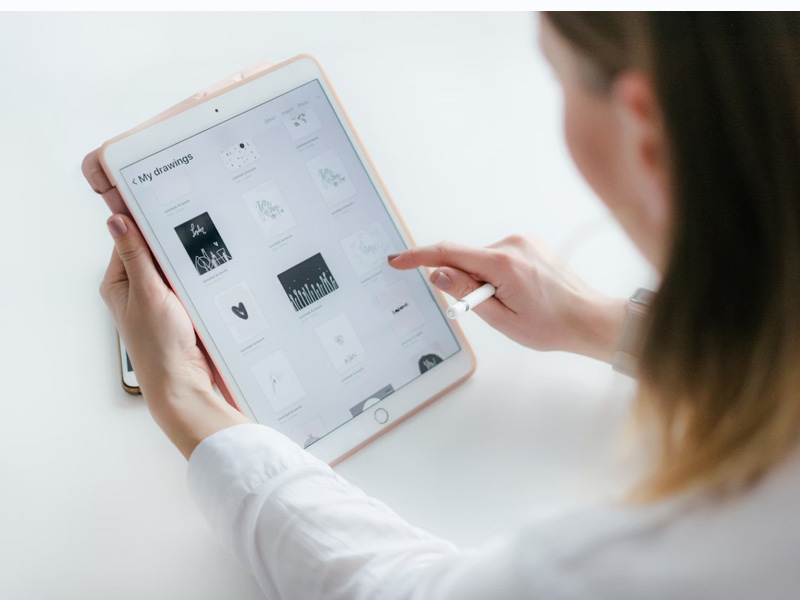
Can you make phone calls on an iPad? How to make phone calls on an iPad via Wi-Fi (Image by Unsplash)
Lifeline eligibility
Lifeline, a long-term government assistance program, can help low-income households stay connected through affordable telecommunication services.
To be eligible, users must meet certain income requirements (at or below 135% of the federal poverty guidelines) or participate in programs such as SNAP or Medicaid.
Only eligible consumers may enroll in this non-transferable Lifeline service, which is strictly limited to one discount per household.
In addition to smartphones, Lifeline customers can receive heavily discounted tablets and enjoy free international calling to over 200 destinations. The application process is fast, with quick approval and free shipping, ensuring users can get connected quickly.
Step 1: Check your eligibility
Before beginning your application, you must ensure you qualify for Lifeline. Eligibility is primarily based on your household income being at or below 135% of the Federal Poverty Guidelines.
You also qualify automatically if you or a household member participates in federal assistance programs such as SNAP, SSI, Medicaid, Federal Public Housing Assistance, or the Veterans Pension and Survivors Benefit.
Step 2: Select your free phone or tablet
Depending on current stock and your qualification tier, you can choose from available free or deeply discounted smartphones or select an iPad or Samsung Galaxy tablet.
At this stage, when selecting a tablet, you should primarily focus on the device’s features, compatibility, and price to make the most suitable choice.
There is no need to be overly concerned about the question “Can you make phone calls on an iPad?”, as iPads can all make calls via FaceTime, messaging apps, or Wi-Fi calling when supported by your carrier and device setup.
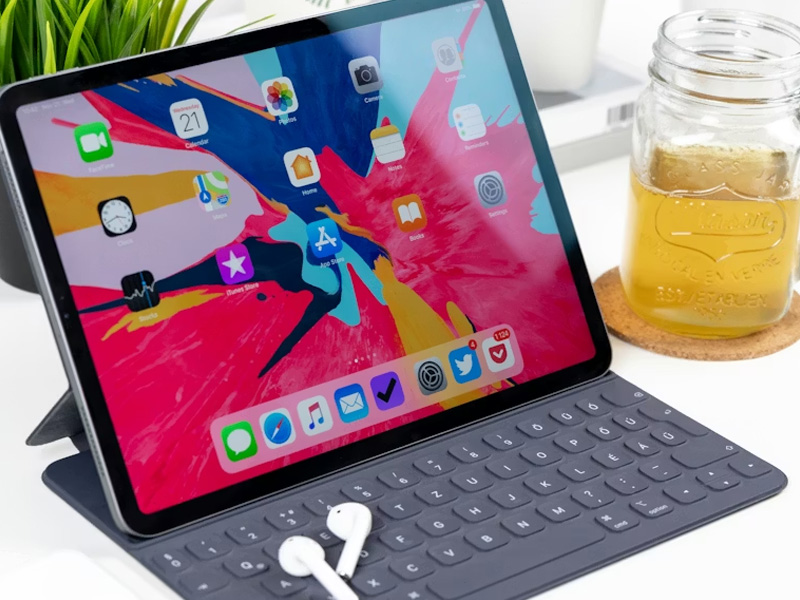
For instance, you can see that an iPad Air 4 is powerful and modern, running smoothly for tasks like online classes, video or voice calling, multitasking with multiple apps, and video streaming.
An iPad 3 can handle basic functions such as video or voice calling, light browsing, and watching videos.
Step 3: Complete the application form
After selecting your plan and device, fill out the electronic enrollment form with accurate personal information that matches your official government documents. You will need to provide your full legal name, date of birth, physical shipping address, and the last four digits of your Social Security Number.
Ensure there are no typos in this section, as mismatched information can cause the system to reject your application.
Step 4: Upload proof of eligibility
To validate your application, you must upload clear digital photos or scans of your official supporting documents.
If qualifying by income, provide your most recent state tax return or three consecutive months of pay stubs. If qualifying via a government program, upload an official benefit award letter, an enrollment card, or a statement of benefits that displays your name and the program details.
Step 5: Await approval and shipment
It takes a few minutes to review applications, but it can take up to a few days if manual review is needed.
4. Frequently Asked Questions
Does an iPad have a SIM card?
Only Wi-Fi + Cellular iPad models have a SIM card or support eSIM, allowing for mobile data, while Wi-Fi Only models do not. Newer models, especially 2024 and later, are shifting toward eSIM-only, removing the physical tray. You can verify this by looking for a small SIM tray on the side.
Can you use an iPad as a phone?
An iPad can function similarly to a phone for messaging and internet calling, but it cannot fully replace a smartphone for standard cellular voice calls unless paired with additional services or apps. Cellular iPads mainly provide mobile internet access rather than native calling support.
Can you text and receive calls on an iPad?
Yes. With Apple services enabled, you can send iMessages, receive FaceTime calls, and use Continuity to answer calls from your iPhone. Third-party messaging apps also support voice and video communication across devices.
Can you make phone calls on an iPad Mini with cellular?
Yes, you can make phone calls on an iPad Mini with Cellular. This is possible through Apple’s native Continuity feature, a dedicated phone app, or third-party calling apps like WhatsApp or Skype.
Is a cellular iPad better for calling?
A cellular iPad offers greater flexibility because it can access mobile data without Wi-Fi. This improves call reliability when using VoIP apps on the go. However, even cellular models still depend on internet-based calling rather than traditional carrier voice service.
Final Words
If you are asking, **can you make phone calls on an iPad? **The answer is absolutely yes. Whether through Apple’s Continuity feature, Wi-Fi calling apps, or cellular data on supported models, iPads provide several convenient ways to stay connected.