
On This Page
If you are switching devices, you may be asking, “Can you put an Android SIM card in an iPhone?” and expect it to work right away. The short answer is yes in many cases, but it depends on the phone’s lock status, network compatibility, and SIM type.
Understanding these factors can help you avoid common issues when moving your SIM from an Android device to an iPhone.
1. Can You Put an Android SIM Card in an iPhone?
The question “Can you put an Android SIM card in an iPhone?” is very common when people upgrade or change devices. A SIM card itself is not tied to Android or iPhone. It is linked to your carrier, which means it can work across different phones if the network and device allow it.
Before switching, it helps to know that both Android phones and iPhones use the same SIM standards. What matters is whether your iPhone supports your carrier and whether it is unlocked.
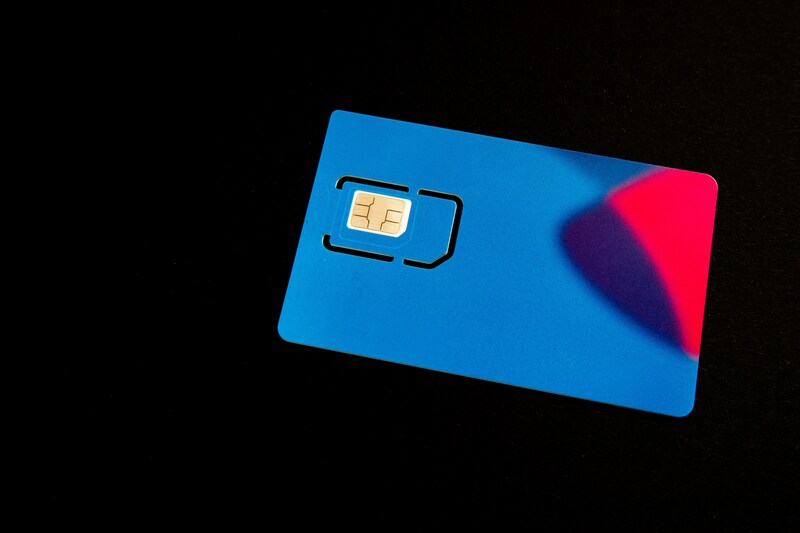
Can you put an Android SIM card in an iPhone? (Image by Unsplash)
Can I put my Android SIM into an iPhone?
Yes, in most situations, you can insert your Android SIM into an iPhone and start using it right away.
This leads to a common question: Are SIM cards for iPhone and Android the same? In general, the answer is yes, modern smartphones typically use the same nano-SIM format, so the physical card itself is compatible across both devices.
Once the SIM is placed into the iPhone, the device should recognize it and attempt to connect to your carrier’s network. However, switching between operating systems isn’t always seamless. You may need to update certain settings manually.
For instance, mobile data or APN settings might not transfer automatically, and features like voicemail or messaging services could require reconfiguration. These adjustments are normal when moving a SIM card between Android and iPhone.
When it works and when it does not
Even though you can put an Android SIM card in an iPhone, there are situations where it may not work. One of the most common reasons is a carrier-locked device. If the iPhone is locked to a specific carrier, it will reject SIM cards from other networks.
Another factor is network compatibility. While most modern iPhones support a wide range of frequencies, there can still be differences depending on the model and region. If the network bands do not match, you may experience a weak signal or no service.
Activation status also matters. If the SIM card is inactive or tied to a different account setup, the iPhone may not connect properly until the issue is resolved.
Even without a SIM card, an iPhone remains useful for a wide range of tasks. With a stable Wi-Fi connection, you can stream videos, browse the web, use social media, and manage emails. Features like iMessage and FaceTime also work seamlessly, which is why many users continue using an iPhone without mobile service.
2. Can a Samsung SIM Go Into an iPhone?
Since Samsung devices use standard SIM cards from carriers, the answer is usually yes.
Physical SIM size and compatibility
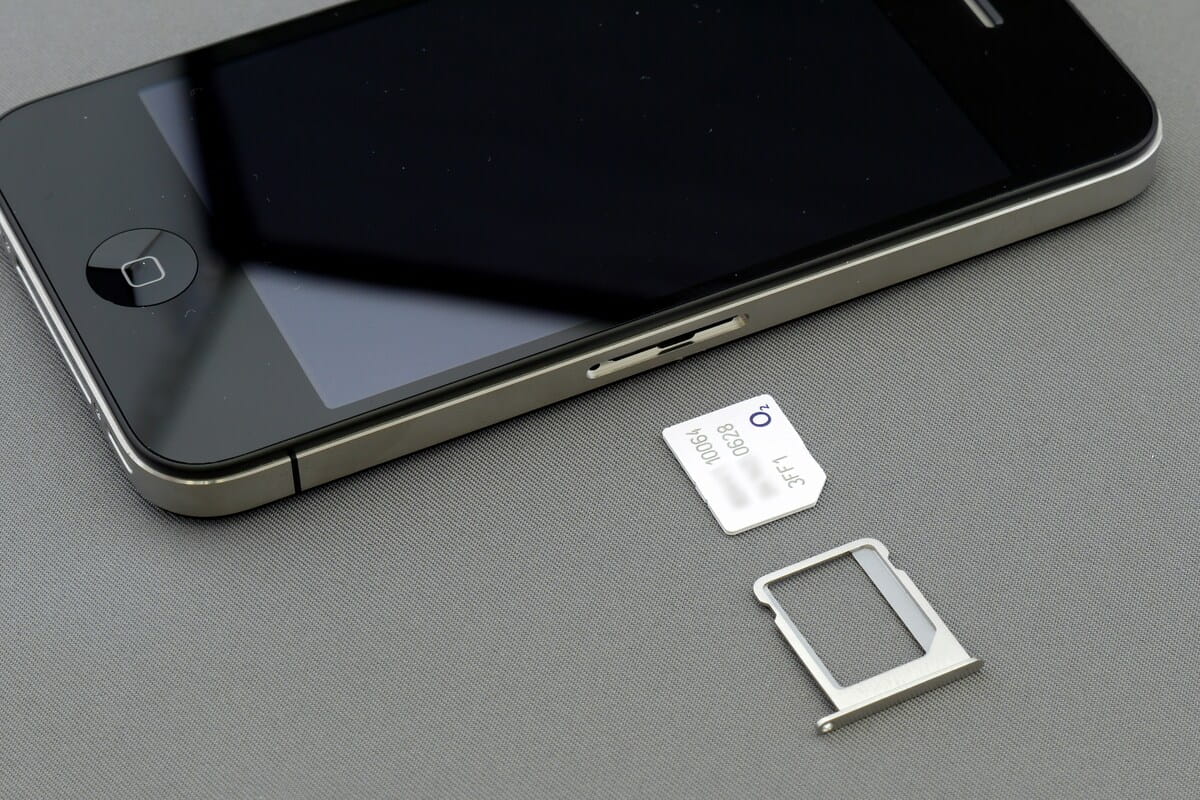
Most modern smartphones, including Samsung models and iPhones, use nano SIM cards. This means that in most cases, the SIM card from a Samsung phone will physically fit into an iPhone without any problem.
If you are using an older SIM size, such as a micro SIM, it may not fit directly. In that situation, you may need to request a replacement SIM from your carrier. Using the correct size ensures a proper connection inside the SIM tray.
Carrier lock and network support
Even if the SIM fits, the iPhone must support the same carrier network. If the phone is locked, it will only accept SIM cards from its original carrier.
Network support is another factor. While iPhones are designed to work globally, there can still be differences in supported bands. This is especially important if you are using a device from another country or switching between major carriers.
3. What to Check Before Moving Your SIM to an iPhone?
Before making the switch, it is important to review a few details. Doing this can help you avoid service interruptions and ensure your SIM works properly in the new device.
Make sure the iPhone is unlocked
An unlocked iPhone allows you to use SIM cards from different carriers. If the phone is locked, it will reject SIM cards that do not belong to the original network.
You can confirm this in the settings or by contacting the carrier. If the device is still locked, you may be able to request an unlock once the requirements are met.
Check SIM type, carrier, and activation
It is also important to make sure your SIM card is active and ready to use. Most modern SIM cards work across devices, but they must be properly activated.
You should also confirm that your carrier supports the iPhone model you are using. In some cases, network settings may need to be updated after switching devices to restore full functionality.
Another step is confirming that your SIM card is active and compatible with the iPhone. Most modern SIM cards will work across devices, but activation must be complete for service to function. It is also helpful to check whether your carrier supports the iPhone model you are using. In some cases, you may need to update network settings manually to get mobile data working correctly.
4. Want Another SIM Card? Claim One for Free Here!
If moving your current SIM card to an iPhone feels like too much hassle, or your old SIM is inactive, damaged, or tied to another carrier, you may be better off starting fresh with a new line.
- Free monthly talk and text
- Data plans with access to nationwide networks
- Online application with home delivery
- Device options for qualifying users
Getting started is usually simple:
- Check whether you qualify through income or programs like SSI, SNAP, or Medicaid
- Choose a plan
- Submit your application online
- Receive your SIM card
5. FAQs
Do Android SIM cards fit iPhones?
Yes, as we have solved this question before: can you put an Android SIM card in an iPhone? If the SIM card is the correct size (most modern phones use nano-SIM) and the iPhone is unlocked or compatible with the carrier network.
How to transfer eSIM from one iPhone to another?
Go to Settings > Cellular > Add eSIM on the new iPhone, then choose the option to transfer from a nearby iPhone. Both devices should be updated and signed in to the same Apple account when required.
Are SIM cards for iPhone and Android the same?
Yes, SIM cards use the same network standards. In most cases, the phone’s carrier lock, network compatibility, and SIM size matter more than whether it is an iPhone or Android device.
Final Word
So, can you put an Android SIM card in an iPhone? In most cases, yes. The device still works well on Wi-Fi for apps, media, and communication through internet-based services. However, for calls and mobile data, a SIM or eSIM is still required.