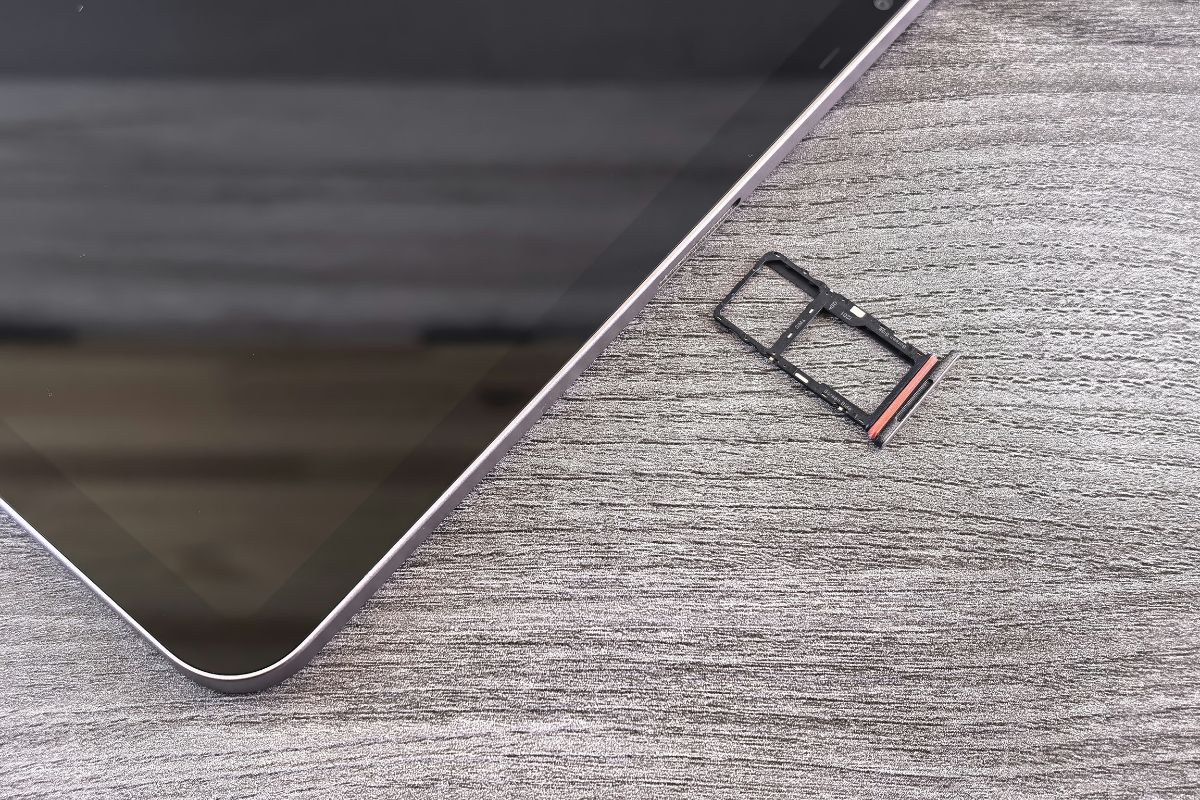

On This Page
Not all phones require a physical SIM card to function, but most rely on one to connect to a carrier network for calls, texts, and mobile data. Some modern devices use eSIMs or operate entirely on Wi-Fi, eliminating the need for a traditional SIM slot.
1. Does Every Phone Have a SIM Card?
No, not every phone comes with a physical SIM card. While most smartphones rely on SIM cards to access cellular networks, many modern devices now use eSIM technology or are designed to operate solely over Wi-Fi.
If you’re unsure about your device, you might ask, “Do all phones come with SIM cards?” to determine whether a physical SIM is required or if an eSIM or Wi-Fi-only setup is sufficient for your connectivity needs.
2. Some Phones That Do Have SIM Cards
While not all modern devices rely on physical SIM cards, many smartphones still include a SIM card slot for flexibility and compatibility. In general, most older and mid-range smartphones continue to support physical SIM cards.
For example, many iPhones from iPhone 14 and earlier (especially models sold outside the U.S.) include a SIM card slot. Similarly, a wide range of Android devices, from budget to flagship models, still support physical SIM cards, either alone or alongside eSIM (dual SIM setups).
Physical SIM cards remain useful for users who want to switch devices easily, change carriers, or use multiple numbers without relying entirely on digital activation.
*Note: The price also varies based on real-time and your region. *
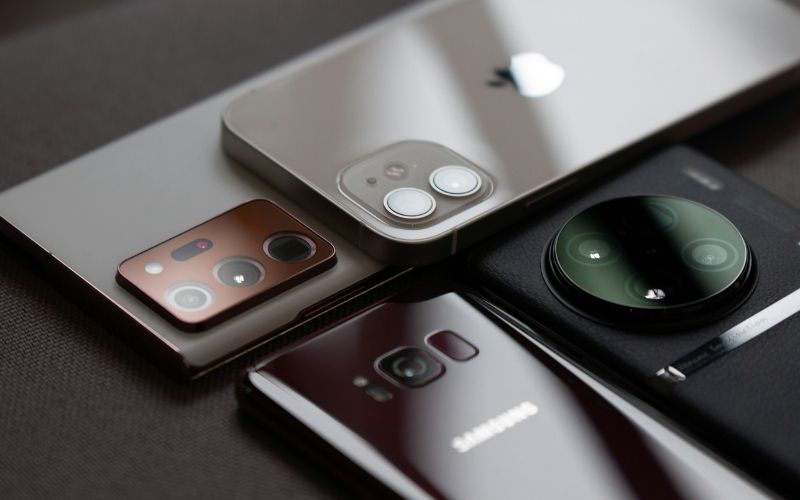
Not every phone comes with a physical SIM card (Image by Unsplash)
*»> Also read: *Solving SIM Card Not Working Errors: A 2026 Expert Guide
3. How to Check If Your Phone Has a SIM Card
Determining whether your phone has a SIM card is essential for understanding how it connects to cellular networks and whether you need one for service. If you’re unsure, asking, “How do I know if my cell phone has a SIM card?” can guide your search and help ensure your device is ready for calls, texts, and mobile data.
Look for a SIM Tray
Most phones that use a physical SIM card feature a SIM tray located on the side or back of the device. You can use a SIM ejector tool or a small paperclip to open the tray and see if a SIM card is inserted. Checking the SIM tray ensures that your device has the correct card type, whether it’s standard, micro, or nano, and confirms compatibility with your carrier.
Check Phone Settings
Many smartphones allow you to verify SIM presence through the device’s settings menu. On iOS, go to Settings → General → About to see SIM information. On Android, navigate to Settings → About Phone → SIM Status to confirm if a SIM is active. This method is useful if your device uses an embedded SIM (eSIM) or if you prefer not to physically open the phone.
Check Network Status
Another way to check is by observing the network indicators on your phone’s screen. If you see carrier signal bars and can make calls or access mobile data, your SIM is likely installed and active.
Conversely, notifications like “No SIM” or “SIM Not Detected” indicate the absence of a working SIM card. Verifying network status helps ensure that your phone is ready for use with calls, texts, and mobile internet.
4. Check If You Can Get a Free Phone WITH a Free SIM
Through the Lifeline Program, eligible low-income individuals can receive discounted or no-cost monthly phone or internet service. While Lifeline itself focuses on service benefits, devices and SIM cards are typically provided by participating carriers, not directly by the government.
Step 1: Check Your Eligibility
Verify that your household income meets Lifeline guidelines or that you participate in qualifying assistance programs such as Medicaid, SNAP, or SSI.
Step 3: Choose Your Plan and Device
Select a Lifeline plan available in your state, then browse and choose a device (if offered). Click “Select Now” to continue.
Step 4: Fill in Your Application Details
Enter your personal information, including your name, address, and eligibility details. Review your order summary to make sure everything is accurate before moving forward.
Step 5: Upload Verification Documents
Provide proof of eligibility, such as income documents or evidence of participation in qualifying programs. This step is required to complete your Lifeline application.
Step 6: Get Approved and Receive Your SIM/Device
5. FAQs About SIM Cards in Phones
Many users wonder if a phone can function without a SIM card and how it affects connectivity. Understanding the role of SIM cards helps you determine when one is necessary and when a device can operate without one.
Can a phone work without a SIM card?
Yes, a phone can work without a SIM card, but its functionality is limited. You can still connect to Wi-Fi networks to browse the internet, use apps, and make video or voice calls through internet-based services. However, you won’t be able to send traditional SMS messages or make calls using the cellular network without a SIM.
Can I use a phone without a SIM?
You can use a phone without a SIM card if you rely entirely on Wi-Fi for connectivity. Apps like messaging services, email, social media, and video calls will function normally over an internet connection. Keep in mind that you cannot access mobile data, standard calls, or texts without inserting a SIM or eSIM linked to a carrier.
Final Words
Understanding whether your device requires a SIM card is essential for staying connected through calls, texts, and mobile data. If you’re asking, does every phone have a SIM card? The answer depends on the device, as some use eSIMs or operate entirely on Wi-Fi, while most still rely on a physical SIM card for full functionality.