
On This Page
As eSIM becomes more common, many users are asking the same question: “Does my phone support eSIM?”
Unlike a traditional SIM card, eSIM is built into the device and allows you to activate service digitally. However, not every device supports eSIM, and even supported phones may still depend on carrier approval, region, or software version.
1. Does My Phone Support eSIM?
The answer depends on four key factors:
- Your exact phone model
- Device settings and software version
- Carrier support
- In some cases, your IMEI status
A newer phone is more likely to support eSIM, but compatibility should always be confirmed before activation.
Check If Your Phone Model Supports eSIM
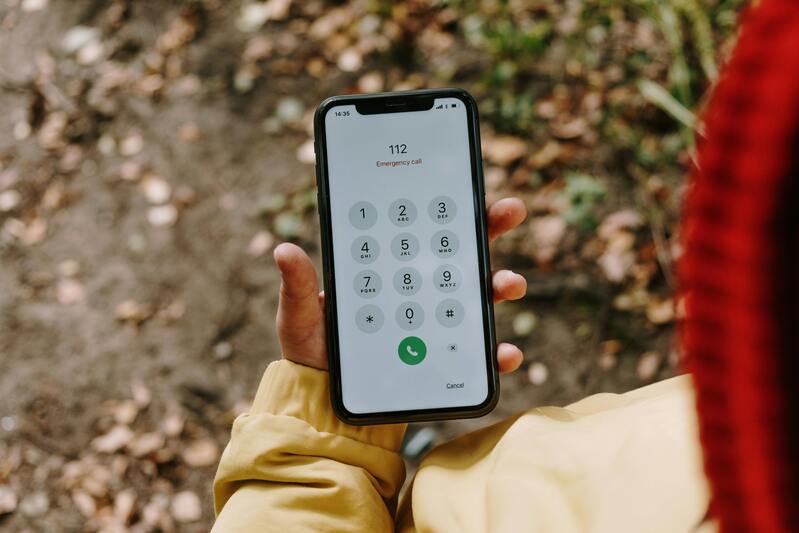
Does my phone support eSIM? Checking your model and settings is the fastest place to start. (Image by Pexels)
The first step is identifying your exact device model. Many phones have multiple versions, and some versions support eSIM while others do not.
Apple introduced eSIM starting with:
- iPhone XS
- iPhone XS Max
- iPhone XR
Later models also support eSIM, including:
- iPhone 11 series
- iPhone 12 series
- iPhone 13 series
- iPhone 14 series
- iPhone 15 series
- iPhone SE (2nd generation) and newer
Android support also varies more by brand and region. Common compatible devices include:
- Google Pixel 3 and newer
- Google Pixel 6a / 7a
- Samsung Galaxy S20 and newer select models
- Samsung Galaxy Z Flip / Fold series
- Some Motorola and OnePlus devices
If you are asking does my android phone support eSIM, checking the exact model number is especially important.
Check Your Phone Settings
Even if a phone model supports eSIM, the feature may need the right software version or carrier configuration.
Another way to check does my phone support eSIM is by going through your phone’s settings, where eSIM options are usually listed if your device is compatible.
For iPhone
- Open Settings
- Tap Cellular or Mobile Data
- Look for Add eSIM
If the option appears, your phone likely supports eSIM.
For Android
- Open Settings
- Tap Network & Internet
- Tap SIMs or Mobile Network
- Look for options such as Download SIM, Add eSIM, or SIM Manager
Some Android brands use different menu names, so wording may vary.
Verify Carrier Compatibility
This step is often overlooked. A phone may support eSIM, but not every carrier enables it on every device.
That means the answer to does my phone support eSIM depends not only on hardware, but also on network support.
You can verify by:
- Visiting the carrier website
- Reviewing compatible device lists
- Contacting support
- Using an official compatibility checker
Depending on eligibility, users may access:
- Monthly talk, text, and data
- eSIM activation on supported devices
- Access to compatible smartphones
- Guided setup support
Compatibility Checker Tool
The process is simple:
- Select your phone brand
- Choose your exact model
- Run the phone check
This helps answer does my phone support eSIM before activation begins.
Switch to eSIM for New Customers
For new users, the process generally follows these steps:
- Apply for service
- Select an eSIM-compatible device
- Choose the eSIM option during the application process
If the selected device supports eSIM, users can choose that option during signup.
Switch to eSIM for Existing Customers
For current users moving from a physical SIM:
- Check compatibility
- Go to the SIM Replacement section in the app or website
- Order an eSIM by following the prompts
This gives existing users a smoother transition from physical SIM to digital activation.
Final Thoughts
If you are still asking does my phone support eSIM, the best answer comes from checking your model, settings, carrier support, and in some cases, your IMEI.
Many phones today are compatible, but not every version works the same way. Taking a few minutes to verify compatibility can save time and prevent activation problems later.