
On This Page
The easiest cell phone for seniors in 2026 prioritizes simplicity, comfort, and reliable everyday use. Older adults often prefer phones with larger buttons, clear displays, loud speakers, and long battery life because these features make communication easier and less frustrating.
In addition, the right phone should match both daily needs and budget. Comparing features such as emergency tools, accessibility settings, and affordable service plans can help seniors choose a device that feels practical and easy to use.
1. Key Features to Look for in the Easiest Cell Phone for Seniors
Finding the right phone becomes much easier when you focus on features that support comfort and simplicity. Seniors benefit most from devices designed to reduce confusion and make everyday communication smooth.
Large Buttons or Icons
Phones with large buttons or clear icons help reduce mistakes and make navigation much easier. Seniors don’t have to strain their eyes or worry about tapping the wrong option, especially when dialing or opening apps. Bigger elements also improve confidence when using the device daily.
This feature is especially helpful for users with vision challenges or those unfamiliar with touchscreen technology. A clean, easy-to-see layout allows seniors to use their phone independently without needing constant assistance from others.
Loud and Clear Sound
Clear and strong audio is essential for seniors who may have hearing difficulties. Phones designed for this group often include amplified sound, adjustable volume levels, and noise reduction features to improve call quality.
Some devices also support hearing aid compatibility, which further enhances sound clarity. Good audio quality ensures seniors can stay connected with family, friends, and healthcare providers without frustration or confusion.
Simple Menu Interface
Seniors often need a phone for basic tasks like calling family members, sending texts, checking contacts, or taking photos. A complicated menu can slow them down and make simple tasks feel frustrating. Phones with large icons, clear labels, and fewer unnecessary apps help users find important features faster.
In addition, some smartphones include an easy mode that simplifies the home screen and increases text size. These settings help seniors adjust more comfortably, especially when they switch from a flip phone to a smartphone.
Emergency SOS Button
An emergency can happen without warning, and seniors may not have time to unlock a phone and search for contact numbers. A phone with an SOS button allows users to contact emergency services or notify family members immediately with a single tap.
Moreover, some devices also send location details to emergency contacts. Family members can respond faster when they know exactly where their loved one needs help.
Long Battery Life
A weak battery can create unnecessary stress when seniors rely on their phones for daily communication. Phones with longer battery life reduce the need for frequent charging and help users stay reachable throughout the day.
Furthermore, reliable battery performance becomes even more important during doctor appointments, travel, or emergencies. Seniors can feel more confident when their phone stays powered when they need it most.

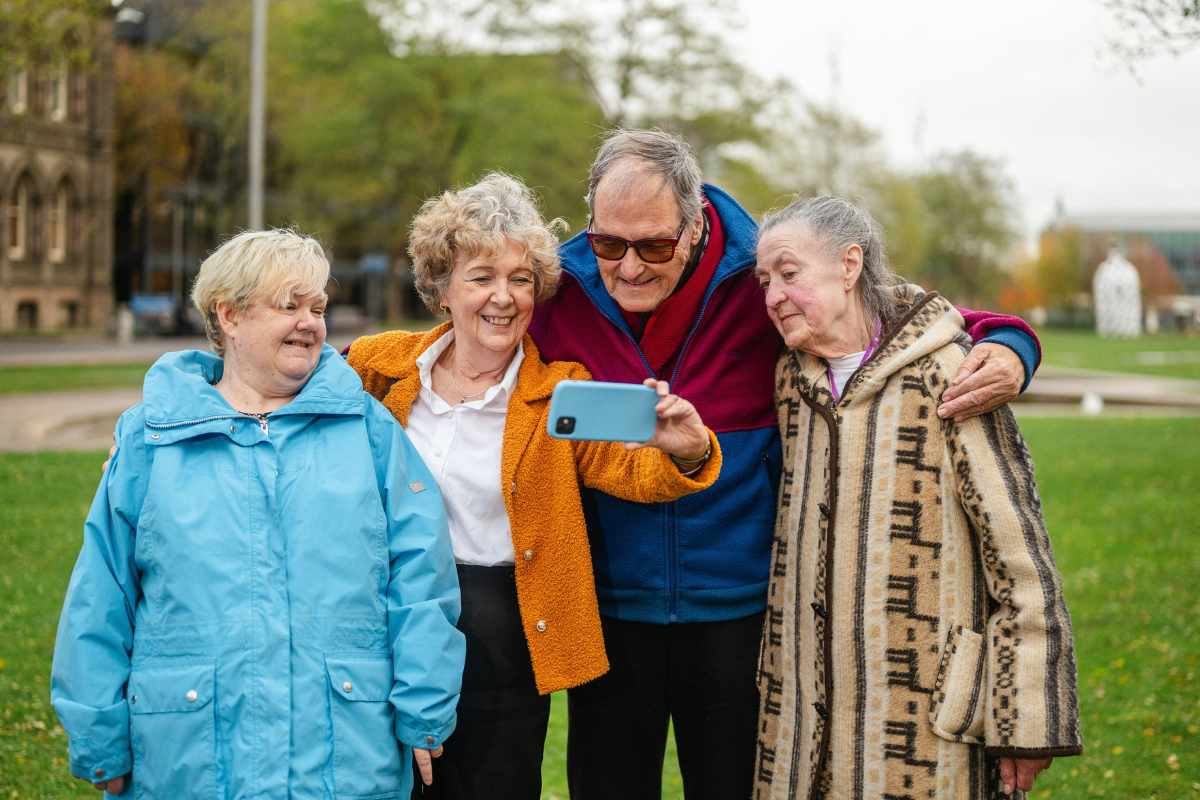
The average cost of the easiest cell phone for seniors. (Image by Unsplash)
2. How Much Do Easy Phones for Seniors Cost?
The cost of senior-friendly phones depends on the type of device and features you need. Basic phones usually cost less, while smartphones with larger screens, accessibility tools, and stronger performance often come at a higher price.
- $50 to $100: Basic flip phones with large buttons, simple menus, and essential calling features
- $100 to $300+: Smartphones with larger displays, app access, better cameras, and additional accessibility settings
- Around $59: The IRIS Easy Flip is one affordable option that offers simple controls and senior-friendly features
3. Best Easiest Cell Phones for Seniors (Top Picks)
Simple phones with practical features can make daily communication easier for seniors. Families often ask what is the best and easiest cell phone for seniors because they want a device that feels reliable, easy to navigate, and comfortable for everyday use.
However, the right choice depends on individual needs. Some seniors prefer large buttons and loud speakers, while others need smartphones with bigger screens, emergency features, or better battery life.
4. How to Claim the Right Phone for Your Needs?
Getting the right phone becomes much easier when you follow a simple and clear process. With the right steps, seniors can quickly access a device that fits their needs while avoiding confusion or unnecessary delays.
Check Your Eligibility
Start by confirming whether you qualify for the Lifeline Program. Eligibility is usually based on household income or participation in assistance programs such as Medicaid or SNAP.
This step is important because it determines whether you can receive a free or discounted phone.
Choose a Plan and Device
Choosing the right plan also ensures you have enough talk, text, and data for daily use.
Submit Your Application
After selecting your plan, complete the online application through the provider’s website. You will need to provide personal details and upload documents that verify your eligibility.
Get Approved and Receive Your Phone
Once your application is reviewed and approved, your phone and SIM card will be shipped to your address. Delivery is usually simple and does not require extra costs for eligible users, typically arriving within 7–10 business days.
Activate and Start Using
When your device arrives, follow the activation instructions provided. This typically involves inserting the SIM card and completing a few setup steps. Once activated, you can begin making calls, sending messages, and using essential features right away.
5. Final Thoughts
The right device can make everyday communication simpler and more comfortable for seniors. Many families continue to look for the easiest cell phone for seniors to ensure calls, messages, and daily use feel smooth and stress-free.