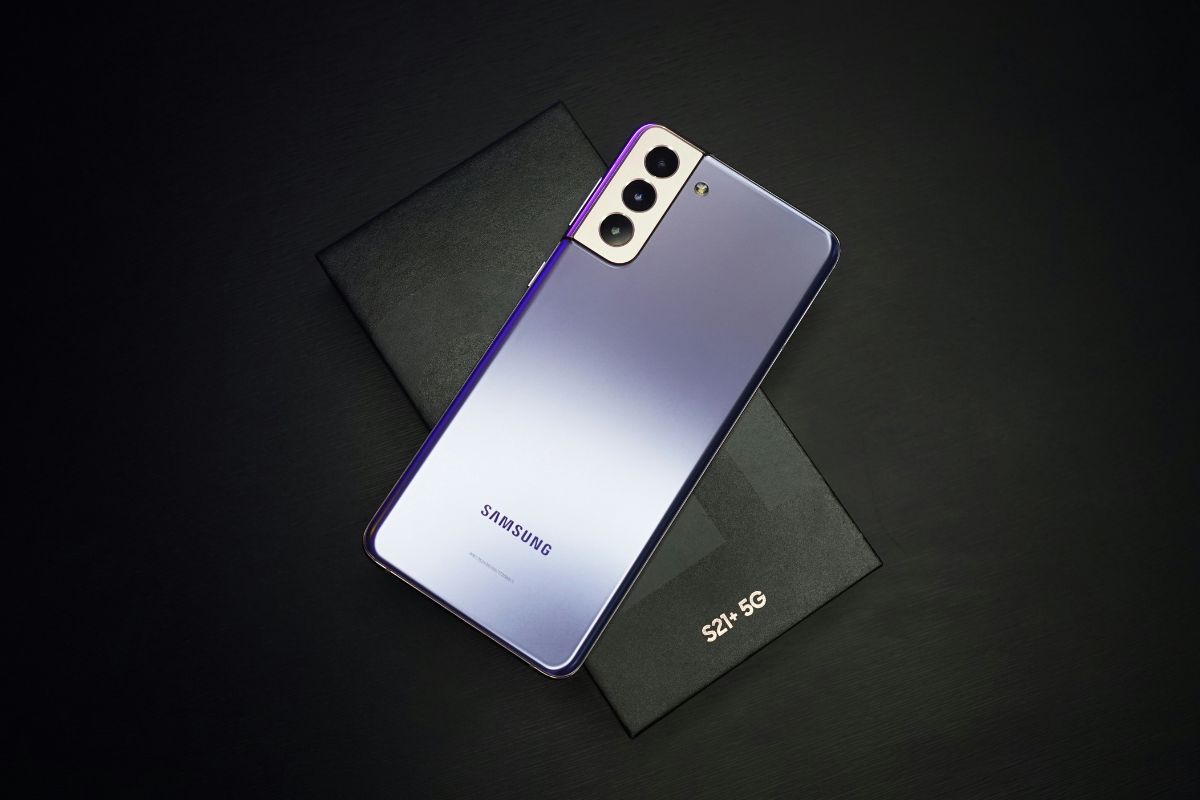

On This Page
If you’re exploring eSIM Samsung compatibility, many newer Galaxy smartphones support built-in digital SIM technology alongside a physical nano-SIM. This allows users to activate a mobile plan remotely, switch carriers more easily, and manage multiple numbers on a single device.
1. Does Samsung support eSIM?
Yes, most modern Samsung Galaxy smartphones support eSIM technology, particularly models released from the Galaxy S20 series onward. eSIM has become a standard feature in flagship lines such as the Galaxy S series, Galaxy Note20, Galaxy Z Fold, and Galaxy Z Flip devices.
With eSIM, users can activate a mobile plan digitally without inserting a physical SIM card. Many supported Samsung models offer Dual SIM functionality, allowing you to use one eSIM alongside a physical nano-SIM at the same time.
However, availability may vary by region and carrier, so it’s important to confirm compatibility with your specific device model.
2. Samsung Phones That Support eSIM
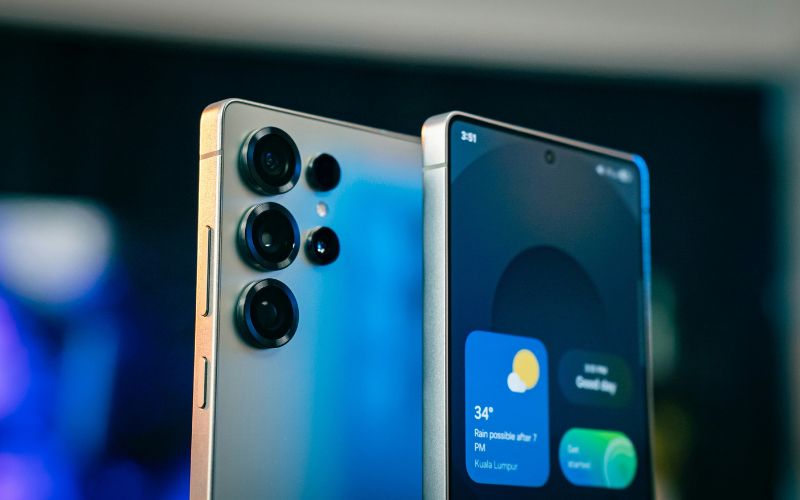
Some Samsung models support eSIM today. (Image by Unsplash)
If you’re asking, Which Samsung phones are eSIM?, the answer generally includes the most recent flagship and select mid-range models. Samsung has gradually expanded eSIM support across multiple Galaxy lineups, especially in newer generations.
Flagship Galaxy S Series
Most Galaxy S models starting from the S20 series and newer support eSIM technology. This includes devices like the Galaxy S21, S22, S23, and later models (availability may vary by region). These phones typically allow one eSIM and one physical nano-SIM to be used simultaneously.
Galaxy Z Fold / Flip Series
Samsung’s foldable lineup, including the Galaxy Z Fold and Galaxy Z Flip series, also supports eSIM on the most recent versions. These premium devices are designed with Dual SIM capabilities, making them suitable for users who need both personal and business lines on one phone.
Select Galaxy A Series Models
Some newer Galaxy A series models also include eSIM functionality, but support is not universal across all A devices. Availability depends on the specific model number and country of purchase. It’s important to verify your exact device variant before attempting activation.
A Simpler Way to Check
3. 5 Quick Steps to Activate eSIM on Samsung
Many users ask, Can I activate eSIM on Samsung? If your Galaxy model includes built-in eSIM hardware, the setup process is straightforward and can be completed directly on your phone. Most eSIM Samsung activations only require a stable internet connection and the QR code or activation details from your carrier.
Open Settings
Begin by unlocking your Samsung device and opening the Settings app. This is where the phone manages all system and network configurations. Before proceeding, you should confirm that Wi-Fi is enabled to ensure the eSIM profile can download without interruption.
Tap Connections
Once inside Settings, tap Connections. Your device groups all wireless features in this section, including Wi-Fi, Bluetooth, and mobile networks. Accessing this menu allows you to manage SIM-related options.
Select SIM Card Manager
Next, select SIM Card Manager. This screen displays your current physical SIM and any installed eSIM profiles. If your phone supports eSIM functionality, you will see an option to add a new mobile plan here.
Tap Add eSIM
Tap Add eSIM or Add Mobile Plan, depending on your device’s software version. At this stage, your Samsung phone prepares to install a digital carrier profile. The system will prompt you to proceed with scanning a QR code or entering activation details.
Scan the QR Code or Download the App
Finally, use your phone’s camera to scan the QR code provided by your carrier. In some cases, you may download the plan directly through the carrier’s official app instead. After the profile finishes installing, confirm activation and wait for the signal indicator to appear. Once connected, your Samsung device is fully set up with its new eSIM and ready for calls, texts, and mobile data.
If you’re asking, How do I get an eSIM for my Samsung?, one option is to apply through a participating Lifeline provider. Eligible customers may receive free monthly wireless service, and if their device supports eSIM, digital activation is available.
Eligibility is generally based on household income at or below 135% of the Federal Poverty Guidelines or participation in approved government assistance programs such as SNAP, Medicaid, SSI, Federal Public Housing Assistance, Veterans Pension, or Survivors Benefits. Applicants must complete the Lifeline verification process before service can be activated.
5. FAQs About Samsung eSIM
Many Samsung users have questions about eSIM compatibility and how transfers work between devices. Below are clear and accurate answers to help you better understand Samsung’s eSIM support.
Does every Samsung phone support eSIM?
No, not every Samsung phone supports eSIM. eSIM functionality is typically available on newer flagship models such as the Galaxy S20 series and later Galaxy Z Fold and Galaxy Z Flip devices. Some select Galaxy A series models also support eSIM, but availability depends on the exact model number and region.
Can I transfer an eSIM to another Samsung phone?
Yes, you can transfer an eSIM to another Samsung phone, but the process usually requires assistance from your carrier. In most cases, the carrier must reprovision the eSIM and issue a new activation QR code for the new device. Once you install the new eSIM profile on the second Samsung phone, the line will deactivate on the original device.
6. Final Words
eSIM Samsung devices offer a convenient and modern way to stay connected without relying solely on a physical SIM card. With digital activation, managing multiple lines and switching carriers becomes faster and more flexible. As more Galaxy models support eSIM technology, setup continues to get easier for everyday users.