
On This Page
1. Best Free Government eSIM for iPhone Provider
What is a free government eSIM?
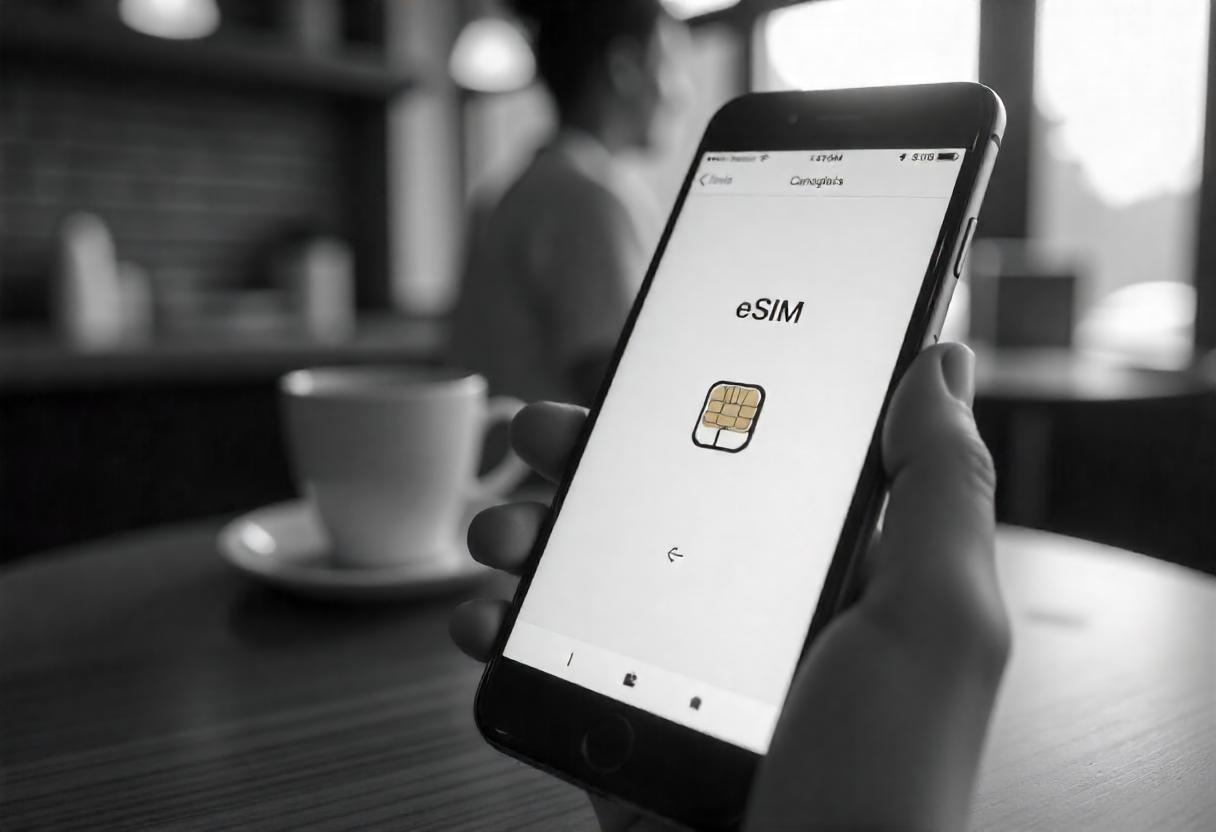
A free government eSIM is a digital SIM provided by selected wireless carriers participating in government assistance programs like Lifeline. These carriers offer eligible individuals free or discounted mobile services, including eSIM activation, to ensure affordable connectivity.
Unlike traditional SIM cards, an eSIM is built directly into the iPhone, allowing for:
- Activate instantly: No waiting for a physical SIM card.
- Dual SIM capability: Use both a personal number and a government-subsidized number on a single device.
- Seamless switching: Easily change carriers without swapping SIM cards.
- Eco-friendly solution: Reduces plastic waste.
If you qualify for the Lifeline program, you may receive free eSIM from participating providers, typically including free talk, text, and data. This ensures that low-income individuals can stay connected for work, education, healthcare, and emergencies.
Best free government eSIM for iPhone provider
- Free eSIM activation with monthly high-speed calling, texting, and data for qualified users.
- Simple registration process, easily apply online without visiting a store or waiting in long queues.
- Enjoy complete flexibility with no long-term commitments or unexpected charges.
- Dedicated customer support, responsive and helpful service to assist with any inquiries.
2. Does Your iPhone Support eSIM?
Not all smartphones support eSIM, but most high-end models released from 2020 onward come equipped with this feature.
For iPhones, eSIM support starts from the iPhone XR and XS series.
If you’re unsure whether your device supports eSIM, you can use the SIM compatibility checker. Simply enter your phone model, and the system will instantly verify its eSIM compatibility.
Check beforehand to see if your phone supports eSIM.
Things to consider before choosing an eSIM plan:
- Check compatibility: Some devices purchased internationally may not support eSIM due to regional policies.
- Your carrier must support eSIM in your country: Even if your phone is eSIM-compatible, your mobile service provider must offer eSIM activation.
| Brand | Series | Model |
|---|---|---|
| Apple | iPhone XR | iPhone XR |
| iPhone XS | iPhone XS | |
| iPhone XS Max | ||
| iPhone 11 | iPhone 11 | |
| iPhone 11 Pro Max | ||
| iPhone SE | iPhone SE 2 | |
| iPhone SE 3 | ||
| iPhone 12 | iPhone 12 | |
| iPhone 12 Mini | ||
| iPhone 12 Pro | ||
| iPhone 12 Pro Max | ||
| iPhone 14 | iPhone 14 | |
| iPhone 14 Plus | ||
| iPhone 14 Pro | ||
| iPhone 14 Pro Max | ||
| iPhone 15 | iPhone 15 | |
| iPhone 15 Plus | ||
| iPhone 15 Pro | ||
| iPhone 15 Pro Max | ||
| iPhone 16 | iPhone 16 | |
| iPhone 16 Plus | ||
| iPhone 16 Pro | ||
| iPhone 16 Pro Max |
3. How to Get a Free Government eSIM for iPhone?
Eligibility criteria
Eligibility based on government assistance programs
If you are currently enrolled in one of the following government assistance programs:
- Supplemental Nutrition Assistance Program (SNAP)
- Medicaid
- Supplemental Security Income (SSI)
- Federal Public Housing Assistance (FPHA)
- Veterans Pension and Survivors Benefit
For residents living on Tribal lands, you may also qualify if you participate in the following programs:
- Bureau of Indian Affairs General Assistance
- Tribal-Administered Temporary Assistance for Needy Families (TANF)
- Tribal Head Start Program (for income-eligible households)
- Food Distribution Program on Indian Reservations (FDPIR)
Eligibility based on income
You are also eligible for the Lifeline program if your total household income is at or below 135% of the Federal Poverty Guidelines.
How to apply for free eSIM with Lifeline
Click to apply for the best free government esim for iPhone.
Step 2: Choose a suitable service plan
You have two main options:
- Bring Your Own Device (BYOD): If you prefer to keep your current device, simply ensure that your phone supports eSIM to receive the free service plan.
Step 3: Check compatibility
- During the application process, you’ll be prompted to choose a free device (if eligible).
- To use eSIM, you must pick a device that supports eSIM technology.
- If you already own an unlocked eSIM-compatible phone, you can bring your own device (BYOD) instead of selecting a new one.
Step 4: Upload required documents
To complete your registration, upload the necessary documents to verify your eligibility.
If you apply for an eSIM, instead of the physical SIM, you will get information and instructions for the eSIM in your mailbox.
Instruction to upgrade from pSIM to eSIM
Step 1: Check eSIM compatibility
First, ensure that your iPhone supports eSIM. You can check this by:
- Going to Settings > Cellular (or Network & Internet on Android).
- If you see an option for Add eSIM or manage eSIM, your device is eSIM-compatible.
- Select replace SIM or switch to eSIM.
- Follow the on-screen instructions to submit your request.
Step 3: Activate your free eSIM
How to activate your eSIM:
- Open Settings > Cellular > Add eSIM.
- Use your phone’s camera to scan the QR code provided.
- Follow the on-screen instructions to complete the setup and activation.
4. How to Install a Free Government eSIM for iPhone
Step 1: Connect to WiFi
Before you begin, make sure your iPhone is connected to a stable WiFi network to ensure a smooth eSIM download and activation process.
Step 2: Access mobile settings
- Open the settings app on your iPhone.
- Select Cellular (or Mobile Data, depending on your region).
Step 3: Download your eSIM
- Tap Add eSIM (or download eSIM, depending on your iPhone model).
- Follow the on-screen instructions to complete the download.
Step 4: Activate your eSIM
- Tap on this line to activate the eSIM.
- When prompted, choose Use as Primary SIM (or Secondary SIM if using Dual SIM).
- If you are using both a physical SIM & an eSIM, you can label them for easier management by going to: Settings > Cellular > Label Your Plans
Step 5: Adjust network settings (If needed)
- For iOS 16 or earlier: Configure the APN settings to ensure your mobile data works properly.
- For iOS 17 or later: Enable carrier settings update in your cellular settings.