
On This Page
Millions of Americans enrolled in Medicaid are searching for a free government iPhone with Medicaid near me. Through the FCC’s Lifeline Program, eligible participants can receive a free smartphone along with discounted phone service.
**1. What Is the Free Government iPhone with Medicaid Program? **
There is currently no government program that directly distributes free iPhones. Instead, there is a telecommunication assistance system operated by the Federal Communications Commission (FCC) called Lifeline, which plays a vital role in helping people access the free government iPhone with Medicaid near me program. If you are currently enrolled in Medicaid, you are very likely eligible to participate in the Lifeline program.
When combined, this allows you to receive monthly discounts on telecommunication services and possibly a free phone provided by a Lifeline-participating carrier.
Overview of the Lifeline program
The Lifeline Program is the main foundation that enables low-income households to receive “free phones” or monthly service discounts. Here’s how it works:
- Lifeline helps low-income households or individuals enrolled in qualifying government assistance programs get a monthly discount on telecommunication services, up to $9.25 per month nationwide, and up to $34.25 per month for residents in Tribal areas.
- You apply through a Lifeline-participating provider, and your application will be verified by the Universal Service Administrative Company (USAC) via the National Verifier system, which determines whether you qualify.
- Lifeline does not guarantee an iPhone. Providers participating in Lifeline may offer a free device as a promotional incentive to attract eligible customers, but the model and type of device depend on your location and the provider’s available inventory at the time of application.
Why do Medicaid recipients qualify?
One of the key eligibility criteria for the Lifeline program is participation in certain federal assistance programs, such as Medicaid, SNAP, or SSI. If you are enrolled in any of these programs, you are automatically eligible for Lifeline benefits. This means you do not need to provide proof of income, only proof of your active participation in Medicaid.
When you fill out the application and confirm your Medicaid enrollment, the National Verifier system can automatically verify and process your information, allowing your application to be approved more quickly.
Since you are already part of Medicaid, this indicates that you meet the low-income or financial assistance criteria, which aligns perfectly with Lifeline’s mission to help individuals and families with limited financial resources gain access to essential telecommunication services.
*»> Learn More: Free iPhone With Medicaid: How to Apply in Under 30 Minutes *
2. How to Apply for a Free Government iPhone with Medicaid Near Me?
Once you’ve confirmed that you qualify for Lifeline benefits through Medicaid, the next step to getting a free government iPhone with Medicaid near me is to find the right provider in your area and submit your application online to receive a free device.
Find a Lifeline provider near you
Before submitting your application, you need to identify which Lifeline carriers are legally operating near you. This ensures that your application is reviewed properly and that you can receive your device as quickly as possible.
The “Companies Near Me” tool managed by USAC is the official, frequently updated resource for finding approved providers.
Finding the right provider is the foundation of the entire process. Even if you qualify for Lifeline through Medicaid, your application is only valid once it’s linked to a specific Lifeline carrier.
After choosing the right provider, you can move on to apply online to receive your benefits.
Submit your application online
Once you’ve found a provider near you, the next step is to apply online to verify your eligibility and activate your Lifeline benefits.
Step 1: Check eligibility and prepare your documents
- If it is, you’ll be asked to provide proof of eligibility, such as your Medicaid card, benefit approval letter, or a valid photo ID.
Step 2: Fill out personal information and choose a service plan
- Select the Lifeline plan that fits your needs, usually including free minutes, text messages, and monthly data.
- After that, you can choose from the available free phone models currently in stock.
Step 3: Upload your documents and verify through the national verifier
- If the system automatically finds your Medicaid record, your application can be approved within minutes. If not, you may be asked to upload additional documentation for manual verification.
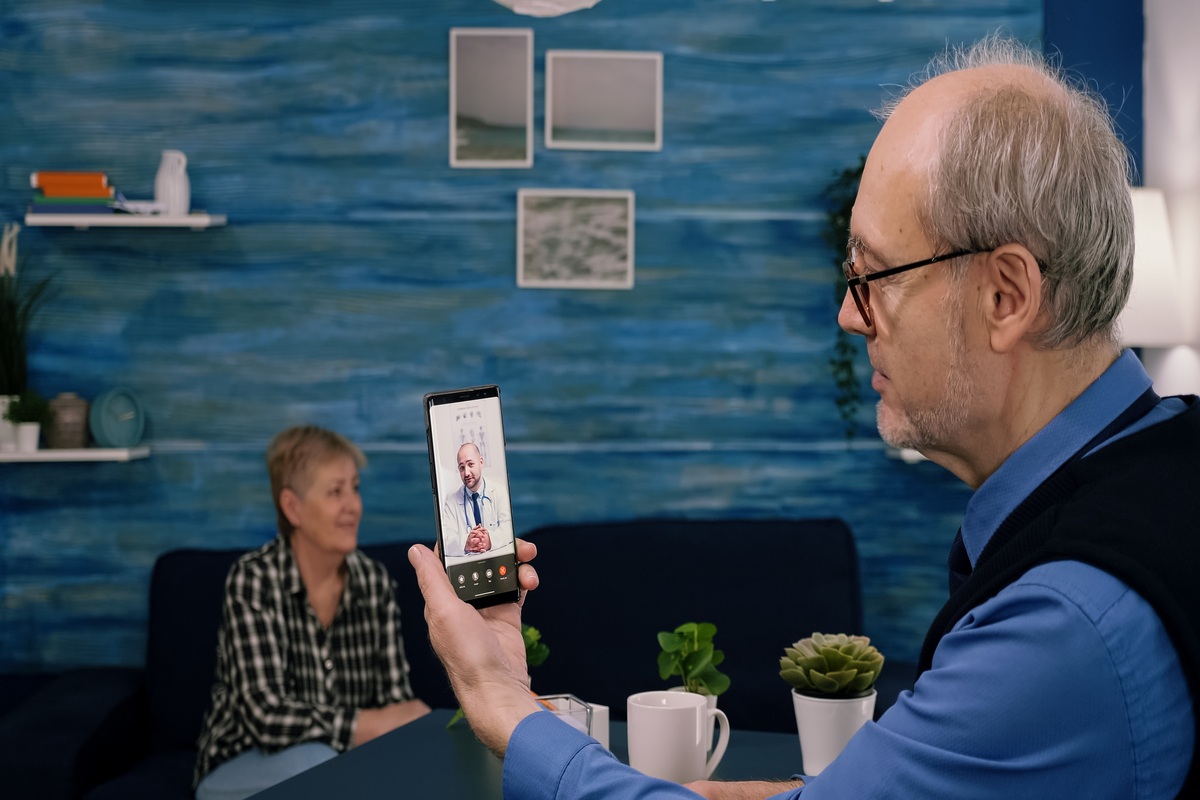
Discover how to get a free government iPhone with Medicaid near you (Image by Freepik)
»> Learn More: How To Get Free Government iPhone with Medicaid Near Me
3. What iPhone Models Are Available?
Therefore, when you apply, you should quickly check your ZIP code and the “Free Phone” list for your area to see which specific iPhone models are currently available.