
On This Page
The landscape of mobile telecommunications is undergoing a fundamental shift as physical hardware gives way to digital solutions. For years, the traditional barrier to accessing federal assistance benefits was the logistical delay of shipping physical SIM cards. By utilizing an embedded SIM (eSIM), eligible households can now move from approval to active service in a matter of minutes.
1. Does Lifeline offer eSIM?
The transition to digital SIM technology is one of the most significant updates to the federal Lifeline program in recent years. Many applicants often ask, “Does Lifeline offer eSIM?” The answer is a definitive yes, provided you choose an authorized carrier that has invested in the necessary digital infrastructure.
1.1. Understanding the Shift to Digital SIM Technology
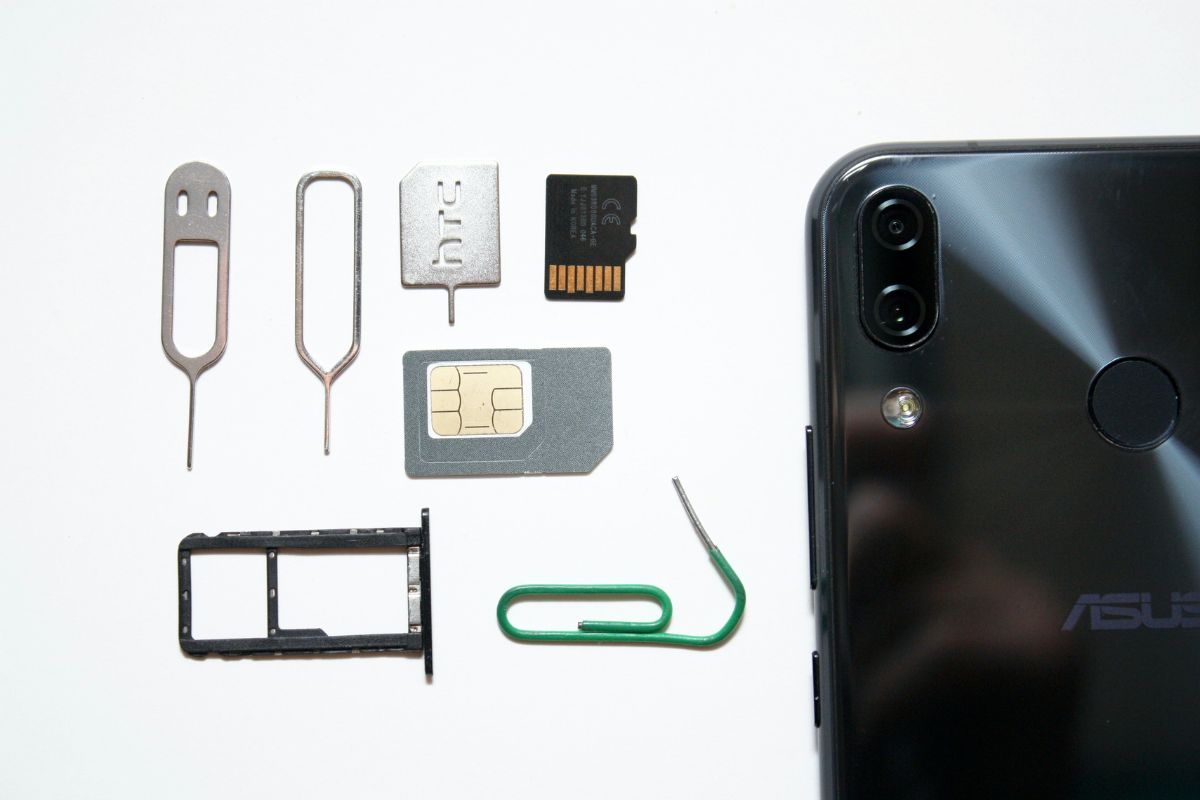
An eSIM is a digital SIM that lets you activate a cellular plan with your carrier without using a physical nano-SIM. This technology is built directly into the hardware of modern smartphones.
The shift to eSIM allows providers to issue service “over the air.” This modernization is part of a broader federal effort to close the digital divide by removing the friction of physical logistics. When you qualify for a free eSIM government phone, the carrier sends a digital profile directly to your device, making the enrollment process entirely paperless and significantly faster than traditional methods.
1.2. Benefits of Free eSIM Government Phone Service
The primary benefit of free eSIM government phone service is the speed of connectivity. In the past, even an instantly approved applicant would have to wait 3 to 7 business days for a SIM card to arrive. With an eSIM, activation happens the moment your documentation is verified.
Choosing the right provider is also essential, and many ask, “What is the best free government phone program with free phone?”.
Furthermore, eSIM technology enables “Dual SIM” functionality. This is a game-changer for Lifeline users who may already have a personal device but need the government-subsidized line for job hunting or healthcare.
You can maintain two separate phone numbers on a single physical device, one for personal use and the other for your free government phone E-SIM benefits.
This eliminates the need to carry two handsets while ensuring you never miss a critical call from a doctor or potential employer.
2. How to Qualify for a Free eSIM Government Phone?
To receive a free eSIM government phone through a Lifeline-supported service, you must first qualify for the federal Lifeline program under eligibility rules overseen by the Federal Communications Commission (FCC).
Once eligibility is confirmed, a participating wireless provider can review your application and, if approved, issue an eSIM as part of your Lifeline service enrollment. For the standards, you can view them below.
2.1. Qualifying via Federal Assistance Programs (SNAP, Medicaid, SSI)
The most efficient path to qualification is through participation in existing federal aid programs. Because these programs have already vetted your financial status, your enrollment serves as automatic proof of eligibility. You qualify for a free eSIM government phone if you or a member of your household participates in:
- Supplemental Nutrition Assistance Program (SNAP/EBT)
- Medicaid
- Supplemental Security Income(SSI)
- Federal Public Housing Assistance (FPHA)
- Veterans Pension and Survivors Benefit
2.2. Income-Based Path
If you do not participate in the programs listed above, you can still qualify based on your total household income. If your annual gross income is at or below 135% of the Federal Poverty Guidelines, you are eligible for the benefit.
Using the income-based path requires providing documentation such as tax returns, Social Security benefit statements, or three consecutive pay stubs to confirm your financial standing.

Income is one of two ways to qualify and get a free government phone eSIM. Image by Unsplash
Once you have confirmed your eligibility, the application for a free government phone esim can be completed through a secure online portal.
3.1. Step 1: Verify Eligibility and Check Local Network Compatibility
A digital SIM is only effective if it can connect to a durable network, so confirming local coverage ensures that your free eSIM government phone service will be reliable for video calls, streaming, and browsing.
3.2. Step 2: Select Your Service Plan and Digital Device Option
After confirming coverage, you will choose your service plan and the device you intend to use. You can either use your own eSIM-compatible device or select one from the provider.
3.3. Step 3: Complete Personal Details and Federal Identification
You will complete the enrollment form with your legal name, date of birth, contact information, and the required identifiers for the federal database. Accuracy is vital here to ensure your data matches the records held by the National Verifier**.**
This step links your personal identity to the federal benefit, ensuring that only one subsidy is provided per household as required by law.
3.4. Step 4: Securely Upload Proof Documents
The final step is to upload digital photos of your identification and proof of eligibility (such as a Medicaid card or SNAP award letter). These documents are sent directly to the federal verification system.