
On This Page
Access to mobile communication is no longer a luxury. In the United States, low-income individuals and families can stay connected thanks to programs that provide a free government phone SIM card, and in many cases, a free smartphone as well. These programs help people access jobs, healthcare, education, and emergency services without the burden of monthly phone bills.
This guide explains how a free government SIM card works, what phones are compatible, which providers offer them, and how you can qualify for a free phone completely from the government.
1. What Is A Free Government Phone SIM Card?
For those who want a “free government phone SIM card”, it’s important to know that one of the most legitimate way to get one is through federally supported assistance programs such as the Lifeline Program.
While the program offers monthly subsidies on internet or phone services, the authorized providers partner with this initiative to deliver free or heavily discounted mobile services to eligible households.
The SIM card may be part of the package and it allows your phone to access free monthly talk, text, and data.
Many people ask, “How to get a free SIM card for free?”. The answer is simple: qualify through eligibility requirements and apply with an authorized provider.
In some cases, the SIM card is provided on its own for use in an existing phone. In other cases, it comes pre-installed in a free smartphone sent directly to you.
2. What Phones Work With A Free Government SIM Card?
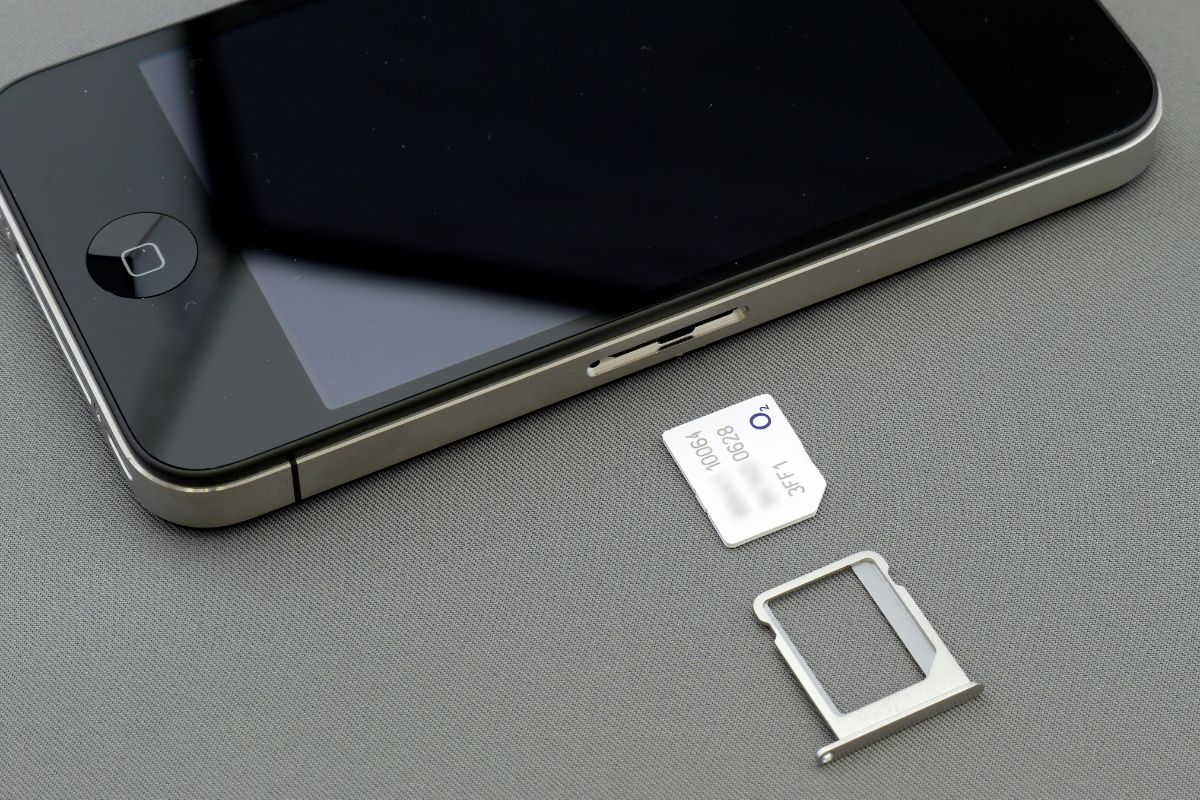
What Phones Work With A Free Government SIM Card (Image by Unsplash)
Not all phones are the same, and compatibility is an important factor when using a free government phone SIM card.
Unlocked Phones And BYOP (Bring Your Own Phone)
Most providers allow BYOP, meaning you can insert the SIM card into your own unlocked device. The phone must not be locked to another carrier and must support the provider’s network bands. This option is ideal for users who already own a reliable smartphone and only need a free service.
Compatible Phone Types (Android, iPhone)
Free government SIM cards typically work with Android smartphones (Samsung, Motorola, LG, Nokia, TCL) and iPhones that are unlocked and compatible with the provider’s networks.
If you are unsure, a common question is “Where is the SIM card on a government phone?”.
On most devices, the SIM tray is located on the side of the phone and can be opened using a SIM ejector pin. Some older models may place it under the back cover near the battery.
These phones come preloaded with the SIM card and are ready to use once activated.
3. Best Providers Offering Free Government Phone SIM Cards
Several Lifeline-approved providers participate in government-supported mobile programs. Each provider offers different data limits, phone models, and coverage areas.
- Unlimited talk and text
- A generous amount of high-speed data
- Free SIM card activation
- Option to receive a free smartphone
4. How Can I Get A Free Phone Completely From The Lifeline Providers?
Many people wonder, “How can I get a free phone completely from the government?” While the government does not directly mail phones, it funds programs that partner with providers who do. Here is the step-by-step process.
Step 1: Check Eligibility
The first step to finding out if you can receive a free government phone is confirming that you meet the Lifeline Program’s eligibility standards.
Most people qualify by having a household income that does not exceed 135% of the federal poverty guidelines or by being enrolled in an approved assistance program such as SNAP (Food Stamps), Medicaid, Supplemental Security Income (SSI), or Federal Public Housing Assistance.
Checking your eligibility early helps avoid unnecessary delays or application rejections caused by missing or incomplete verification later on.
Step 2: Prepare The Documents
After confirming eligibility, gather the documents needed to support your application. These typically include proof of income such as recent pay stubs or tax returns, benefit approval letters, or official documentation showing participation in a qualifying government program.
You will also need a valid form of identification and proof of your current address. Having accurate and complete documents ready in advance will help ensure a smooth application process.
Supporting documents can usually be uploaded directly through the website, allowing you to complete the entire process conveniently online.
- Samsung Galaxy A42 5G
- Samsung Galaxy A51
- A67L
- iPhone 7
After activation, you can start using your device and monthly service immediately to stay connected to important services and resources.