
On This Page
Are you searching for ways to stay connected without the burden of high monthly bills? The current free government tablet program status offers a unique opportunity for qualifying low-income individuals to obtain modern technology at little to no cost.
1. Is the Government Still Giving Away Free Tablets?
That said, eligibility still matters. To qualify for these offers, individuals must meet Lifeline eligibility criteria, which are designed to ensure support reaches those who need it most. Generally, eligibility is based on household income or participation in qualifying federal assistance programs.
Qualifying Through Government Assistance Programs
The fastest and most common way to qualify is through participation in existing federal or state assistance programs. If you or someone in your household receives benefits from programs such as SNAP (EBT), Medicaid, Supplemental Security Income (SSI), or Federal Public Housing Assistance, you are likely eligible. These programs already verify financial need, allowing applicants to move through the approval process more quickly.
Qualifying Through Household Income
For individuals not enrolled in assistance programs, income-based eligibility is still available. Generally, your household income must be at or below 135% of the Federal Poverty Guidelines. This option helps working families, seniors, and individuals who may struggle with rising living costs but do not receive direct government benefits.
Step 1: Confirm Your Eligibility
Before you begin the application, it’s important to review the eligibility requirements discussed in Section 1 to make sure you qualify. Lifeline criteria can vary by state, qualifying assistance programs may differ depending on where you live, and income limits can also change each year.
To avoid delays or confusion, it’s best to confirm the latest requirements with your local Lifeline office or check trusted sources like the Lifeline Program website at lifelinesupport.org for the most accurate and up-to-date information.
Step 2: Prepare Your Supporting Documents
To avoid processing delays, it is important to prepare all required documents in advance. Applicants are typically asked to provide proof of address and proof of eligibility, such as a benefits award letter or income documentation. Clear digital photos or scanned copies are usually sufficient, and uploading accurate information helps speed up approval.
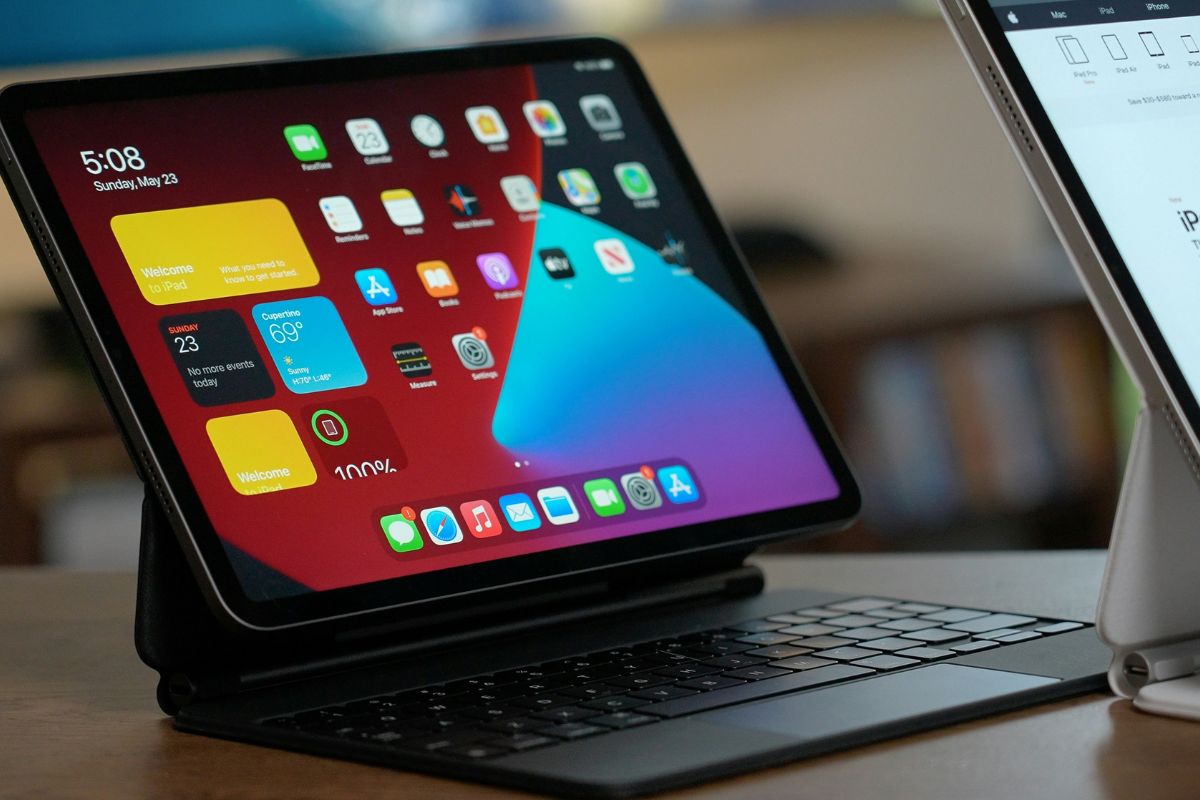
These tablets are well-suited for online learning, job searching, video calls, telehealth services, and everyday browsing. Inventory may vary by location, so availability depends on current stock and regional demand.
Step 4: Enter Personal Information and Upload Documents
As part of the application process, you will be required to provide information such as your name, birthdate, address, and the last four digits of your Social Security number.
In most cases, the application system will automatically verify your eligibility. However, if the system is not able to verify your information immediately, you might be asked to provide documentation such as a Medicaid approval letter or income documents.
3. How to Check Your Free Government Tablet Program Status After Approval
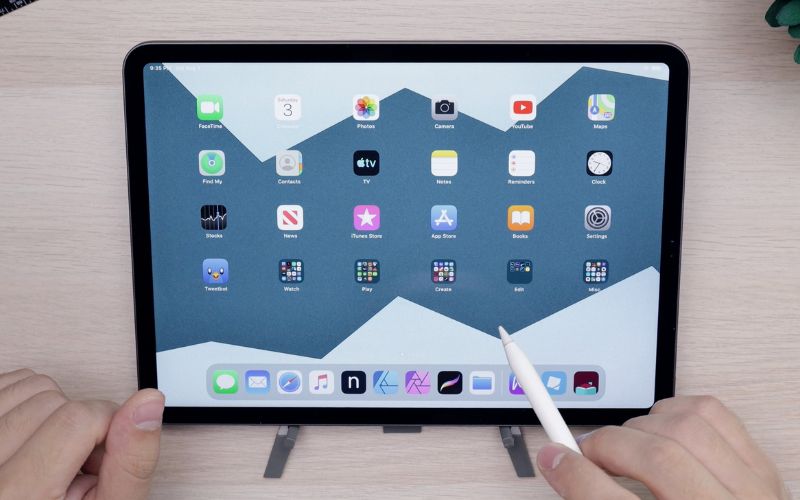
The status check page provides real-time updates related to your enrollment, device assignment, and shipping progress. It also reduces the need to contact customer support, as most common questions about your tablet order can be answered directly through this online portal.
Step 2: Enter Your Enrollment Details
To access your status securely, you will need to enter the following information:
- The email address used during enrollment
- Your zip code
- The last four digits of your Social Security Number
Step 3: View Approval, Processing, or Shipping Updates
Once logged in, you will be able to view your current application or order status. Most applicants will see one of the following updates:
- Approved: Your eligibility has been confirmed, and your tablet is reserved.
- Processing: Your order is being prepared, packaged, or queued for shipment.
- Shipped: Your tablet has been sent and is on its way to your address.
Shipping updates allow you to anticipate delivery timelines and make arrangements to receive your device. In some cases, tracking information may also be provided once the tablet has been dispatched. This level of transparency helps reduce uncertainty and ensures you remain informed from approval to delivery.