
On This Page
The search query for a free iPhone 15 no trade in is one of the most common ways consumers try to upgrade their devices without incurring massive debt or parting with their current phone.
1. The Truth About “No Trade In” Offers
The promise of a new flagship phone, such as the iPhone 15, without requiring a trade-in is a powerful incentive used by carriers to attract new customers. These offers often lock users into long-term service plans that generate high monthly revenue.
1.1. How Major Carriers Make the iPhone 15 “Free”
For the major commercial carriers in the mobile industry, these promotions are structured as long-term financing agreements disguised as discounts:
- Device debt: You sign an installment agreement for the full retail price of the iPhone 15 (often well over $800-$1000).
- Bill credits: The carrier applies a monthly credit to your account that matches the installment payment over a period of 24 or 36 months.
- The Commitment: The phone remains “free” only as long as you maintain the specific, often premium-priced service line for the entire 24- or 36-month duration.
The trade-in requirement may be waived, but it is replaced by other, equally demanding financial and contractual requirements:
1. The Commitment Requirement (Long-Term Service)
This is the primary requirement: you must keep the service active for the full term (24 or 36 months) to receive all the bill credits. If you decide to switch carriers or cancel your service early, the credits stop, and you become instantly liable for the remaining balance on the iPhone 15.
2. Credit Check and Activation Fees
Since this is a high-value financing agreement, major carriers require customers to pass a stringent credit check. You will also typically be required to pay the full sales tax on the device’s retail price upfront, along with any activation or setup fees (often around $35).
3. Higher Monthly Service Cost (The “No Trade In” Price)
By removing the trade-in requirement, carriers often compensate by requiring enrollment in their most expensive, top-tier unlimited data plans. The actual cost of the iPhone 15 is therefore built into the elevated monthly service fee you pay for two to three years.
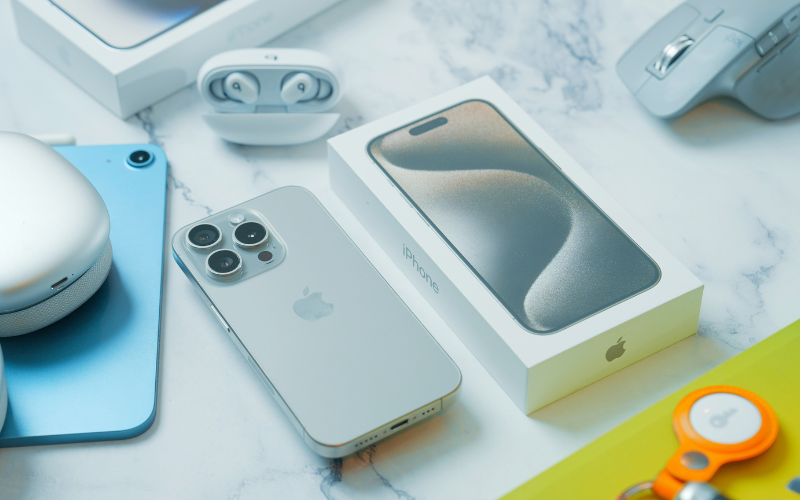
The iPhone 15 device (Image by Unsplash)
2. The Path to a Free iPhone 15 No Trade-in
2.1. Finding the Actual “No Trade In” Promotions
True free iPhone 15 no trade-in deals are rare and highly specific. They usually only appear when a carrier is aggressively trying to clear older flagship stock after a newer model (like the iPhone 16) has been released, making the iPhone 15 the de facto “older” device. Look for limited-time, clearance-style promotions rather than standard offers.
2.2. The True Alternative: Lifeline Program
For consumers seeking communication without any debt, contracts, trade-ins, or credit checks, the federal Lifeline program is the definitive answer. The program is designed to provide essential connectivity, not luxury flagships, but it offers a far more sustainable solution:
Notes: While the iPhone 15 may not be entirely free at times, applying through Lifeline carriers ensures that you don’t have to trade in or undergo a credit check to qualify.
- Optional iPhone or Samsung Galaxy (free or discounted), depending on current offers
- Unlimited talk, text, and data with no contract and no monthly bills.
- Up to 16GB of data per month
- Free international calling to 200 countries and territories

Lifeline is a federally financed program that started in 1985
Step 1 – Check Your Eligibility
You must meet federal guidelines through one of two ways:
- Program participation: Enrollment in assistance programs (SNAP, Medicaid, SSI, FPHA, etc.).
- Income qualification: Household income at or below 135% of the Federal Poverty Guidelines.
Step 2 – Prepare Required Documents
Gather the necessary documentation to prove eligibility and identity. You will need:
- Proof of Eligibility: An official benefit award letter or statement (if program-based) or tax returns/pay stubs (if income-based).
- Proof of Identity: Government-issued photo ID.
- Proof of Address: Utility bill or lease agreement.
Step 3 – Apply Online Through Provider Website
- Select a plan and device: Choose your Lifeline service plan and select an available device from current stock. Options may include an Android or an iPhone model, depending on availability.
- **Enter Details and Submit Documents: **Fill out the personal and eligibility information sections, and upload your prepared documents if required.