
On This Page
This article walks you through what you should know, helping you make informed decisions before starting your application.
1. Free iPhone 15 and the Lifeline Program Explained
The Lifeline Program helps low-income households get discounted or free phone service. Many people search for how to get a free iPhone 15 because they want a phone that is fast, reliable, and able to support modern features like 5G and a long battery life.
1.1. Why the iPhone 15 Is in High Demand
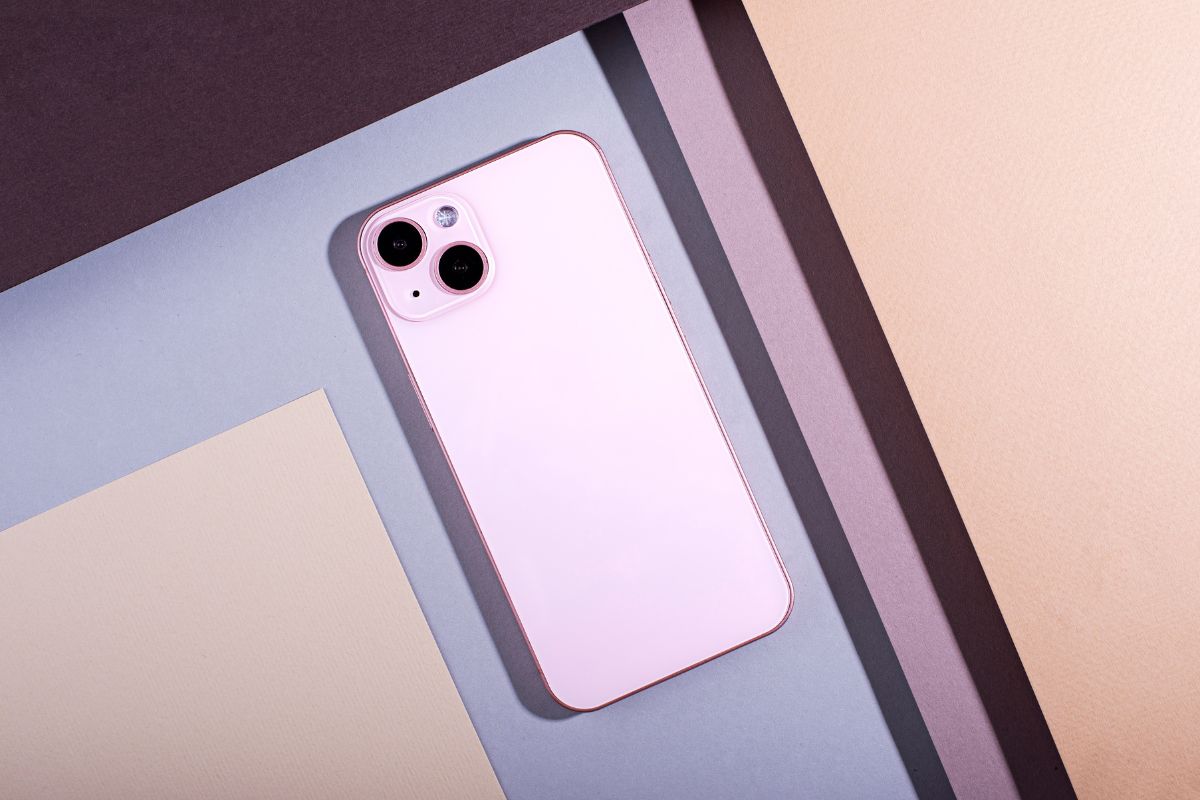
The iPhone 15 is popular because it offers improved performance, a durable design, high-quality cameras, and better connectivity. For Lifeline users, having a strong and dependable phone matters when handling job searches, emergency calls, telehealth visits, and online tasks. This is why interest in a free iPhone 15 government phone remains high.

Lifeline is a federally financed program that started in 1985
2. Who Can Qualify for a Free iPhone 15 Through Lifeline
2.1. Qualifying With SNAP, Medicaid, SSI, or Other Programs
You may qualify if you participate in any of the following assistance programs:
- SNAP (Food Stamps)
- Medicaid
- Supplemental Security Income (SSI)
- Federal Public Housing Assistance
- Veterans Pension or Survivors Pension
- Tribal-specific assistance programs
These programs help confirm eligibility for Lifeline free phone benefits.
2.2. Qualifying Based on Household Income
If you do not participate in a government assistance program, you may still qualify based on income. Households must generally meet the federal income guidelines, which require income to be at or below a certain percentage of the Federal Poverty Guidelines. These limits help ensure the program assists people who need affordable connectivity the most.
2.3. One Benefit Per Household Rule
Lifeline only allows one benefit per household. This means only one discounted or free phone plan can be active for each address.
If someone in your home already uses Lifeline, you cannot receive a second line unless you qualify as a separate household group under federal guidelines.
Three simple steps to apply for a free iPhone 15. (Image by Freepik)
3. What Phones Are Typically Offered Instead of the iPhone 15
- Touchscreen displays
- Cameras suitable for daily use
- Access to apps such as email, job search tools, and messaging
- Reliable calling and texting features
While not premium models, they meet the basic needs of most Lifeline customers.
3.2. Upgrading to a Premium Phone Like an iPhone
Although a free iPhone 15 is not standard in the Lifeline program, customers sometimes have upgrade opportunities depending on availability. These upgrades may involve discounted prices or special promotions. Availability varies by state and inventory.
3.3. Bring Your Own iPhone Option
- Unlocked
- In working condition
This option is helpful for people searching for a free iPhone 15 no credit check solution, since they can use their existing device and avoid upgrade fees.
4.1. Check Eligibility Through the National Verifier
After confirming eligibility, it’s time to start the application.
- Review the plans offered in your area
- Choose the plan and phone option you prefer
- Fill out the online application form
- Upload required documents if necessary
- Submit your application for approval
4.3. Receive Your Phone and SIM Card
If your application is approved, your device AND SIM card will be shipped to your address. After receiving it:
- Insert the SIM card
- Turn on your device
Once activated, you can start using your Lifeline benefits immediately.
4.4. What Documents You May Need to Apply
Typical documents include:
- Proof of participation in a qualifying program
- Income proof (if applying based on income)
- A valid government-issued ID
- Proof of address
- National Verifier application ID
Having these documents ready helps you complete your application smoothly.