

On This Page
Many users look for a “free iPhone 16 Pro Max when you switch” because the newest iPhone can be expensive. Carriers advertise big savings, yet most deals include trade-ins, bill credits, or plan requirements. These conditions make the phone look free, even when you still pay over time.
1. Can You Really Get a Free iPhone 16 Pro Max When You Switch?
Many shoppers see ads promising a free iPhone 16 Pro Max when switching carriers and assume the phone comes at no cost. In most cases, the device is not fully free at the start. You may need a trade-in, a new line, or long-term bill credits to reduce the price over time.
These offers can still help you save, but the phone is rarely free upfront and usually ties you to a higher monthly plan. This is why many users look for safer alternatives such as Lifeline providers that offer discounts without contracts.
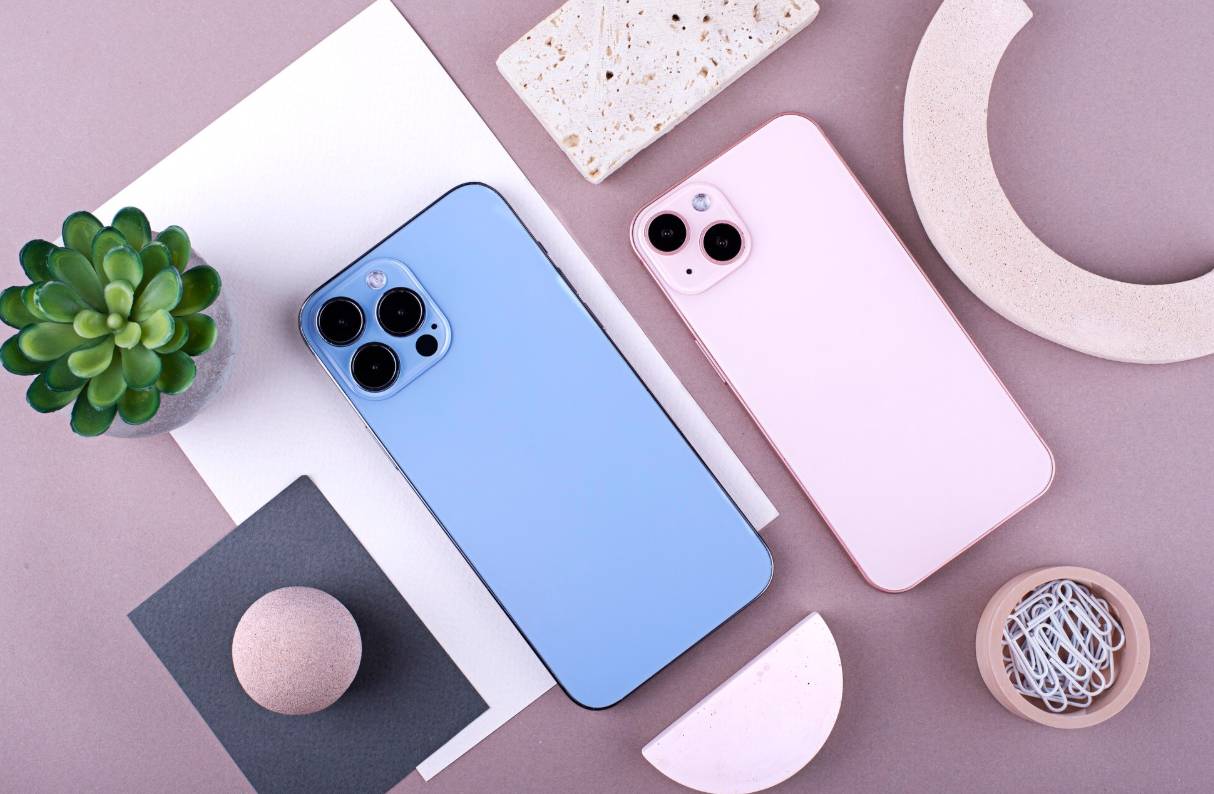
**Carrier ads promoting free iPhone 16 Pro Max when you switch deals often attract users looking for high-end upgrade options. (Image by Freepik) **
Most “free iPhone 16 Pro Max when you switch” offers follow strict conditions. The phone is rarely free at the start, and the discount usually depends on trade-ins, bill credits, or switching rules set by each carrier.
Understanding how these deals work helps you avoid confusion and choose the safest way to save.
2.1. Trade-In Required: Usually a Newer Model
Many switch deals require trading in a recent phone in good condition. Carriers often accept models from the last few years, such as the iPhone 12, iPhone 13, or similar Samsung devices.
If your phone is older, damaged, or has low value, the trade-in credit may not cover the full cost of the iPhone 16 Pro Max. This means you may still pay a portion of the price or lose the deal entirely.
2.2 Monthly Bill Credits, Not an Upfront Free Phone
Most carriers spread the discount across 24 to 36 months. You receive a bill credit each month as long as you stay on a qualifying plan.
If you cancel early, switch again, or change your plan, the remaining credits stop and you must pay the balance of the phone. This makes the offer look free at first, but the cost is tied to long-term billing.
2.3. New Line Activation or Switching Your Number
To unlock these promotions, you often need to add a new line or move your number from another carrier. The plan must stay active for the full billing period, and some carriers require higher-tier data plans to qualify. For users trying to reduce monthly expenses, this structure can increase the total cost even when the phone appears free.
2.4. Lifeline Program Switch Carriers
Lifeline users can also switch carriers, but the process is different from standard carrier promotions. According to the official guidance from the Lifeline Support site, you can request a transfer as long as the new company also provides Lifeline service.
2.5. Contract Lock-In and Hidden Fees to Expect
Carrier switch deals often include long-term plan requirements, activation fees, upgrade fees, and minimum service periods. Some promotions also raise monthly plan prices after the first cycle.
Reading the terms is important because these extra costs can make the iPhone 16 Pro Max far more expensive than expected, especially when combined with long billing commitments.
3. Is There a Safer Way to Get a Budget-Friendly iPhone 16 Pro Max Without Switching Carriers?
For many shoppers, switching carriers to chase a free iPhone 16 Pro Max feels risky because it often comes with long commitments, strict trade-in rules, and higher plan costs.
A safer alternative is choosing a provider that offers discounted iPhones without contracts and without multi-year payment plans.
4. Who Qualifies for Discounted iPhone 16 Pro Max Offers?
Discounted iPhone 16 Pro Max deals are available only to applicants who meet federal Lifeline guidelines. You can qualify through assistance programs or through income, and both paths help confirm your eligibility for low-cost devices.
4.1. Lifeline Program Eligibility
You qualify for discounted iPhone 16 Pro Max offers if you or someone in your household participates in a federal assistance program. Accepted programs include SNAP, Medicaid, SSI, Federal Public Housing Assistance, Veterans Pension, and Tribal assistance programs.
During enrollment, applicants may be asked to upload a benefits letter or another official document that shows active participation.
Program-based qualification is the most common path, and it allows users to access Lifeline service and upgrade device options quickly.
4.2. Income-Based Eligibility Under Federal Guidelines
You can also qualify if your household income is at or below 135 percent of the Federal Poverty Guidelines. Income limits vary by family size, and applicants must provide proof such as a tax return, income statement, or recent pay stubs.
Step 2: Choose Your Lifeline Plan
Select a Lifeline plan that fits the way you want to use your service. If you plan to keep your current phone, you can choose the Data Boost plan, which gives you free monthly talk, text, and data without selecting a new device.
If you want to apply for an upgraded phone such as the iPhone 16 Pro Max, choose a Standard, Plus, or Premium plan. These plans include service and device benefits, so you can continue to the phone selection step and see all upgrade options available for your ZIP code.
Step 3: Review Available Device Options
Inventory changes often, so it is helpful to check what is in stock at the time you apply instead of relying on a fixed device list.
Step 4: Prove Your Eligibility (if required)
If the system cannot confirm your eligibility automatically, you may be asked to upload proof. Accepted documents include benefits letters from programs such as SNAP, Medicaid, or SSI, income documents like tax returns or pay stubs, a valid government-issued ID, and proof of address.
Make sure the information on each document matches the details you entered in your application to avoid delays.
Step 6: Phone Delivery & Activation
When your iPhone 16 Pro Max or any alternative device arrives, insert the SIM card from the package, follow the on-screen instructions, and complete activation. Your Lifeline service will then be ready to use with your new device.
6. Best Alternative Free iPhone Options (If You Cannot Afford the 16 Pro Max)
If the iPhone 16 Pro Max is outside your budget, you can still qualify for a free iPhone through the Lifeline Program. Many eligible applicants receive older models that work well for daily communication, basic apps, email, and online access. These options are practical for users who want a reliable device without paying upgrade fees.
Popular free iPhone options often include:
- iPhone 15
- iPhone 14 Pro Max
- iPhone 13 Pro Max
Do you actually get a free phone when you switch?
Some carriers give phones through bill credits when you switch, but the phone is not truly free upfront. These offers often require long-term plans or newer trade-ins. Lifeline Program providers offer a clearer path with no contracts.