

On This Page
Are you receiving food stamps but also need a laptop to attend online classes, apply for jobs, or simply stay connected? You’re not alone. Many low-income families rely on SNAP benefits, yet still struggle to access digital tools.
So, can you get a free laptop with food stamps? This article reveals the real answer, along with better alternatives and how to claim them.
1. Free Laptop with Food Stamps – Overview
Before diving into alternatives and providers, let’s take a step back and look at how food stamps (SNAP) relate to government programs offering free devices.
1.1 What Are Food Stamps and Who Qualifies?
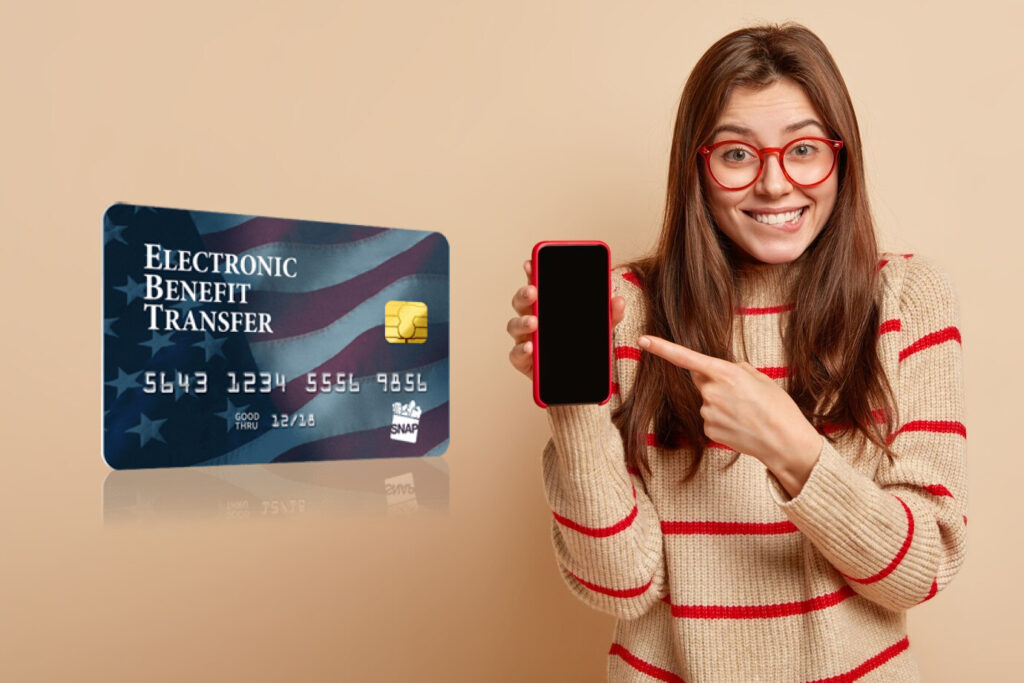
Food stamps are now officially known as SNAP benefits (Supplemental Nutrition Assistance Program). These benefits are distributed through an EBT (Electronic Benefit Transfer) card and help low-income individuals and families purchase groceries. Managed by the USDA, SNAP is the largest federal nutrition assistance program in the United States.
To qualify for SNAP, you must meet certain eligibility criteria. Keep in mind that requirements can vary slightly by state. You must apply in the state where you currently live and meet guidelines related to income, resources, and other factors.
Here are the general eligibility requirements:
- Income-based eligibility: Your household income must fall below 130% of the federal poverty line.
- Resource limits: Households must meet asset limits (some exclusions apply).
- Citizenship status: Must be a U.S. citizen or a qualified non-citizen.
- Work requirements: Able-bodied adults may need to meet work criteria unless exempt.
1.2 Can You Get a Free Laptop with Food Stamps?
Here’s the truth: No, you likely won’t get a free laptop from government directly through food stamps.
However, there’s a connection that matters. If you receive SNAP benefits, you automatically qualify for the Lifeline program, a government assistance initiative that offers free or discounted internet and connected devices through approved providers.

You likely won’t get a free laptop from government directly through food stamps.
Now, while free laptops for college students or anyone else are rarely offered – mainly because of their higher cost – many Lifeline providers do offer free or heavily discounted tablets and smartphones. In some cases, you can even find device bundles that include data and calling plans. These devices are designed to support essential digital needs like schoolwork, job searches, or staying connected with family, which is exactly what Lifeline aims to make possible.
2. What Are Alternatives to A Free Laptop EBT?
If you’re hoping for a laptop with EBT, it might be disappointing to hear they’re rarely available.
But don’t worry because there are still valuable alternatives that can meet many of your daily digital needs, and they’re often available through Lifeline benefits.
Here are the most common options Lifeline providers offer:
- **Premium Smartphones: **Many providers offer high-quality smartphones for free or at a heavy discount. These devices support web browsing, email, video calls, document editing, educational apps, and even remote learning platforms. For most users, a smartphone can serve as a compact all-in-one digital tool.
- **Tablets: **Tablets are one of the most common device alternatives offered by Lifeline providers. They’re more affordable than laptops but still offer similar functionality, including internet access, document creation, video conferencing, and app usage. For students or job seekers, tablets are a strong option for handling schoolwork, resumes, or online meetings on the go.

*Tablets are one of the most common devices offered by Lifeline providers. *
- Fast approval and free shipping: Once approved, your device is shipped directly to your door – at no cost to you.
Step 1: Check eligibility and prepare documents
First of all, you need to verify you qualify for Lifeline.
If you receive SNAP benefits, you’re already qualified for Lifeline. Just prepare the required documentation such as:
- Your SNAP/EBT benefit letter or card
- A valid government-issued ID
****Note: **Document requirements may vary by state. Be sure to review your state’s specific Lifeline guidelines.
If you’re not receiving SNAP, you may still qualify through your income level or participation in other federal assistance programs. Please refer to this Lifeline eligibility guide for more information.
Step 2: Check service availability
Step 3: Choose your plan and device
After selecting a plan, you’ll be able to choose a device at no cost or a deeply discounted rate. Options may include smartphones, tablets, or even bundles like phone + smartwatch.
There are different plans that cater to different needs: you may choose to get new devices and a data plan, or only get data plan to use with your current device.
Step 4: Complete the application
Fill in the application form and upload the required documents to prove your eligibility. Make sure they’re clear and legible.
After approval, your device will be delivered within 7-10 business days. Once it arrives, follow instructions to activate and enjoy free internet and calling services.
As a SNAP recipient approved for Lifeline, you may qualify for the best free tablet from government programs or choose from affordable device bundles. These options offer many of the same features as a laptop, like internet access, productivity apps, and communication tools, at little to no cost.
Premium Smartphones:
Tablets:
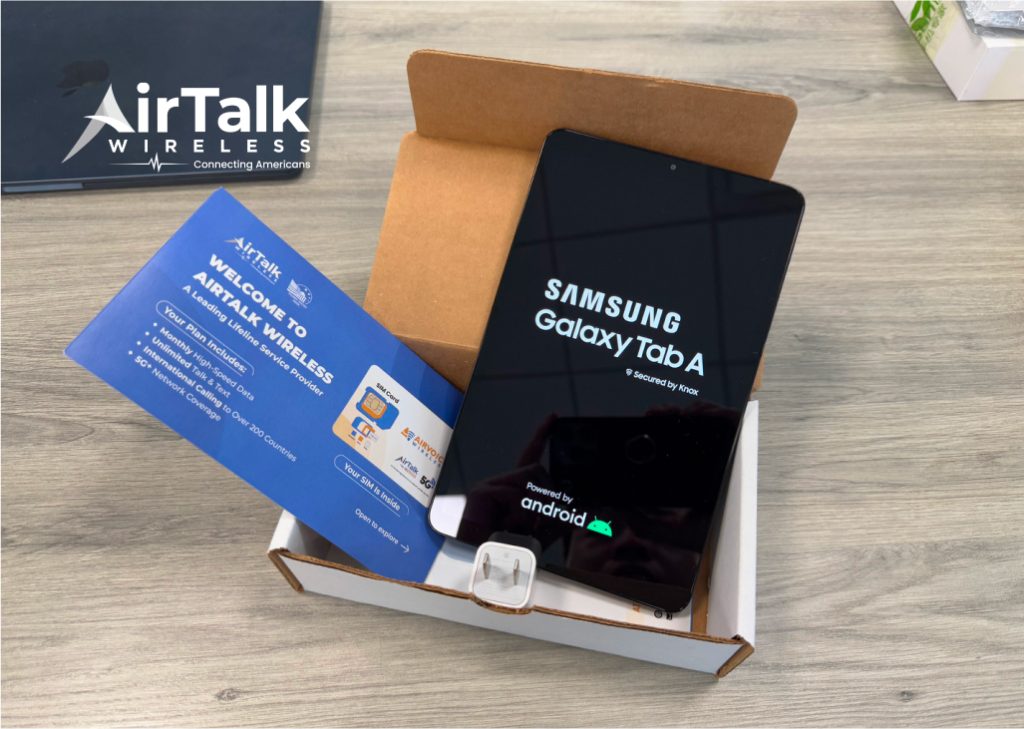
You can get a tablet to make your life easier.
Bundles:
There are also smartwatches that are offered separately. It’s also available in multiple colors and at the best prices for those who want to get a reliable smartwatch for their kids.
Note:* Price and availability may vary by state.*
»> Also read:* How To Get a Smartwatch For Free – Top Government Deals*