

On This Page
Access to technology is no longer optional. It is essential for education, employment, healthcare, and daily communication. This is why many families receiving food assistance are asking whether a free laptop with SNAP is truly available. If you rely on EBT benefits, this guide explains what’s real, what’s possible, and how to apply through legitimate programs without falling for scams.
1. Can You Get A Free Laptop With SNAP?
Can you get a free laptop with SNAP? Let’s find out more about the answer in the part below in this article.
1.1 Short answer: Yes, SNAP or EBT Can Qualify You For Certain Programs
The short answer is yes, SNAP (also known as EBT) can help you qualify for federal assistance programs that reduce the cost of phone service or internet service, such as Lifeline.
These providers may offer complimentary or discounted devices, including laptops in limited cases, to help make communication services more affordable.
Device availability is determined by the provider and is not guaranteed. In most cases, approved applicants receive free monthly service and may also be offered a device depending on current inventory and eligibility.
1.2 Who Qualifies For A Free Laptop With SNAP?
If you currently receive SNAP benefits, you already meet one of the main eligibility requirements. SNAP is a qualifying program under the federal Lifeline Program, which supports affordable communication services.
You may qualify if:
- Your household income is at or below 135% of the Federal Poverty Guidelines, or
- You are enrolled in other assistance programs, such as Medicaid, SNAP (Food Stamps), SSI (Supplemental Security Income), or Federal Public Housing Assistance.
Eligibility is verified through official systems, so providing accurate information is essential.
2. What Programs Offer Free Or Low-Cost Laptops With SNAP?
The Lifeline Program is the most reliable path for SNAP recipients seeking free or low-cost devices. While Lifeline primarily aims to lower the cost of phone service or internet service, some of its authorized providers occasionally include devices as part of their offerings.
- Free monthly talk, text, and data
- Free or discounted smartphones
- Tablets or other connected devices, when available
It’s important to understand that laptops are not always available at 100% free and tend to sell out quickly. However, applying through Lifeline providers gives you legitimate access to device opportunities without hidden fees.
3. Devices Can You Get With SNAP Besides A Laptop?
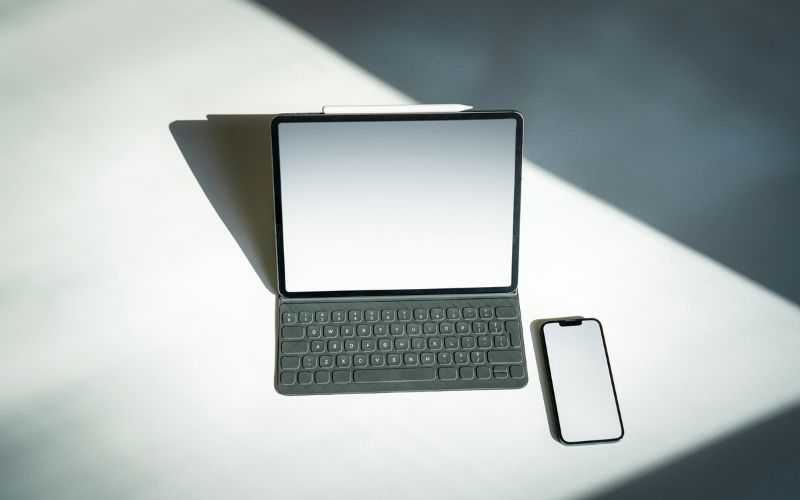
Some phones and tablets you can consider beyond a free laptop with SNAP. (Image by Unsplash)
If you’re wondering, “Can I get a free laptop if I have EBT?”, the realistic answer is that laptops are limited, but there are excellent alternatives.
- Free or heavily discounted smartphones
- High-quality tablets
- Data-ready smart devices are compatible with the free service
3.2 Discounted and Free Tablets
These devices above are well-suited for online learning and virtual classes, job searches and applications, video calls and telehealth appointments, email, browsing, and everyday digital tasks. For many users, a tablet or smartphone can effectively replace a free laptop with SNAP for essential needs.
*Free devices available on select models. Some models may be offered at a discounted rate.
4. How Do I Get A Free Phone or Tablet With EBT?
If you’re asking, “How do I get a free laptop with EBT?”, the process starts with applying for Lifeline-supported devices. Below is the step-by-step guide.
4.1 Step 1: Verify Eligibility
Before applying, you should first confirm that you qualify for the Lifeline program. Eligibility is typically based on either your household income or your enrollment in a recognized government assistance program.
To complete the eligibility check, applicants are usually required to provide the following documents:
- Verification of benefit enrollment, including an approval notice or benefits award letter
- Income documentation, which may consist of recent pay statements, tax records, or a Social Security income summary
- Select a service plan: Review the Lifeline plans available in your area and choose the option that best matches your communication needs.
- Choose a phone or use your own device: You may select a free or low-cost phone, or bring a compatible device by entering its IMEI through the Bring Your Own Device (BYOD) option.
4.3 Step 3: Enter Personal Information And Upload Documents If Required
At this stage, you will provide your personal information to complete the application. If required, you will also upload supporting documents such as proof of income or confirmation of participation in a qualifying assistance program.
If automatic verification is unsuccessful, the system may request additional documentation to confirm your eligibility.
4.4 Step 4: Submit Form And Receive Approval
After submitting your application, it will be reviewed to ensure all eligibility criteria are met. Most applicants receive an approval decision within 7 to 10 business days.
5. Final Words
Searching for a free laptop with SNAP is understandable, especially as technology becomes essential for everyday life. While fully free laptops are rare and limited, SNAP and EBT benefits can qualify you for legitimate programs that provide free service and access to connected devices.