

On This Page
Do you want a laptop to read the news, connect with family, or explore hobbies online? If so, you might be wondering if free laptops for senior citizens are available and how to apply for one.
The good news is, yes, it’s possible! Let’s explore everything you need to know in this article.
1. Why Do Laptops Matter for Senior Citizens?
For many senior citizens, a laptop is far more than a gadget. It’s a lifeline to the world beyond their doorstep.
Picture this: it’s Sunday afternoon, and instead of waiting for the next family visit, they can hop on a video call and see their grandchildren’s smiling faces in real time. Or maybe they’re scrolling through decades of family photos, sharing memories with old friends on social media.
But the benefits don’t stop there. Laptops help keep the mind active by offering endless possibilities. With a laptop, they can read e-books, solve puzzles, or even sign up for an online class to learn a new language.

For many senior citizens, a laptop is a lifeline to the world beyond their doorstep.
Healthcare becomes easier too, with virtual doctor visits and prescription refills just a few clicks away.
Even everyday chores, like paying bills or ordering groceries, are simplified.
In the end, a laptop offers seniors convenience, connection, and the confidence to stay independent in today’s digital age.
2. Is It Possible to Get Free Laptops for Senior Citizens?
The short answer: Yes, but options are limited.
Free laptops for senior citizens are often available through the Lifeline Program, a federal initiative launched in 1985 to make communication services affordable for low-income households.
Lifeline provides discounts on phone and internet services. Many approved providers extend these benefits to free or heavily discounted devices like smartphones, tablets, and occasionally laptops.
However, laptops are in high demand and come with higher costs than phones or tablets. This means availability is limited, and free laptops often run out quickly.

Senior citizens can claim a free/discounted laptop under the Lifeline program with their providers
3. How To Get a Free Laptop For Seniors with Lifeline Providers
Getting a laptop through Lifeline providers is possible if you meet the eligibility criteria and follow the correct steps. Let’s break it down.
3.1 Eligibility Requirements for Free Laptops under Lifeline
Before you apply for a free laptop through Lifeline, it’s important to make sure you’re eligible. There are two main ways you can qualify.
- The first is based on income. If your income falls within 135% or below the Federal Poverty Guidelines, you may be eligible.
- The second way is through participation in certain government assistance programs. For example, if you’re already receiving benefits from programs like Medicaid,** SNAP** for food assistance, or Supplemental Security Income, you could qualify automatically.
***Important note: ***Since rules can vary depending on where you live, it’s always a good idea to double-check. You can contact your local Lifeline office or use the National Verifier online tool to confirm your eligibility before starting the application process.

You must meet the eligibility criteria to get a laptop through Lifeline providers.
3.2 Step-by-Step Guide to Apply for a Free Laptop
If you’re eligible, here’s how to apply through Lifeline providers:
Step 1: Confirm your eligibility
Start by visiting the National Verifier website or your state’s Lifeline portal. This helps you check if you qualify for the Lifeline program before moving forward.
Step 2: Pick the right Lifeline provider
Do some research to compare providers. Look into factors like approval speed, customer reviews, and most importantly, whether they offer free laptops or alternative devices.
Step 3: Apply online through the provider’s website
- Pick a Lifeline plan that includes a free or discounted device.
- Check if free laptops are available. If not, explore alternatives! We’ll cover these options later in the guide.
- Fill out your details and upload proof of identity, income, or program participation if requested.
- Submit your application for review.
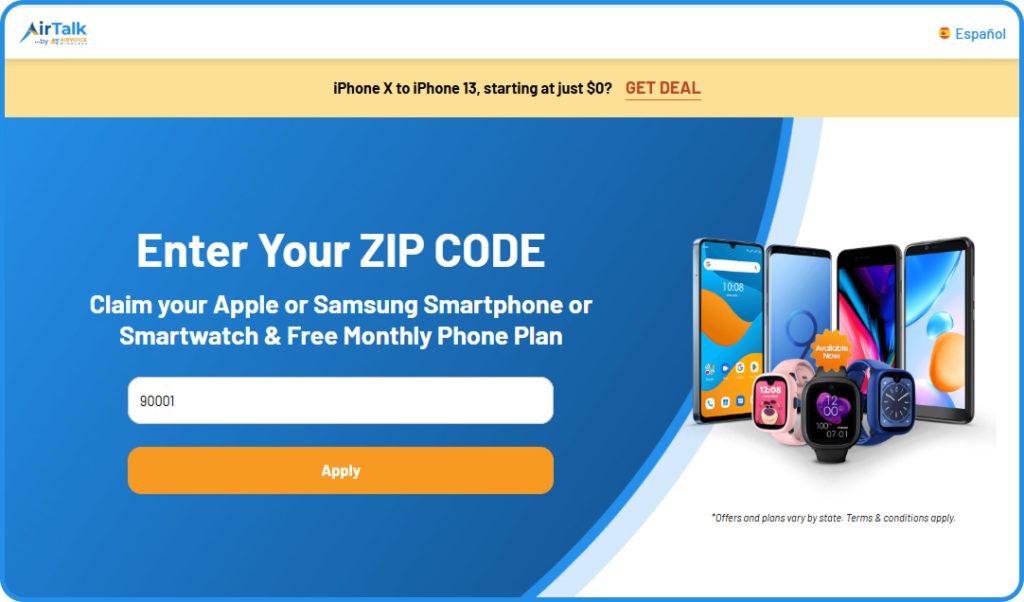
4. Explore Alternative Devices If Free Laptops Are Unavailable
Since free laptops through Lifeline providers are limited, it’s worth considering alternative devices that can perform many of the same tasks.
4.1 Free/Discounted Tablets
Tablets offer portability, a larger screen than smartphones, and access to apps for browsing, video calls, streaming, online banking, and even light document editing.
With a Bluetooth keyboard, many tablets can function almost like a laptop for everyday use.
- Samsung Galaxy Tab A
- Samsung Tab A7 Lite
- Samsung Galaxy Tab E
- Alcatel JOY TAB
- Apple iPad Air 2
- Apple iPad 6
- Sky Pad 8
4.2 Discounted Bundles of Smartphone & Smartwatches
Another great option is a smartphone + smartwatch bundle.
A smartphone handles calls, messaging, internet access, and productivity apps, while a smartwatch adds health tracking, notifications, and quick call or message replies right from your wrist.
Together, they help you stay connected, monitor fitness, and manage daily tasks efficiently, ideal for seniors or anyone who wants convenience on the go.
- Samsung Galaxy watch 42mm and Nokia C110
- Samsung Galaxy Watch 3 45mm and Motorola Moto Edge 5G 2021
- Samsung Galaxy Watch 3 45mm and TCL 20 XE
5. FAQs
5.1 Which is the best laptop for senior citizens?
It depends on the provider’s availability. Look for laptops with large screens, easy-to-use keyboards, long battery life, and reliable customer support.
5.2 Is there a computer for seniors?
Yes. Some providers and nonprofit organizations offer simplified computers with easy interfaces designed specifically for seniors.
5.3 Are free computers for low-income seniors possible?
Yes, through Lifeline or local nonprofits. However, availability depends on funding and demand in your state.
Final Words
Check your eligibility today and start your application to enjoy affordable digital access!