
On This Page
If you’re interested in a free phone in Seattle, you’ve probably come across programs from the government, community resources, or carrier promotions. Here is a guide to one of the best, also most reliable, ways to get a free phone, especially if you have a limited income.
1. What is the Best Free Government Phone Program in Washington State?
The Lifeline program is the main active program for this type of assistance in Washington State, including Seattle.
Many people on a limited income find that every dollar counts, and the money saved on a phone plan through Lifeline can be used for other critical expenses, such as groceries, utilities, or prescriptions, directly improving their quality of life.
Specifically, Lifeline offers a monthly discount of up to $9.25 on phone or internet service. For those living on Tribal lands, the discount can be as much as $34.25 per month.

*Lifeline is the best free government phone program in Washington State. *
To get the best deal, apply through a trusted Lifeline provider and check what devices they are offering at the time in Washington.
2. Do You Qualify for a Free Phone in Seattle?
To qualify for these benefits, you must either meet the income requirements (135% or less of the Federal Poverty Guidelines) or be enrolled in a qualifying government assistance program such as:
- SNAP
- Apple Health (Medicaid)
- Supplemental Security Income (SSI)
- Federal Public Housing Assistance (FPHA)
- Veterans Pension or Survivors Benefit
If you live on Tribal lands, additional programs, including Tribal TANF, BIA General Assistance, and FDPIR, also qualify you.
Apparently, phone ownership is a simple and effective way to maintain social connections.
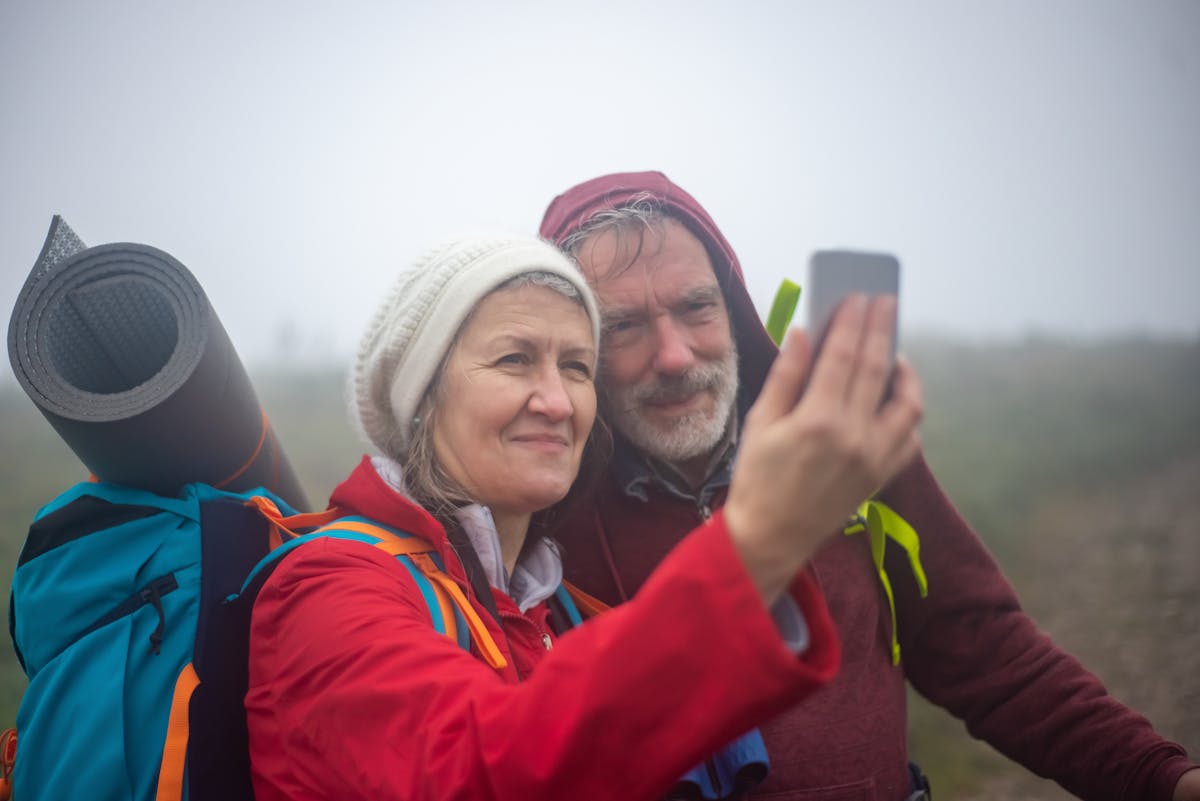
A free phone is especially vital for seniors who live alone or have chronic health conditions and may need quick access to help in case of a fall or accident.
Social isolation is a serious public health issue for seniors, linked to higher rates of depression, anxiety, and a faster decline in cognitive function. Even if they don’t have a smartphone, a basic phone for calls and texts is enough.
In general, technology is a powerful tool for anyone these days.
3.1. Features to look for in a free phone for seniors
Ease and comfort of use are the main factors.
- Large, bright screen
- Clear audio and loud volume
- Simple interface
- Physical features (large buttons on a flip phone or on-screen buttons that are easy to press)
- Long battery life
- Voice control (Siri on iPhone or Google Assistant on Android devices)
- Emergency buttons/features
Best options in Seattle for seniors:
| Phone Model | Key Features for Seniors | **Current Price ** |
|---|---|---|
| Nokia 2760 Flip | Large physical buttons Very simple interface Loud audio Long battery life Emergency contact features Durable flip design | FREE |
| iPhone XR | Large, bright screen Accessibility features (large text, magnifier, SOS) Clear interface Good audio Siri voice control | FREE |
| iPhone 7 / iPhone 6s | Consistent interface Accessibility features Emergency SOS Siri voice control | FREE |
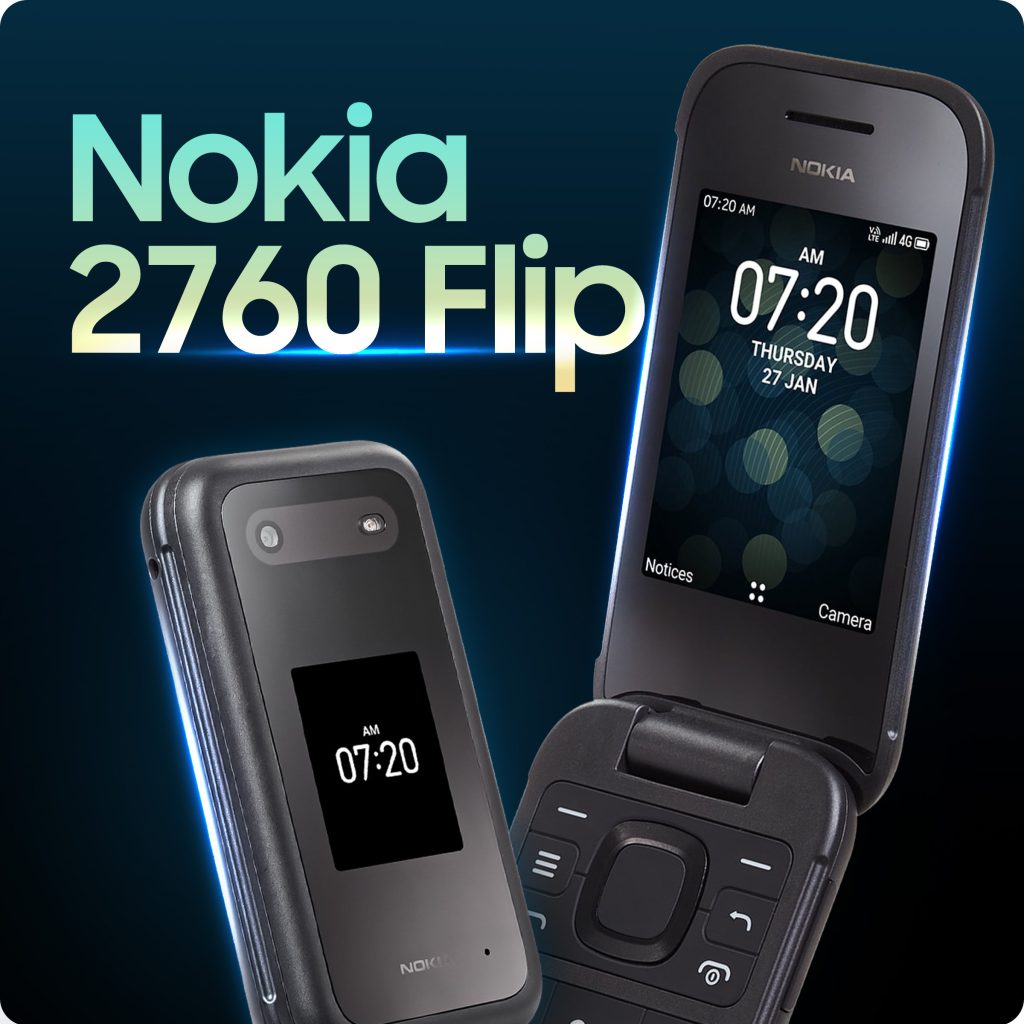
Free phone Seattle for seniors.
3.2. Features to look for in a free phone for young children
For your child, the focus is safety, parental control, and durability. Here are the specific features to look for in a free government phone for kids:
- Durable design (A simple “dumb phone” or flip phone might be a better choice for a younger child, as they are often more durable.)
- A simplified interface with large icons and minimal distractions
- Limited or no internet access (For a first phone, you might not want full internet access; choose basic phones with only talk and text)
- Features of smartphones for screen time limit or content filtering (block access to explicit or inappropriate websites and content).
- Location tracking (GPS)
- Good battery life
Best options in Seattle for kids/young children:
| Model | Key Features for Kids | **Current Price ** |
|---|---|---|
| Nokia 2760 Flip | Durable flip design Large buttons Simple calls & texts only Long battery life | FREE |
| Hotpepper Cascabel A88C / A88E | Budget smartphone Lightweight/durable plastic Supports GPS tracking | FREE |
| iPhone XR | Limit screen time, block apps, and manage device usage Location Tracking (Find My iPhone) Security updates Simple, user-friendly Interface | FREE |
| iPhone 7 | Limit screen time, block apps, and manage device usage Location Tracking (Find My iPhone) Security updates Simple, user-friendly Interface | FREE |
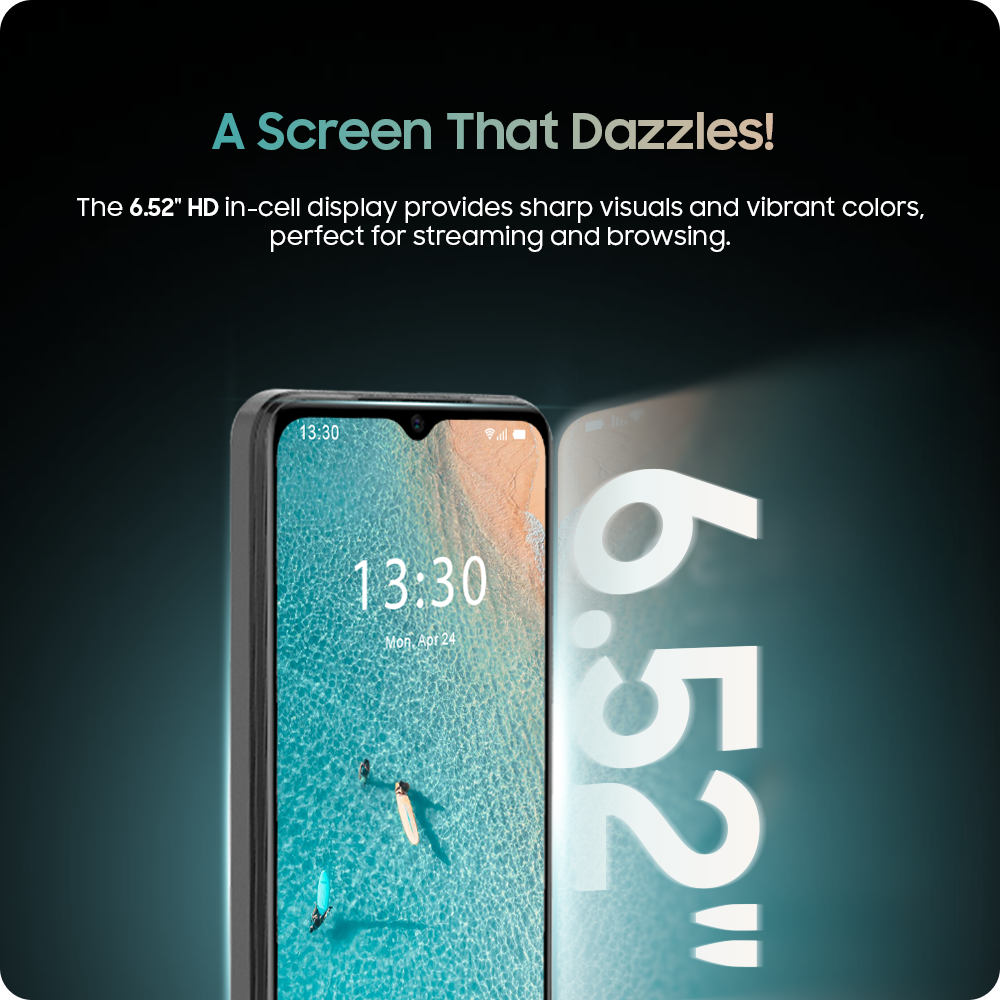
Free phone Seattle for kids.
3.3. Features to look for in a free phone for students
For students, the benefits are directly tied to their education, career prospects, and overall well-being. Prioritize features that support their academic and personal needs.
- Adequate data and hotspot capability
- Smartphone with a good screen (a basic flip phone is fine for calls and texts, but a smartphone is necessary for a student to use educational apps)
- Good battery life
- Sufficient storage
- Reliable network coverage (check the coverage map of your provider)
| Phone Model | Key Features for Students | Current Price |
|---|---|---|
| iPhone XR | Large bright screen Smooth performance Powerful app ecosystem Decent battery Good storage Hotspot capable | FREE |
| Samsung Galaxy S20 FE 5G | Big screen Excellent battery life Powerful multitasking 5G support Good storage (expandable) Hotspot capable | FREE |
| Samsung Galaxy A51 5G | Large AMOLED display Good battery Mid-range performance 5G support Good storage Hotspot capable | FREE |
| Motorola Moto G Power 2020 | Good battery life Large display Good storage Hotspot capable | FREE |
| iPhone 7 / iPhone 6s | Runs iOS Hotspot capable Good cameras | FREE |
| Samsung Galaxy S9 / S10e | Bright screens Decent storage | FREE |
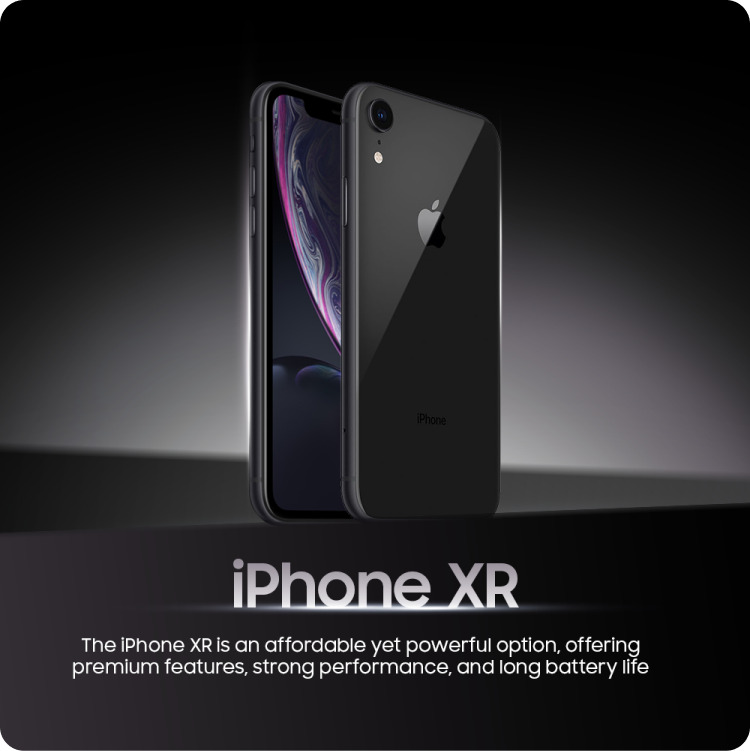
Best free phone Seattle for students.
In addition to a free phone, you can get:
- Unlimited talk and text
- Free international calling to 200+ countries and territories
- National network coverage
- Transparent process
- No contracts, no hidden fees, no activation fees
- Responsive customer support
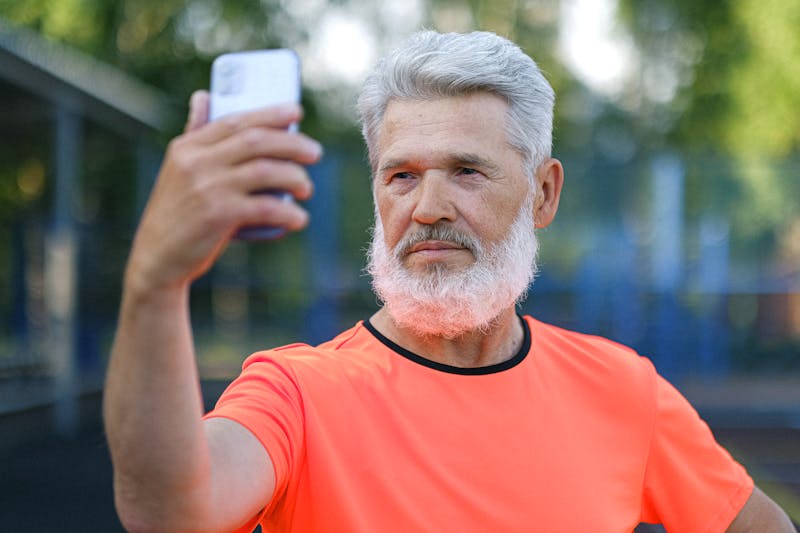
*Get a free phone in Seattle for seniors. *
4. How to Apply for a Free Phone in Seattle (Step-by-Step)
- Enter your Seattle ZIP code to check which Lifeline plans are available in your area.
Step 3: Select Your Free Phone
Seattle residents can get free phone service through Lifeline qualification!
Step 4: Upload Your Documents (If Required)
You may need to provide documents for verification. Commonly requested items include:
- Government-issued photo ID
- Proof of program participation or proof of income
- Proof of address
Step 5: Submit Your Application
- Review your details carefully.