
On This Page
1. Is It Possible to Get a Free Phone With an EBT Card?
Yes – having an EBT card means you are receiving SNAP benefits, and SNAP is one of the main qualifying programs for the Lifeline assistance program.
This means most SNAP participants automatically qualify for Lifeline, which offers discounted or free phone and internet service to low-income households.
Many Lifeline providers also offer a free phone to eligible applicants, depending on state rules and provider inventory. This can include a basic smartphone along with free monthly talk, text, and data.
Lifeline benefits vary by state, but typically include:
- A monthly discount on phone or internet service (up to $9.25 for most households)
- Higher discounts for people living on Tribal lands (up to $34.25 per month)
Some states add more benefits to their eligible citizens. For example, in California, SNAP recipients can get up to $19 off their monthly phone or internet bill. In Oregon, eligible households can choose from these Lifeline benefits:
- Up to $15.25 off your monthly phone bill
- Up to $19.25 off your monthly high-speed internet bill
- A free cell phone and data service
***Note: *While your EBT card confirms you receive SNAP, the EBT card itself is no longer accepted as proof of participation. You must provide an official benefits letter or verification document that shows your name, the SNAP program name, and a recent date.
3. What Types of Free Phones Can You Get With an EBT Card?
When applying for a free phone EBT card, you may qualify for different types of phones depending on your provider and state. Generally, these options fall into two categories: standard free models and upgraded models with extra features or larger data plans.
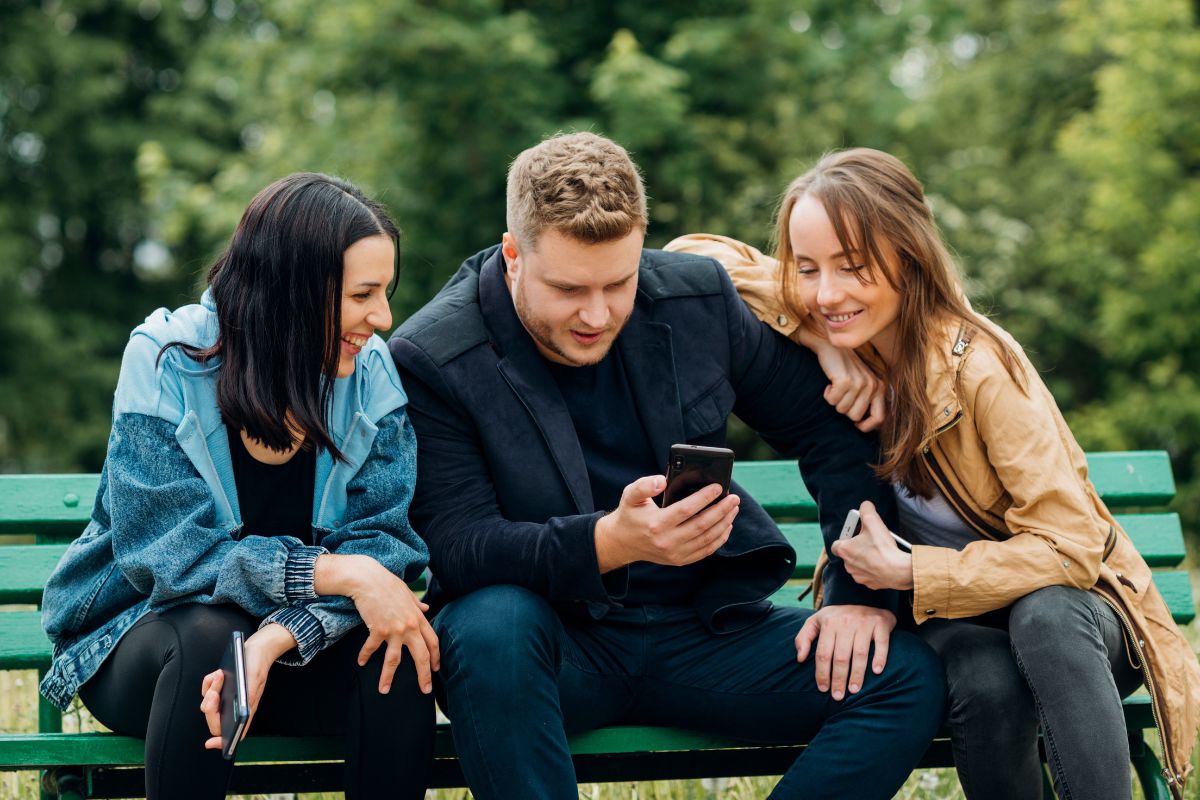
Some free phone types with an EBT card. (Image by Unsplash)
3.1 Free Models
- FOXXD A67L: This simple smartphone has a large 5.5-inch display, making messages and browsing easy. Its speaker is clear and loud, so calls sound crisp. It also comes with a 2000 mAh battery that stays charged for hours, which reduces worries about running out of power.
- Nokia 2760 Flip: This classic flip phone features big, easy-to-press buttons and a bright screen for clear texts and numbers. It flips shut to protect the keys, feels sturdy in hand, and fits comfortably in any pocket, which many seniors appreciate.
3.2 Upgraded Models
- Apple iPhone XR: Durable with an IP67 rating, the iPhone XR features a bright Liquid Retina display and a high-quality camera for photos and video calls. It runs smoothly and handles daily tasks reliably.
- Motorola One 5G ACE: Offers fast 5G speeds, long battery life, and a clean Android interface. Its large screen makes reading and watching videos comfortable, ideal for daily use.
- Samsung Galaxy S10** 5G**: Lightweight yet solid, with a bright display, 5G connectivity, and smooth multitasking. Balances performance and design well.
- Nokia G300 5G: Durable with a 6.52-inch HD+ display. It’s easy to use, keeps calls and messages clear, and includes helpful features without complexity.
4. Step-by-Step Guide to Getting a Free Phone
Follow these simple steps to complete your application and secure your free phone with ease.
Step 1: Confirm Service Eligibility
As a result, make sure your household meets eligibility requirements through programs like SNAP, Medicaid, or EBT. Confirming your eligibility first helps you focus on suitable options, making it easier to select a free or discounted phone that fits your needs seamlessly.
Step 2: Gather Required Documents
Collect all documents needed to prove your eligibility. Keep in mind that copies of your EBT card may no longer be valid, so include other supporting documents like benefit statements or income verification.
- Select a Lifeline plan available in your state
- Choose the free phone model offered (inventory varies)
- Complete the online application form
- Upload your eligibility documents if required
After submitting your application:
- Once approved, your free phone will be shipped directly to your address
Most approvals are quick as long as your documents are clear and accurate. When your phone arrives, follow the activation instructions included.