
On This Page
Many tablet users are surprised to find that a SIM card can make their device much more versatile. With mobile data access, you can browse the web, stream content, and stay connected on the go – no Wi-Fi required.
But what if you could get that SIM card for free? In this guide, we’ll break down how you can actually get a free SIM card for tablets, who qualifies, and where to apply.
1. Can You Really Get a Free SIM Card for Your Tablet?
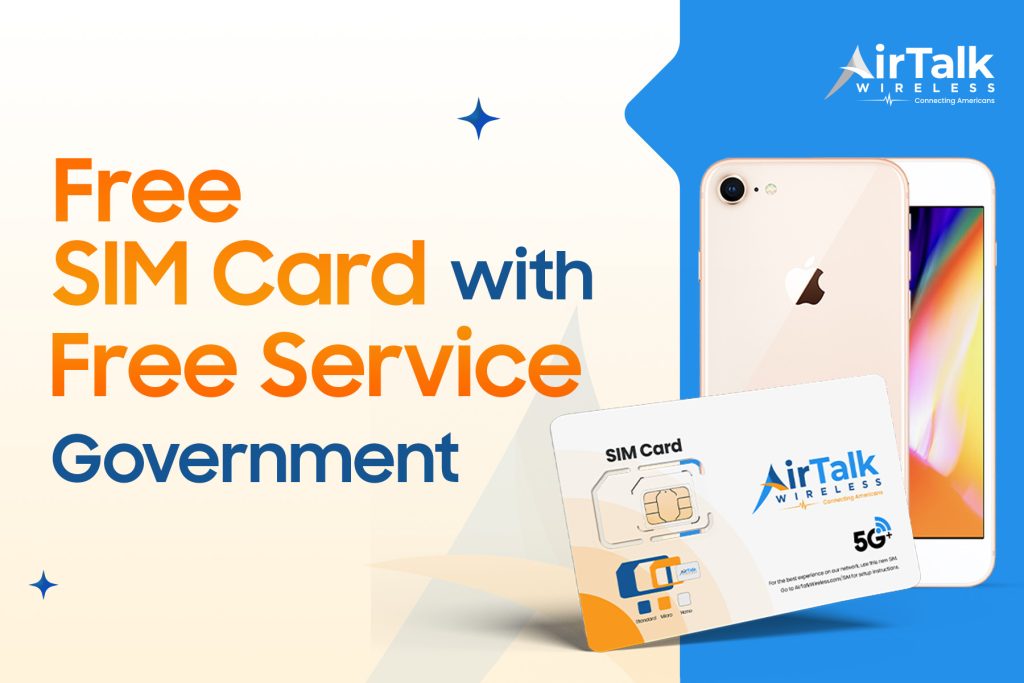
Yes, you absolutely can. However, it depends on your situation and where you apply. A free government SIM card for tablets is often available through government assistance programs or limited-time offers from wireless carriers.
Getting a free SIM card online for your tablet isn’t just convenient. It can be surprisingly valuable. Here’s why:
- Mobile Internet on the go: Imagine streaming your favorite show on a road trip or answering emails while waiting at the park, without needing Wi-Fi. A free SIM card USA gives your tablet the power to stay connected on the move.
- Cost savings: Normally, a SIM card and data plan can cost $10–$30 or more. But with a free SIM card, you skip those upfront costs. It’s perfect if you’re on a tight budget or need a backup device for kids, schoolwork, or travel.
- Easy setup: Most free SIM cards are ready to use right out of the package. Just pop it in your tablet (or activate via eSIM with a simple QR code), and you’re online in minutes. No tech skills needed.
- Works with multiple devices: Have multiple tablets at home or share one with your family? Many SIM cards work across various models. They are a flexible and smart solution for households with more than one user.
Sounds great, doesn’t it? In the next section, we’ll show you how to get one for free!
2. 4 Best Ways to Get a Free SIM Card for Your Tablet
If you’re looking for a free SIM card for your tablet, it’s smart to explore all available options. Each method has its own pros and cons, but one of them could be a perfect fit for you.
Step 2: Prepare Your Documents
Gather official documents to prove your eligibility. This might include a benefits approval letter, recent pay stubs, or a tax return.
In addition, you’ll need:
- Proof of ID (e.g., driver’s license, passport, birth certificate)
- Proof of address (e.g., utility bill, lease agreement)
Please note that Document requirements can vary by state, so it’s a good idea to double-check with your state’s Lifeline program.
Step 3: Choose a Lifeline Provider
Next, pick a provider known for reliable service and good support. You can use the “Companies Near Me” tool on the Lifeline support site or search directly by ZIP code.
Step 4: Apply Online
Now, head to your chosen provider’s website and begin the application:
- Select a plan that includes a free SIM card kit. Pick a plan that includes a free SIM card. Most offer two types:
- *Bring Your Own Device (BYOD): *if you already have a tablet.
- Free/discounted device plans: if you need a tablet too.
- Upload your eligibility and ID documents.
- Upload your documents and fill in your personal details.
Then click Submit. You’re almost there!
Once you submit your application, the provider and National Verifier will review your information. This usually takes from a few minutes to a few business days.
Step 6: Receive and Activate Your SIM
If approved, you’ll receive your free SIM card after a few days. Insert it into your tablet, follow the included activation instructions, and start enjoying mobile service.
Also read: Free Government eSim For Android: What It Is And How To Get One
- Free SIM card with free services like unlimited talk, text, and even data. It’s perfect for staying connected without worrying about monthly bills. Especially, if you choose the highest plan (often costs $30 – $35) you can get an unlimited data SIM card for tablets!
- Already have a tablet? Bring your own and just get the free SIM.
- The application process is fast and simple. Just apply online in minutes, upload a few documents, and wait for approval.
- Nationwide network coverage so you can stay connected wherever you are.