
On This Page
Unlocking your smartphone provides the freedom to switch carriers and choose the best mobile plans available today. This guide explores the most effective methods to achieve a free SIM unlock, ensuring your device is ready for any network you choose.
1. How To Get A Free SIM Unlock For Any Carrier?
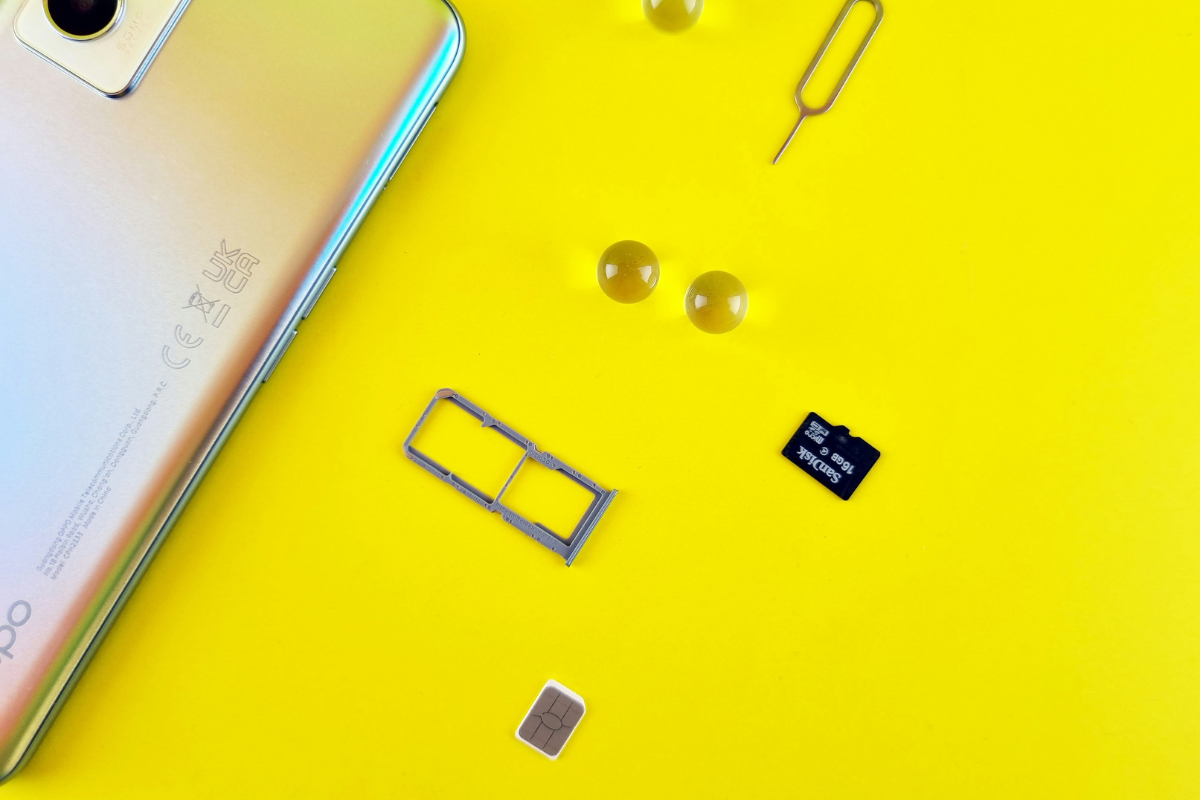
How To Get A Free SIM Unlock For Any Carrier (Image by Unsplash)
Unlocking your device doesn’t have to be expensive or complicated if you meet the specific criteria set by your service provider. Most major carriers are legally obligated to provide unlocking services to eligible customers who request them.
Requesting Codes from Major Providers
To begin the process, you must contact your current service provider’s customer support or use their online portal. Most carriers have dedicated “Unlock” pages where you can submit your request.
Once verified, the carrier will provide a digital unlock or a specific code to enter into your device.
Requirements: Paid Off Contracts & Clean IMEI
Before a carrier grants a free SIM unlock, they will verify two main factors: your financial standing and the device’s history.
First, the phone must be fully paid off; if you are still on a monthly installment plan, the carrier will likely deny the request. Second, the device must have a “Clean IMEI,” meaning it has not been reported as lost, stolen, or involved in fraudulent activity.
You can check your device’s status via various IMEI database verification tools to ensure it is eligible for a network transition.
Risks of Third-Party “Free SIM Unlock” Software
While searching for a free SIM unlock, you may encounter websites offering “instant” software downloads. Be extremely cautious, as these tools often contain malware or phishing scripts designed to steal personal data. Furthermore, using unauthorized software can permanently “brick” your phone or void its warranty. It is always safer to stick to official carrier methods or reputable hardware-based solutions.
2. Unlocked SIM Free Phones: Where To Buy & Use?
Once you have an unlocked device, a world of flexible, low-cost mobile options opens up to you. Buying a phone that is already “SIM-free” allows you to bypass the restrictions of traditional long-term contracts.
Benefits of Owning Unlocked SIM-Free Phones
The primary benefit of an unlocked phone is versatility; you can swap SIM cards when traveling internationally or switch to a more affordable domestic provider without buying new hardware. Additionally, unlocked phones typically have a higher resale value because they are compatible with more networks.
Research fromConsumer Reports suggests that consumers often save significantly over two years by pairing an unlocked phone with a prepaid or discount carrier plan.
3. How To Verify Your Phone Is Unlocked?
After receiving a confirmation from your carrier or purchasing a new device, you must verify that the free SIM unlock was successful. Skipping this step could leave you without service when you attempt to switch providers.
Checking “Carrier Lock” Status in Settings
On modern iPhones and Android devices, you can often check your status directly in the software.
For iOS users, navigate to Settings > General > About and look for “Carrier Lock.” If it says “No SIM restrictions,” your phone is ready to go. Android users can look under Settings > Connections > Networks, though the phrasing may vary by manufacturer.
For more tips on device management, let’s check the guide on how to update your phone settings.
Testing with a Different Carrier SIM Card
The most foolproof way to verify an unlock is the “SIM Swap” test. Power down your phone, remove your current SIM card, and insert a SIM card from a different network provider. If the phone powers on and catches a signal or allows you to make a call without an “Invalid SIM” error message, your free SIM unlock is fully functional.
Troubleshooting Activation Issues on Government Networks
Sometimes, even with an unlocked phone, you may face activation hurdles when joining specialized networks. This is often due to APN (Access Point Name) settings not updating automatically. If you encounter issues while trying to upgrade your device plan, you may need to manually enter the carrier’s network settings.
4. Frequently Asked Questions (FAQs)
Navigating the world of SIM locks can be confusing, but understanding the legal and technical landscape helps you stay in control of your device.
Is SIM unlocking legal in the U.S.?
Yes, SIM unlocking is entirely legal in the United States. The Unlocking Consumer Choice and Wireless Competition Act ensures that consumers can unlock their phones to switch carriers, provided they have fulfilled their contractual obligations with their original provider.
How long does it take to unlock a phone?
The timeframe varies by carrier. Once you submit a request for a free SIM unlock, it typically takes anywhere from 24 hours to two business days. Some automated systems can process the request within minutes, while older devices might require manual intervention.
Can I unlock my phone for free?
Absolutely. If you have met the requirements of your contract (e.g., the phone is paid off and the account is in good standing), your carrier is required by law to unlock the device for free. You should never have to pay a third party for an unlock that your carrier provides at no cost.
What should I do if my carrier refuses to unlock my phone?
If your carrier refuses and you believe you meet all eligibility requirements, you can file a formal complaint with the FCC. Always ensure you have your account details and IMEI number ready when disputing a denial.