

On This Page
Many people search for ways to get free government iPhone, but the rules and options can feel confusing. The government does not hand out iPhones directly. Instead, eligible users receive free smartphones through the Lifeline Program, which helps low-income households stay connected at no cost.
1. Can You Really Get Free Government iPhone?
The exact iPhone model you receive depends on availability in your ZIP code, inventory, and the provider’s promotion. Most users qualify for free entry-level or mid-range iPhones, while newer models may be offered as discounted upgrades with no contracts, no credit checks, and no hidden fees
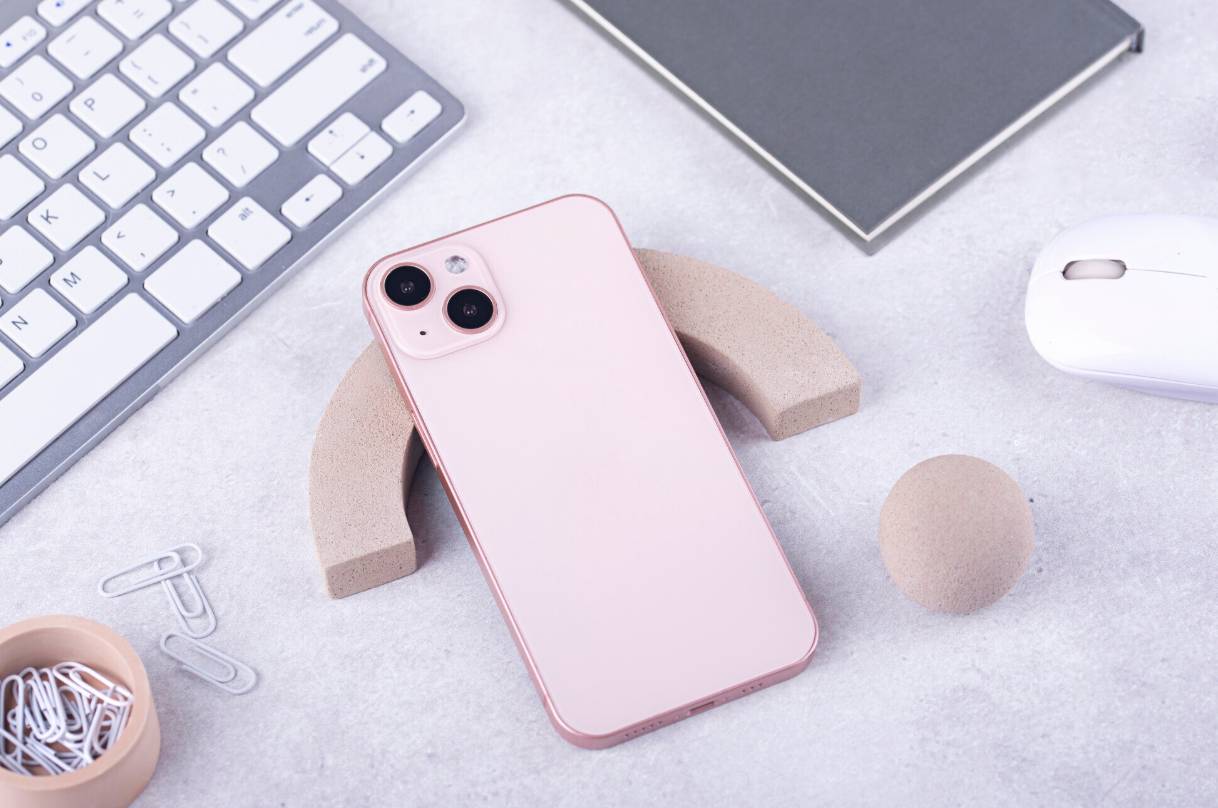
Eligible users can get a free government iPhone through Lifeline, with model availability based on ZIP code and current stock. (Image by Freepik)
2. Who Qualifies for a Free Government iPhone?
To get free government iPhone, you must meet at least one of the Lifeline eligibility rules. Applicants can qualify through income level or by participating in certain federal programs.
2.1. Income-Based Eligibility
You may qualify based on household income. In most states, you must have an income at or below 135 percent of the Federal Poverty Guidelines (FPG). This requirement is designed to help households that may struggle to afford consistent phone service on their own.
Income rules vary slightly by household size, but proof such as tax returns or recent pay stubs may be required during the application process.
2.2. Program-Based Eligibility
Many applicants qualify automatically by participating in certain federal assistance programs. If you or someone in your household is enrolled in any of the following, you can receive a free government iPhone:
- SNAP (Food Stamps) – qualifies you for a free iPhone government phone with Food Stamps
- Medicaid
- Supplemental Security Income (SSI)
- Federal Public Housing Assistance (FPHA) / Section 8
- Veterans Pension or Survivors Benefit
- Tribal assistance programs (in eligible areas)
If you receive benefits from one of these programs, you only need to provide proof during the application.
*»> Learn more: *How to Apply for a Free Government Phone: Step-by-Step Guide to Getting Approved Fast
3. What Models Can You Get as a Free Government iPhone?
Here is what applicants typically see:
- Free entry-level iPhones: These may include earlier-generation models such as the iPhone 7, iPhone 8, or iPhone SE series. They are capable of running essential apps, calling, texting, and basic browsing.
- Free mid-range iPhones: Models like the iPhone 11 or similar may appear as free options depending on availability in your area.
- Discounted upgrade iPhones: Newer models such as the iPhone 13, iPhone 14 or later generations are often offered at significantly reduced prices with no credit check and no contract. These are ideal for users who want stronger performance while still keeping costs low.
Because stock changes daily, the only way to see which iPhones are currently available is to check eligibility using your ZIP code. If an iPhone is in stock for your location, it will show up as an option during the application.
Eligible applicants can receive:
- Free monthly talk, text, and data included with every Lifeline plan
- A free government iPhone, depending on ZIP code availability
- A large upgrade catalog with discounted iPhone and Samsung models
- Fast online application and same-day approvals in most cases
- Nationwide coverage on reliable networks
- No contracts and no credit checks
Step 1: Check Eligibility by ZIP Code
- Which Lifeline plans are available in your state
- Whether free iPhone models are currently in stock
- All device options tied to your location
Inventory changes daily, so this ZIP code lookup is required before you apply.
Step 2: Choose a Lifeline Plan
- Free monthly talk
- Free monthly text
- Free monthly data
- Service Only Plans (like Data Boost Plans): Designed for users who already have a working phone. These plans give you free monthly service but do not include a free device.
- Plans That Include a Free Smartphone: If you want a free government iPhone, you must choose a Lifeline plan that includes the smartphone benefit. After selecting this type of plan, you will automatically move to the device selection page, where free iPhones will appear if available in your ZIP code.
This step is important because the plan you choose determines whether you can select a free phone or only receive service.
Step 4: Upload Documents (if required)
You may be asked to upload documents such as:
- A government-issued ID
- Proof of program participation
- Proof of income
Submit clear photos to avoid delays. Most applicants finish this in just a few minutes.
Step 6: Shipping and Activation
Once approved:
- Your free government iPhone is shipped to your address
- You receive tracking information
- Your phone arrives ready for activation
Most customers receive their device within a few business days.
FAQs
Does Food Stamps (SNAP) qualify me for a free iPhone?
Yes. SNAP is one of the main programs that qualifies users for a free government iPhone. If you receive Food Stamps, you can apply through a Lifeline provider and select an available iPhone model during the application.
Are government iPhones brand new?
Government iPhones are usually refurbished but fully functional. They must meet federal quality standards, and users receive free monthly service with no contracts or credit checks.