
On This Page
Knowing how long do SIM cards last is important for maintaining a reliable mobile connection over time. Although SIM cards are built to last for years, factors like wear, damage, or outdated technology can affect their performance.
1. How Long Do SIM Cards Last?
Most SIM cards can last 5 to 10 years or even longer under normal usage conditions.
If you’re wondering, “What is the lifespan of a SIM card?”, the answer depends on factors like physical wear, handling, and how often the card is removed or exposed to dust and moisture.
In general, as long as the SIM card remains undamaged and compatible with your device and network, it can continue working reliably for many years.
2. Factors That Affect SIM Card Lifespan
The lifespan of a SIM card can vary depending on how it is used and maintained over time. Understanding these factors can help you extend its usability and recognize when it may need replacement.
Frequent SIM Card Removal
Regularly removing and reinserting your SIM card can cause wear on both the card and its contact points. Over time, this may lead to connection issues or the device failing to read the SIM properly.
If you notice inconsistent detection, you might start asking, “How do I know if my SIM card is bad?”. Frequent handling is often a contributing factor.
Exposure to Dust or Moisture
SIM cards are sensitive to environmental conditions, especially dust, dirt, and moisture. These elements can build up on the metal contacts and interfere with proper communication between the SIM and your device. If your phone shows errors or unstable signals, it could be a sign of contamination affecting performance.
Device Compatibility Changes
As smartphones evolve, newer devices may use updated SIM technologies or network requirements. An older SIM card might not fully support the features or performance of a newer phone.
How do I tell if I need a new SIM card? Checking compatibility with your current device is an important step.
Carrier Network Upgrades
Mobile carriers regularly upgrade their networks to support faster speeds and newer technologies like 4G LTE or 5G. Older SIM cards may not be optimized for these updates, which can result in slower speeds or limited functionality.
In such cases, replacing your SIM card can help you take full advantage of improved network performance.
3. How to Check if Your SIM Card Is Still Working
Sometimes it’s not immediately clear whether a SIM card is still functioning properly or causing connectivity issues. Running a few simple checks can help you identify problems and decide whether further action is needed.
Restart Your Phone
You should begin by restarting your phone, as this can refresh the system and reconnect your device to the network. Temporary glitches or minor software issues are often resolved with a simple reboot. If your signal returns after restarting, the problem may not be with the SIM card itself but with the device’s temporary settings.
Remove and Reinsert the SIM Card
Taking out the SIM card and placing it back correctly can help fix detection or signal issues. Make sure the SIM is aligned properly in the tray and free from dust or damage.
If problems continue after reinserting, you may start wondering how long do SIM cards last, especially if your card has been used for several years.
Test the SIM Card in Another Phone
Placing your SIM card into a different phone is an effective way to identify whether the issue is with the SIM or the original device.
If the SIM works normally in another phone, the problem is likely with your device. However, if the issue persists across devices, it may indicate that the SIM card is faulty or needs replacement.
Check SIM Status in Phone Settings
You can also check your phone’s settings to view SIM status information such as network connection, signal strength, and carrier details. If the SIM is not recognized or shows errors in the settings menu, it could be a sign of a damaged or inactive SIM. Reviewing this information helps you better understand whether the SIM is still working properly.
4. Claim a New SIM Card or eSIM At No Cost!
If your current SIM card is outdated or no longer working properly, it may be time to replace it with a new one. The good news is that you don’t always have to pay for a replacement; some Lifeline providers offer free SIM cards or eSIM activation when you sign up for a plan.
To get started, you only need to follow a few simple steps to complete your application and receive your SIM quickly:
- Check your eligibility for the Lifeline Program: Begin by confirming that you qualify based on your income level or participation in government assistance programs such as SNAP or Medicaid. Preparing your documents in advance can help speed up the process.
- Choose a plan and device (if available): Select a plan that fits your needs. If eligible, you can also choose a free or discounted phone, which usually comes with a SIM card or eSIM included.
- Complete the application and provide your information: Fill out the online form with your personal details, such as name, address, and identification. If the system cannot verify your eligibility automatically, you may be asked to upload supporting documents.
- Submit and wait for approval and delivery: After reviewing your information, submit the application. Once approved, your SIM card, eSIM activation details, or device will be shipped to you, typically within 7-10 business days, along with instructions to activate your service.
5. FAQs About SIM Card Lifespan
Many users have questions about how long SIM cards last and when they should be replaced. Understanding these common concerns can help you maintain a reliable connection and avoid unexpected issues.
Can a SIM card wear out?
Yes, a SIM card can wear out over time, especially with frequent handling or exposure to dust and moisture. The metal contacts may degrade, leading to connection problems or detection errors. While they are designed to last for years, physical wear can eventually affect performance.
Do SIM cards expire if not used?
SIM cards do not typically expire just from being unused, but they may become inactive if not used for an extended period. Carriers often deactivate SIM cards that haven’t been used for months. Once deactivated, you may need to contact your provider to reactivate or replace the SIM.
Should I replace my SIM card when upgrading phones?
In many cases, you can keep your existing SIM card when upgrading to a new phone if it is compatible.
However, replacing it can be beneficial if your SIM is old or does not support newer network technologies. A new SIM may help improve performance and ensure better compatibility with modern devices.
Can eSIM replace traditional SIM cards?
Yes, eSIM technology can replace traditional physical SIM cards in many newer devices. It allows you to activate a mobile plan digitally without inserting a card. While eSIM offers greater flexibility, traditional SIM cards are still widely used and supported.

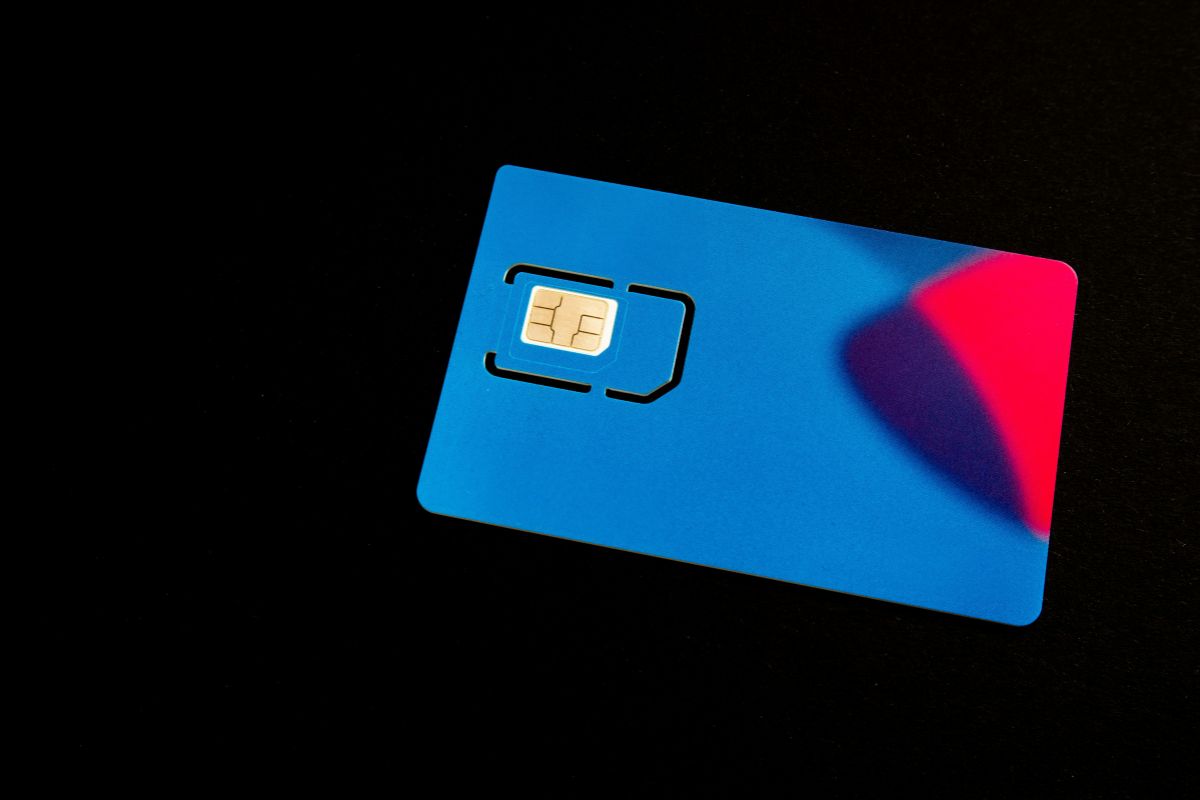
Some FAQs about SIM card lifespan. (Image by Unsplash)
6. Final Words
Understanding how long do SIM cards last helps you stay ahead of potential connectivity issues and keep your mobile experience running smoothly. While SIM cards are built to last for years, regular use and physical wear can impact their performance over time. Knowing when to replace or upgrade your SIM ensures you avoid unexpected service disruptions.