
On This Page
Learning how to activate a SIM card for free allows you to stay connected without spending extra on service fees or activation charges. Whether you’re using an Android, iPhone, or basic mobile device, the activation process is straightforward and accessible. By following the right steps, you can quickly enjoy mobile service at no cost. This guide covers everything you need to activate your SIM card seamlessly, even if you have no technical background.
1. How to Activate a SIM Card for Free?
You can absolutely activate your SIM card yourself for free, without needing to visit a store or seek help from a carrier representative. Below are the basic steps you can follow:
- Make sure your phone is turned off to avoid errors when inserting the SIM.
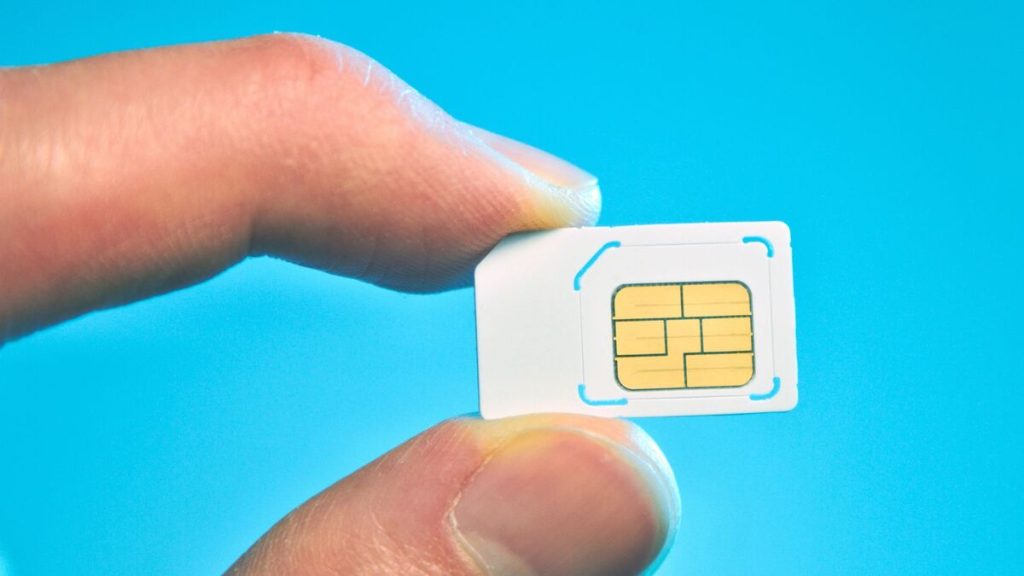
- Use a SIM eject tool or a small paper clip to gently pop open your device’s SIM card tray. Insert the SIM into the tray in the correct orientation (pay attention to the notched corner to align it properly).
- After inserting the SIM, turn your phone back on.
- Your device will automatically detect the network if the SIM has already been activated.
In rare cases where your phone doesn’t show any signal after inserting the SIM, visit your carrier’s website or call their hotline for assistance with SIM activation.
How to activate a SIM card for free, either Android or iOS?
(*) Example:** How to Activate a SIM Card for Free on Android Devices**
On Android devices, you can choose to activate either a physical SIM or an eSIM for free.
Steps to activate a physical SIM
- Turn off your phone.
- Insert the SIM card: Use a SIM pin or a paperclip to eject the SIM tray, then carefully insert the SIM into the slot.
- Turn on your phone: The device will automatically detect the network if the SIM is already activated.
- Set up APN (if needed): Go to Settings > Mobile Network > Access Point Names (APN) and enter the information provided by your carrier.
Steps to activate an eSIM
If your device is compatible with eSIM, follow these steps to activate it:
- Connecting to Wi-Fi: Make sure your device has an internet connection.
- Go to Settings:
- For Google Pixel: Settings > Network & Internet > SIM > Add eSIM
- For Samsung devices: Go to Settings > Connections > SIM Card Manager > Add eSIM.
- Scan the QR code or manually enter the activation code provided by your carrier to add the eSIM.
- Complete activation: Proceed by following the instructions shown on your device’s screen to finalize the setup.
2. What Do You Need to Activate a SIM Card?
Activating a SIM card is a straightforward process, but you still need to ensure that you meet the necessary requirements for a smooth experience.

How do I activate my SIM card myself?
Basic eligibility requirements
Before starting the activation process, make sure you meet the following conditions:
- Unlocked device: Your device must be unlocked or compatible with the carrier’s network. A locked device may restrict the SIM card’s functionality.
- Active service plan: Whether prepaid or postpaid, your device must have an active service plan. Some carriers may require you to select a plan during the activation process.
- Carrier compatibility: The SIM card must be compatible with your device and the carrier’s network technology (e.g., GSM or CDMA).
- Network coverage: Ensure that you’re in an area with sufficient network coverage to facilitate activation.
Required documents & information
Having the following information ready can speed up the activation process:
- Personal Identification: A government-issued document such as a passport or driver’s license may be required to verify your identity.
- SIM card number (ICCID): This number is printed on the SIM card and is essential for activation.
- Check your IMEI: You can retrieve your device’s IMEI by dialing *#06#, this number uniquely identifies your phone within the network.
- Payment information: For postpaid plans, have your billing address and payment method details ready.
- Carrier account details: If you’re transferring from another carrier, you may need your current account number and PIN.
Does a SIM card have to be in a phone to be activated?
While inserting the SIM card into a compatible device is the most common method of activation, it’s not always required.
- Physical SIM cards: Typically, inserting the SIM card into the device and powering it on will initiate activation.
- eSIM: These are often activated by scanning a QR code or through the carrier’s app, sometimes without needing to insert a physical SIM.
- Carrier-specific methods: Some carriers allow you to activate your SIM online through their website or customer service, which can be done without inserting the SIM into a device.
The activation process may vary depending on the carrier and the type of device. It’s recommended to refer to your carrier’s official instructions for accurate guidance.
3. Where to Get a Free SIM Card with Free Service?
Best program that offers free SIM cards
Lifeline is a federal assistance program managed by the Federal Communications Commission (FCC), designed to help low-income individuals access essential telecommunications services at reduced or no cost. The program offers:
- Eligible users may receive a monthly service discount of up to $9.25 for phone or internet access.
- Individuals living on Tribal lands may qualify for a discount of up to $34.25.

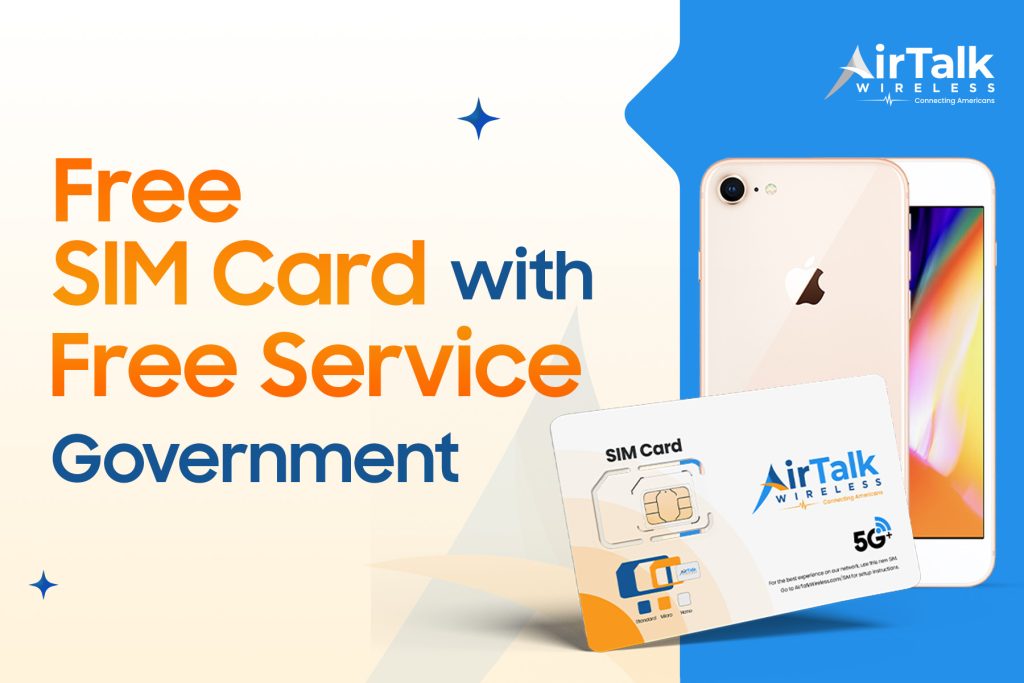
Applying for Lifeline via a provider will get you a SIM card with data, plus new and disocunted devices if you prefer to claim one.
- Get a free SIM card with no-cost monthly talk, text, and data services.
- Free or heavily discounted smartphones.
- Improved access to vital services such as healthcare, education, and employment.
- Monthly savings on communication costs.
- Free or discounted smartphones from well-known brands for eligible users.
- Free SIM cards with unlimited monthly talk, text, and data.
- Free international calling to over 200 countries and territories.
- eSIM support for compatible devices, enabling fast activation without the need for a physical SIM.
- A simple, fast application process and excellent customer service quality.
- Gen Mobile: Offers free SIM cards with monthly talk, text, and data services.
- TruConnect: Provides free monthly voice, text, and data services for eligible users.
How to apply for a free SIM card and free service
To apply for a free SIM card with free service from a provider participating in the Lifeline program, follow the steps below:
Step 1: Check your eligibility
To qualify for a free SIM card and free service through a Lifeline provider, you must meet one of the following criteria:
- Your household income is at or below 135% of the Federal Poverty Guidelines.
- Or you are currently enrolled in one of these government assistance programs such as: SNAP, Medicaid, SSI, Federal Public Housing Assistance, Veterans Pension or Survivors Benefit, Tribal programs.
Step 2: Choose an eligible service provider
Look for Lifeline service providers that operate in your state of residence. Make sure to choose one that offers coverage and service plans that meet your needs.
Free SIM card with free service.
Step 3: Submit an application
Go to the official website of your chosen provider and complete the following steps:
- Fill out the online application form.
- Provide verification documents, such as:
- Proof of income (pay stubs, W-2 form, or tax return),
- Or proof of participation in a qualifying government program (e.g., SNAP notice of approval, Medicaid award letter, etc.)
Once your application is approved, the provider will:
- Send a free SIM card to the address you registered with.
- In many cases, you’ll also receive a free smartphone.
- Your wireless service will be activated as soon as the SIM is inserted into your device.
Step 1: Receive your SIM and device
After registration and approval, your SIM card and device (if eligible) will arrive within 7–10 business days.
Step 2: Activate the SIM
- Insert the SIM card into your device and power it on.
- If prompted, enter the activation code included in your package or sent via email.
- Make a test call or send a message to check connectivity.
Step 4: Activate eSIM (If applicable)
For devices that support eSIM:
- Connect to Wi-Fi
- Scan the QR code to activate service