
On This Page
1. How do I Activate eSIM on my iPhone?
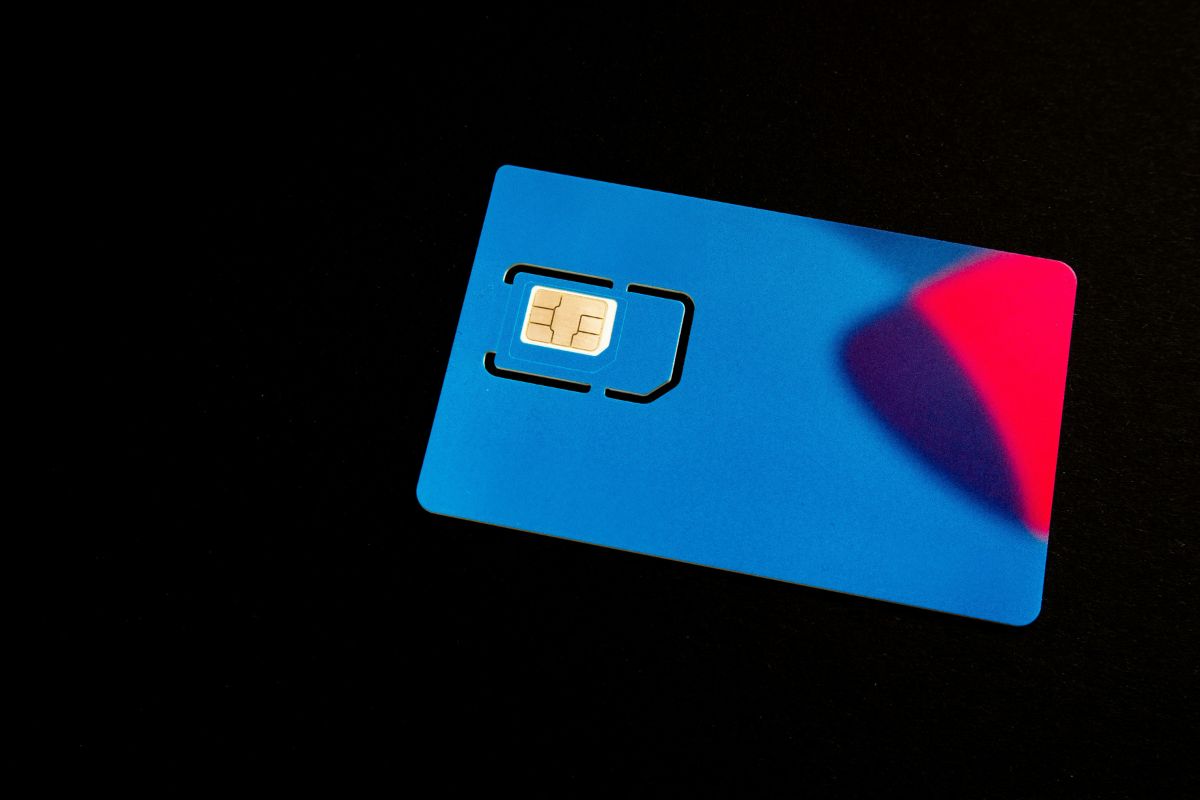
Detailed guide for you to activate eSIM on your phone easily. (Image by Unsplash)
How can I activate eSIM by myself? If your Android phone supports eSIM, you can activate your digital plan directly from the device without inserting a physical SIM card. Most modern Android models guide users through the process with clear on-screen instructions.
Open Settings → Network & Internet
Start by unlocking your phone and launching the Settings app. From the main menu, tap Network & Internet (on some brands, this may appear as Connections). This section controls your mobile network settings, Wi-Fi, and SIM management options.
Tap SIMs → Add eSIM
Inside the Network settings, you select SIMs, SIM Manager, or a similar option depending on your device manufacturer. Then tap Add eSIM or Download a SIM to begin setup. Understanding this step is important if you are learning how to activate eSIM on an Android device by yourself.
Scan QR Code or Enter Activation Details
Your carrier will usually provide a QR code linked to your mobile plan. Use your phone’s camera to scan the code, or manually enter the activation information if prompted. Make sure your device remains connected to a strong Wi-Fi network while the profile is being installed.
Confirm Plan Download
After scanning or entering the details, your Android phone will download the eSIM profile from your carrier’s system. Review the plan information displayed on your screen and confirm the installation. Once the process finishes and signal bars appear, your eSIM is successfully activated and ready for calls, texts, and mobile data.
2. How to Activate eSIM on Android
If your Android phone supports eSIM, you can activate your digital plan directly from the device without inserting a physical SIM card. Most modern Android models guide users through the process with clear on-screen instructions.
Open Settings → Network & Internet
Start by unlocking your phone and launching the Settings app. From the main menu, tap Network & Internet (on some brands, this may appear as Connections). This section controls your mobile network settings, Wi-Fi, and SIM management options.
Tap SIMs → Add eSIM
Inside the Network settings, select SIMs, SIM Manager, or a similar option depending on your device manufacturer. Then tap Add eSIM or Download a SIM to begin setup. Understanding this step is important if you are exploring how to activate eSIM on an Android device by yourself.
Scan QR Code or Enter Activation Details
Your carrier will usually provide a QR code linked to your mobile plan. Use your phone’s camera to scan the code, or manually enter the activation information if prompted. Make sure your device remains connected to a strong Wi-Fi network while the profile is being installed.
Confirm Plan Download
After scanning or entering the details, your Android phone will download the eSIM profile from your carrier’s system. Review the plan information displayed on your screen and confirm the installation. Once the process finishes and signal bars appear, your eSIM is successfully activated and ready for calls, texts, and mobile data.
3. How Long Does eSIM Activation Take?
In most cases, eSIM activation takes between 1 and 15 minutes once you begin the setup process. After scanning the QR code or downloading the digital plan through your carrier’s app, your device typically installs the profile and connects to the network within a few minutes. Some carriers may complete activation almost instantly, especially if your account is already verified.
If you want to know how to activate eSIM, it’s helpful to ensure you have a stable Wi-Fi connection and that your device software is up to date before starting.
Delays can happen if additional account verification is required or if there are temporary network issues. However, for most users with supported devices and carriers, the activation process is quick and straightforward.
4. Want a Phone That’s Already Activated and Ready to Use?
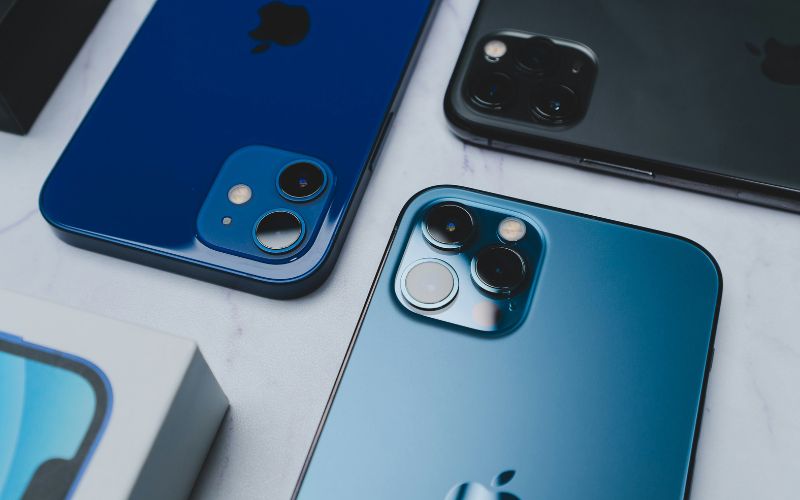
Activating a new phone can sometimes feel overwhelming, especially if you’re unsure about SIM setup or digital configuration steps. If you’d rather skip the technical details and start using your device right away, choosing a phone that’s prepared in advance can make the experience much easier.
Apply for the best phone at the best values for you.
5. Final Words
Understanding how to activate eSIM makes switching to digital connectivity much easier and less intimidating. With compatible devices and carrier support, the process is often completed in just a few simple steps. Preparing your activation details and ensuring a stable internet connection can help avoid delays.