
On This Page
Whether you have just activated a new line or simply can’t recall your own digits for a form, knowing how to check mobile number from SIM cards is a common necessity. It can be frustrating to navigate complex menus when you need your contact information quickly.
This comprehensive guide walks you through the simplest methods for iPhone and Android users, along with “low-tech” shortcuts. Stop guessing and follow our step-by-step instructions to retrieve your phone number in seconds.
1. Quick Methods On How to Check Mobile Number From SIM Using Phone Settings
Finding your phone number using the SIM card is a quick process, directly accessible through your phone’s settings menu under the “About Phone” or “Phone” sections.
This method instantly displays the number linked to your eSIM or physical SIM without needing to call someone. Simply navigating through the system settings provides an immediate, accurate way to check the mobile number from the SIM.
How to find mobile number from SIM card on an iPhone
On an iPhone, you can quickly find your number by opening the Settings app and scrolling to select Phone. Your mobile number will be prominently displayed at the top of the screen next to “My Number”.
Alternatively, you can go to Settings > General > About and look next to “Phone Number” or go to the Contacts app and tap the “My Card” listing at the top.
How do I check my phone number using a SIM on Android devices?
Open Settings and scroll down to select About phone or About device. Tap on Status or SIM status to view your phone number listed under “My phone number”. On some Android models, this information is found under Connections > SIM Manager.
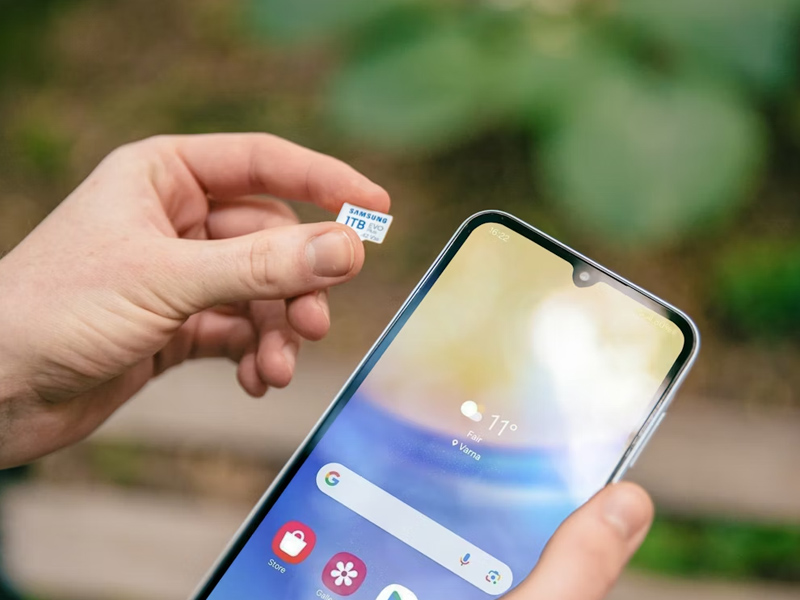
Guideline to check your phone number using a SIM on Android devices (Image by Unsplash)
2. Alternative Ways to Find Your Number Without Navigating Menus
How to check mobile number from SIM? If you want to avoid digging through system settings, there are several immediate “low-tech” and automated shortcuts to identify your line.
These methods are particularly useful if your phone settings display the number as “Unknown” due to SIM card limitations.
Make a test call
The most direct way to see your number is to call or text a friend or another nearby device. Your mobile number will instantly appear on their caller ID or within the messaging thread.
Use a USSD code
Some mobile carriers offer a short code you can dial in the phone app to display your number or account details. However, these codes vary by provider.
Check your carrier’s app or website
Check your carrier’s app or website. If you’re signed in to your provider’s official app, your phone number is often available in your account details, profile, or My Lines section.
Check your carrier’s app or website to see your number (Image by Unsplash)
Because this is a non-transferable service, it is exclusively available to eligible consumers, with participation limited to one discount per household. By enrolling, you secure a reliable connection backed by a provider dedicated to high-quality, regulated service.
Experience the freedom of unlimited talk, text, and data all bundled into a free single SIM card or eSIM. This all-in-one solution eliminates the hassle of multiple bills, providing everything you need for daily communication at no or low cost.
4. Frequently Asked Questions on How to Find Mobile Number From SIM Card
Why does my phone display my number as “Unknown”?
Sometimes, a SIM card doesn’t have the number pre-programmed into its hardware, causing the “Unknown” status. You can usually fix this by calling a friend to retrieve the number or checking your carrier’s official app.
How to find mobile number from SIM card if I have no credit?
Even without a balance, you can typically use USSD codes (like *#100#) or check your device’s internal “About Phone” settings, as these do not require active airtime or data to function.
Is the process different for an eSIM?
No. Whether you use a physical SIM or an eSIM, the steps for checking your number in the “Settings” menu remain the same. On an iPhone or Android, the device will list all active lines (Primary and Secondary) in the Cellular or SIM Manager section.
How do I check my phone number using a SIM on a basic/feature phone?
For non-smartphones, you can often find your number by looking through the Contacts list for an entry labeled My Number or “Owner. If that fails, using a USSD code is the most reliable “low-tech” method.
Final Words
Finding your digits doesn’t have to be a complicated task. By following this guide on how to check mobile number from SIM cards, you can easily retrieve your information through device settings, test calls, or carrier apps.