

On This Page
For many Michigan residents, access to a reliable phone is more than convenience. It’s a connection to healthcare, job opportunities, emergency services, and family support. If you’re wondering how to get a free government phone in Michigan, the Lifeline Program offers a way for eligible low-income households to receive monthly service and probably a free device at no cost.
**1. What Is a Free Government Phone Program in Michigan? **
1.1 Overview of the Lifeline Program
The Lifeline Program is a federal initiative administered through the FCC and USAC to help low-income households access phone service at no cost. Rather than functioning like a retail giveaway, Lifeline is a communications subsidy that covers the cost of monthly service and a basic device through an Eligible Telecommunications Carrier (ETC). To learn more about the program itself, you can review the full breakdown in the What Is Lifeline guide
Lifeline plays a significant role in digital access because it helps residents stay connected to doctors, employers, schools, and state services without adding financial strain.
For many households, the benefit removes a recurring monthly bill or the need to purchase a device up front: two of the biggest barriers to staying connected.
**1.2 Who Qualifies in Michigan? **
You may qualify for a free government phone in Michigan if your household meets the income guideline or if you are enrolled in a qualifying assistance program such as SNAP, Medicaid, Supplemental Security Income (SSI), Veterans Pension or Survivors Benefits, or Federal Public Housing Assistance. Households on Tribal lands may qualify for additional support.
2. How to get a free phone in Michigan
**2.1. Step 1: Check Eligibility **
Before applying, you’ll confirm whether you qualify based on income or participation in one of the eligible assistance programs. Most applicants verify their status through the National Verifier, which checks your information electronically and confirms eligibility. Go to the National Verifier website to see if you meet the requirements: National Verifier Eligibility Check
Eligibility is not only about receiving benefits; proof of income alone may qualify you as well. This is helpful for seniors, disabled residents who are not yet enrolled in federal programs, or households with recent income changes.
2.2. Step 2: Prepare Required Documents
Once you know you qualify, you will need documentation to support your application. Common examples include:
- A valid government-issued photo ID
- Proof of program participation (SNAP, Medicaid, SSI, etc.), or
- Proof of income such as tax returns or pay stubs
- Proof of address if ID doesn’t show residency
If your documents are digital, you can upload photos or scanned copies during the application. If they are physical, a clear photo is acceptable as long as the information is readable. You can review which forms are accepted in advance using the Lifeline documents guide

*Prepare Required Documents (Image by Freepik) *
3. How to get a free phone without paying
**3.1. What “Free” Means Under the Lifeline Program **
When a phone is listed as “free” under Lifeline, it means the cost of the device is covered by program funding and supplied by the providers, at no charge to qualifying households. The device is not a promotional giveaway from a retail store and not tied to a traditional service contract. Instead, it is considered part of the federal communications benefit.
Some providers also offer optional upgrades for newer or premium devices when inventory allows. These are not required to participate in the program — they are simply an add-on for applicants who prefer a more advanced model.
For most applicants, the standard free device is sufficient for everyday use such as calling, texting, accessing apps, and telehealth visits.
**3.2. Available Devices and Plans **
Device availability varies depending on provider stock. Lifeline-approved carriers typically offer:
- Entry-level smartphones suitable for calls, texts, and basic browsing
- Mid-range phones for users who stream, message, and use social apps
- Discounted upgrade models for applicants who want a higher-end device
If you are hoping for a specific model like a recent iPhone, you can check inventory and upgrade options before completing your application.
Service eligibility is determined by the federal program, but device model availability is determined by provider supply.
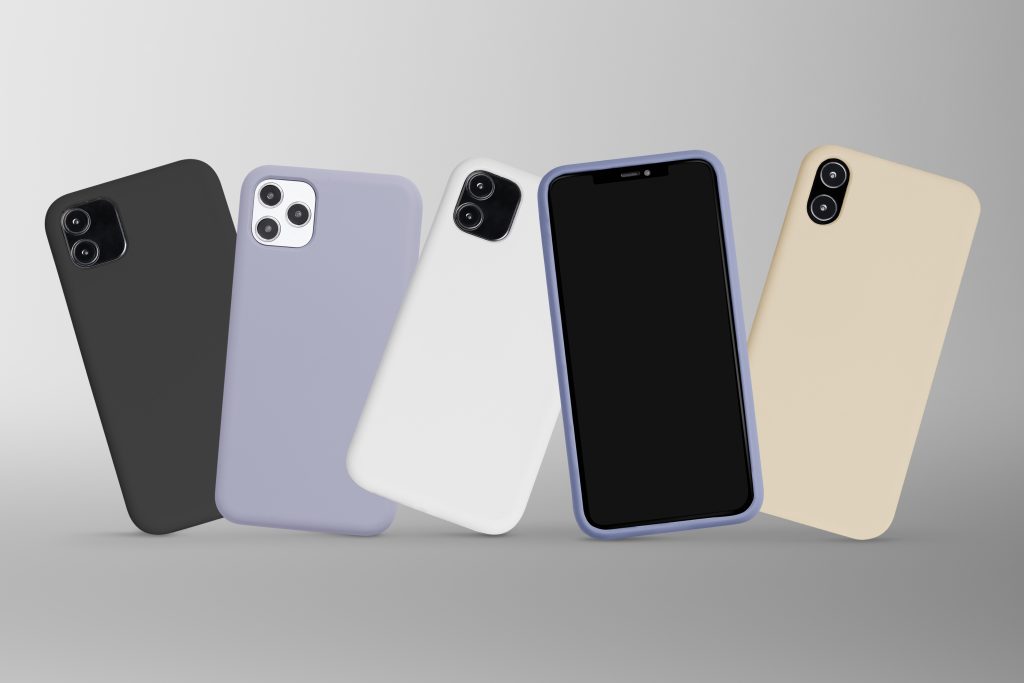
** Available Lifeline devices and plans for eligible Michigan residents (Image by Freepik)**
4. **FAQs **
**Can I get a free phone if I’m on disability? **
Yes. If you receive SSI or another qualifying public assistance benefit, you likely meet the participation eligibility. You will be asked to provide proof during your application.
**Are there income limits for Lifeline? **
Yes. Households applying under income-based guidelines must fall within the federal limit for their household size. These limits are updated from time to time, so applicants should review the most current information during the qualification step.
How long will it take to receive my phone after approval?
Shipping time varies depending on your location and provider’s inventory, but most approved Michigan applicants receive their device within several business days after the order is processed.
Do I need to pay activation fees?
No activation fee applies for standard Lifeline devices. If you choose an optional upgrade model, the price will be shown clearly during checkout before you agree to the device.
5. Final Word
If you believe you qualify based on your income or participation in a government assistance program, you can begin an online application through the official state page below.