

On This Page
Staying connected on your iPad without a physical SIM is easier than ever with modern solutions. Understanding how to get cellular data on iPad without SIM card helps you enjoy flexible internet access for work, travel, or daily use.
1. Can You Use an iPad Cellular Without a SIM Card?
Yes, the iPad has the ability to access mobile data without the need for a SIM card. It can be done through alternatives like eSIM, Wi-Fi, or a mobile hotspot.
The latest iPad models have the ability to connect to the internet via the eSIM option, which allows you to connect your iPad to the internet without the need for a SIM card. In addition, you can connect your iPad via Wi-Fi or mobile hotspot.
2. How to Get Cellular Data on iPad Without SIM Card
There are several practical ways to stay connected on your iPad without relying on a physical SIM card. Choosing the right method depends on your device model, usage needs, and available connectivity options.
Use an eSIM Data Plan
An eSIM is one of the most convenient ways when you don’t know how to get cellular data on iPad without SIM card. Supported on newer iPad models, eSIM allows you to download a carrier profile and start using data almost instantly. This option is especially useful for travelers or users who prefer a digital setup. If you’re exploring how to get cellular data on iPad without SIM card, eSIM stands out as a flexible and modern solution with reliable performance.
Connect to a Mobile Hotspot
You can connect your iPad to a mobile hotspot created by another device, such as a smartphone. This method uses the phone’s data plan to provide internet access to your iPad. It’s a quick and effective option when you don’t know how to get cellular data on iPad without SIM card. However, keep in mind that hotspot usage may consume data quickly and can affect battery life on the host device.
Use Public or Private Wi-Fi Networks
Wi-Fi remains one of the most common ways to access the internet on an iPad. You can connect to home networks, office Wi-Fi, or public hotspots available in cafes, airports, and hotels.
While this option is convenient and often free, it’s important to use secure networks whenever possible. Avoid accessing sensitive information on unsecured public Wi-Fi to reduce potential security risks.
Use a Tethered Connection From Your Phone
A tethered connection allows you to share your phone’s internet with youriPad using a USB cable or Bluetooth.
This method can provide a more stable connection compared to wireless hotspots, especially in areas with weak signals. It’s a useful backup option when Wi-Fi is unavailable, and you need a reliable connection for tasks like work or streaming.
Some main benefits of knowing how to get cellular data on iPad without SIM card. (Image by Unsplash)
3. Benefits of Using eSIM Instead of a Physical SIM
eSIM technology is becoming increasingly popular as more devices move toward digital connectivity and people don’t need to worry about how to get cellular data on iPad without SIM card.
It offers a modern alternative to traditional SIM cards, making it easier to manage mobile data without physical limitations.
- No physical SIM required: You can activate a data plan digitally without inserting or replacing a SIM card, which saves time and reduces the hassle of handling tiny components.
- Easy carrier switching: Users can change mobile providers or data plans quickly through device settings, without waiting for a new SIM to arrive or visiting a store.
- Ideal for travel: eSIM allows you to add local or international data plans instantly, helping you avoid expensive roaming fees while staying connected abroad.
- More secure: Since there is no removable card, eSIM reduces the risk of SIM loss, theft, or SIM swap attacks, adding an extra layer of protection to your device.
- Space-saving design: Without the need for a SIM tray, device manufacturers can optimize internal space for better battery life or slimmer designs.
- Convenient management: You can store multiple carrier profiles on one device and switch between them easily, making it perfect for balancing work and personal use.
4. Which Popular iPads Support eSIM?
Many recentiPad models support eSIMtechnology, making it easier to activate how to get cellular data on iPad without SIM card. This feature is typically available on Wi-Fi and Cellular versions, giving users more flexibility in how they connect.
Popular iPads with eSIM support include the iPad Pro, iPad Air, and iPad mini (cellular models).
These devices allow you to set up a data plan digitally, switch carriers more easily, and enjoy seamless connectivity on the go.
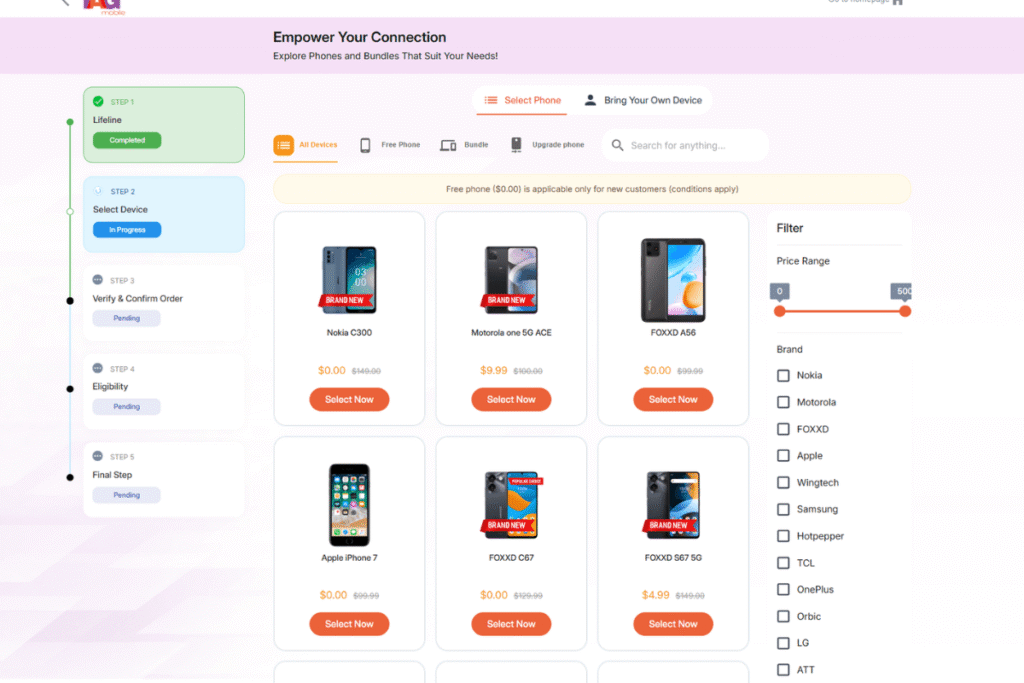
*Important note: The price also varies based on real-time and your region. *