
On This Page
Many people still assume SIM cards store everything from contacts to photos and text messages. In reality, modern SIM cards hold far less personal data than most smartphone users expect.
As phones increasingly rely on cloud storage, internal memory, and eSIM technology, the role of the SIM card has changed significantly over time.
That shift has also created confusion around how to see what is stored on SIM card, especially when switching phones or transferring contacts between devices.
Let’s explore what SIM cards actually store, how to check SIM data on your phone, and where most smartphone information is really saved today.
1. What Is Stored on a SIM Card Actually?
The main purpose of a SIM card is network authentication, not full personal data storage.
Modern smartphones still use SIM cards to connect devices to carrier networks, but the amount of personal information stored directly on the SIM is relatively limited.
Understanding what is stored on a SIM card helps explain why many files and settings no longer transfer automatically when moving the SIM between phones.
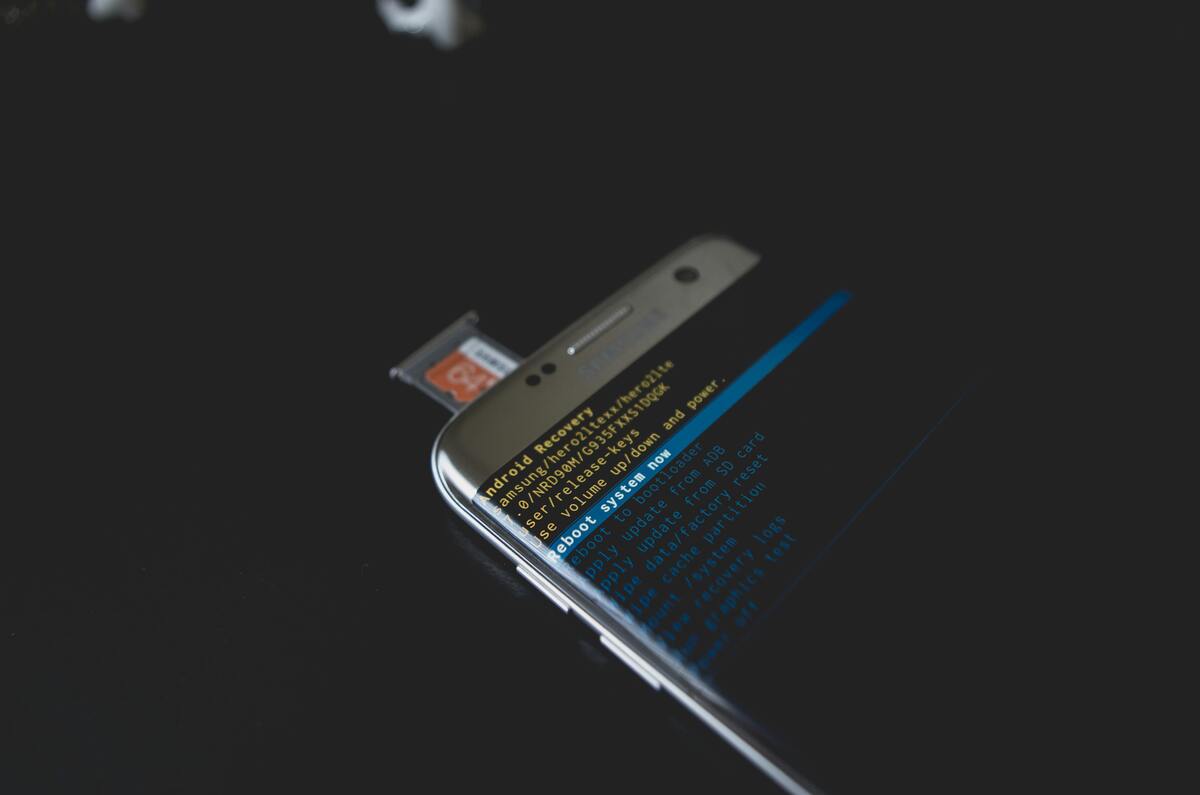
Why photos and apps are not stored on SIM cards. (Image by Pexels)
Basic Data Stored on SIM
In most cases, a SIM card may store:
- Carrier identification information
- Subscriber authentication credentials
- Limited contact entries
- Some SMS messages on older devices
- Network configuration data
The European Telecommunications Standards Institute (ETSI), which develops global mobile communication standards, explains that SIM technology primarily supports secure subscriber identification and network authentication.
For users wanting to know how to see what is stored on SIM card, contact entries are usually the easiest information to view directly through the phone settings or Contacts app.
However, storage capacity remains very limited compared to modern cloud systems. Most traditional SIM cards can only hold around 250 contacts depending on the carrier and SIM type.
What Is NOT Stored on a SIM Card?
Many smartphone users are surprised by how much information is not stored on the SIM card at all. For example, users frequently ask: “Does a SIM Card Store Photos or Media Files?”
In normal smartphone use, the answer is no.
SIM cards generally do not store:
- Photos
- Videos
- Apps
- Social media accounts
- Full message histories
- Device passwords
- Large files or documents
Instead, most of that information is stored through:
- Internal phone storage
- Cloud backup systems
- Google accounts
- iCloud synchronization
- External memory cards in some Android devices
Apple explains that iCloud synchronization handles photos, contacts, and many other forms of user data separately from the SIM card itself.
That distinction is important for users learning how to see what is stored on SIM card, because moving the SIM card alone usually will not transfer most personal content to another device.
2. How to See What Is Stored on SIM Card on Your Phone?
The exact process for checking SIM data depends on the device and operating system.
For Android devices, users can usually view SIM-stored contacts by:
- Opening the Contacts app
- Going to Settings or Manage Contacts
- Selecting Import/Export options
- Viewing contacts stored on the SIM card
Some Android phones also allow users to copy contacts from the SIM card directly into device storage or a Google account. For iPhones, Apple allows users to import SIM contacts into the device, but iPhones generally do not display SIM storage as a separate contact management system.
Those trying to understand how to see what is stored on SIM card should also know that newer eSIM-only devices may not support traditional physical SIM storage at all.
As Apple continues expanding eSIM adoption on newer iPhone models, physical SIM management plays a smaller role in device setup than it once did.
3. Where Your Data Is Actually Stored If Not on the SIM?
Most modern smartphone data is now stored outside the SIM card entirely.
That includes:
- Photos
- Apps
- Full contact databases
- Cloud backups
- Messages
- Account credentials
- Device settings
Google explains that Android backups can automatically store app data, contacts, call history, and device settings through Google Account synchronization.
Similarly, Apple’s iCloud system stores photos, messages, contacts, and app information independently from the physical SIM card.
For users learning “how to see what is stored on SIM card”, this means the SIM now functions more as a network authentication tool than a central storage device.
That is also why replacing or transferring a SIM card alone rarely transfers all personal data between phones anymore.
4. Manage Your SIM and Data the Right Way
Because SIM cards now store relatively limited information, protecting device backups has become much more important than protecting the SIM alone.
Several good practices help reduce the risk of losing important information:
- Keep cloud backups enabled
- Sync contacts regularly
- Store important files outside the SIM card
- Avoid relying on SIM-only contact storage
- Keep account recovery information updated
Beyond just a free SIM card, approved households can receive a compatible smartphone and monthly wireless service at no cost.
5. FAQs
Can I Transfer Contacts From SIM to Phone?
Yes. Most Android phones and iPhones allow users to import SIM contacts into device storage or cloud accounts.
Can I Store New Contacts on a SIM Card?
Some Android devices still support saving contacts directly to the SIM card, although many newer phones prioritize cloud syncing instead.
How Many Contacts Can a SIM Card Hold?
Many SIM cards support roughly 250 contacts depending on the SIM type and carrier configuration.
Can a SIM Card Store Text Messages?
Some older phones allowed limited SMS storage on SIM cards, but modern smartphones usually store messages internally or through cloud systems instead.
Final Thoughts
Learning how to see what is stored on SIM card helps clarify one of the most common misunderstandings about modern smartphones.
While SIM cards still store important network and subscriber information, they no longer function as primary storage for photos, apps, or complete contact databases.
Most personal data today is stored through cloud systems, internal device memory, and account synchronization services instead of the SIM card itself.As smartphones continue moving toward eSIM and cloud-based ecosystems, understanding what is stored on a SIM card becomes increasingly important when switching devices or managing backups safely.
Related SenGov Guides
- Medicaid Income Limits Florida Explained: Who Qualifies and What to Do If You’re Over the Limit
- Mississippi Medicaid Explained 2026: Who Qualifies, What’s Covered, and Key Limits
- Pregnancy Medicaid NC: Eligibility, Income Limits, and What Expecting Mothers Should Know
- ACP Lifeline Benefits Explained: Key Differences & What Still Works