
On This Page
Switching SIM cards sounds simple, but one small mistake can leave a phone stuck on “No Service,” “SOS Only,” or unable to connect to mobile data.
The process has also become more complicated as newer phones now combine physical SIM cards with eSIM technology. Some devices allow quick SIM transfers, while others may require carrier approval or additional setup before the line works properly again.
This guide explains what to check before switching SIM cards, how to switch SIM cards safely between devices, prevent activation issues, lost signal, and failed number transfers when switching and what to do if the SIM stops working afterward.
1. Before You Switch SIM Cards: What to Check First
Before learning how to switch SIM cards, checking compatibility and SIM condition beforehand can help avoid most connection problems later.
How to switch SIM cards safely between phones. (Image by Pexels)
First, confirm that the new phone is compatible with the carrier network. Even if the SIM physically fits, the device still needs to support the correct network bands and activation requirements.
It is also important to verify whether the new device is:
- Carrier unlocked
- Compatible with physical SIM or eSIM
- Updated to the latest software version
- Free from SIM tray damage or debris
If the SIM card itself looks dirty or scratched, cleaning the contacts gently may help avoid detection problems after switching. Learning how to clean SIM card safely can sometimes restore signal issues caused by fingerprints, dust, or oxidation on the metal contacts.
Apple also notes that foreign material or improper tray alignment can interfere with SIM detection.
Checking these details first makes switching much smoother, especially when transferring service between different phone brands.
2. How to Switch SIM Cards Step by Step?
The safest way is to handle both the SIM tray and the card carefully during the transfer process.
Follow these steps:
- Turn off both phones if possible.
- Locate the SIM tray on the current device.
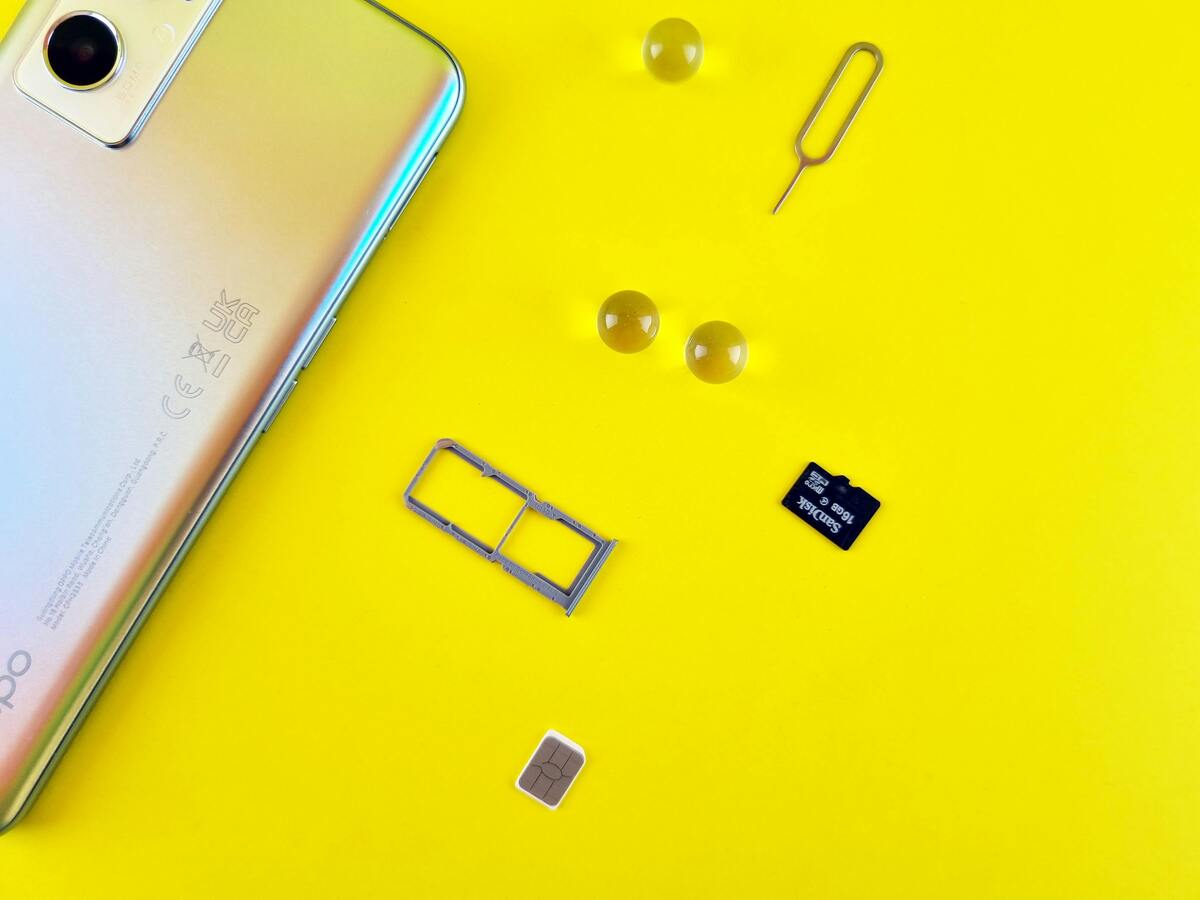
- Use a SIM eject tool carefully.
- Remove the SIM tray slowly without bending the card.
- Take out the SIM card gently.
- Insert the SIM into the new phone’s tray in the correct orientation.
- Reinsert the tray fully into the device.
- Turn the new phone on and wait for network detection.
After completing the transfer, the phone should normally reconnect to the carrier network within a few moments.
- Carrier signal bars
- Mobile data connection
- Calling and texting access
If the signal does not appear immediately, restarting the phone or toggling airplane mode may help refresh the network connection. Samsung support documentation also recommends checking SIM placement carefully because incorrect tray alignment can prevent detection.
3. Switching SIM Cards Between Different Phones
Although the basic transfer process is similar, switching SIM cards between different device types may require extra setup.
Switching Between iPhones
For users researching how to switch SIM cards between Apple devices, the process is usually faster because most iPhones automatically detect supported SIM cards after restart.
Apple explains that some iPhone 14 and newer models sold in the U.S. no longer include physical SIM trays.
If the transferred SIM does not connect immediately, checking carrier settings updates may help restore service.
Switching Between Android Devices
Android users still encounter compatibility differences depending on the manufacturer and carrier restrictions.
However, compatibility can vary depending on:
- Carrier locks
- Device region
- Network technology
- SIM size support
Restarting the phone after insertion often helps complete network registration properly.
If the SIM has visible residue or connection issues, understanding how to clean SIM card correctly may help before assuming the SIM is damaged permanently.
Switching Between iPhone and Android
Understanding how to switch SIM cards becomes more important when moving between iPhone and Android because messaging systems and carrier settings may behave differently.
Switching between iPhone and Android devices may involve additional setup beyond simply moving the SIM card.
Users may need to:
- Update APN settings
- Disable iMessage temporarily before leaving iPhone
- Reconfigure RCS or messaging features
- Confirm carrier compatibility
- Reactivate voicemail services
Apple also notes that iMessage should be turned off before switching away from iPhone to avoid missing SMS or MMS messages on the new device.
Another important factor is network compatibility. Some Android devices support different LTE or 5G bands than iPhones, which may affect signal quality after the SIM transfer even when the SIM itself still works correctly.
For users moving between older and newer devices, carrier setup may also change depending on whether the phone uses a physical SIM card or eSIM activation.
This becomes especially important when switching to newer U.S. iPhone models that rely primarily on eSIM instead of traditional SIM trays.
4. Why Your SIM Card Doesn’t Work After Switching?
Even after following how to switch SIM cards correctly, some devices may still fail to reconnect immediately. Common causes include:
- The phone is carrier locked
- The SIM card is damaged
- The SIM tray is misaligned
- Network registration failed
- The device does not support the carrier bands
- The SIM card was inserted incorrectly
In some situations, phones may display:
- No Service
- SOS Only
- Invalid SIM
- SIM Not Supported
Cleaning the metal contacts carefully can sometimes help restore connection if dirt or residue prevents proper contact. This is another situation where learning how to clean SIM card safely becomes useful before replacing the SIM unnecessarily.
Apple also recommends checking carrier settings updates and restarting the device if network detection fails after switching SIM cards.
5. When Switching SIM Cards Is Not Enough?
In some situations, switching SIM cards is no longer the main issue because the SIM itself may already be outdated or damaged.
Meanwhile, other users may discover that their current SIM does not fully support newer network features such as advanced 5G connectivity or eSIM-based activation on modern devices.
When these happen, replacing the old SIM with a newer one often provides a more stable connection and faster activation experience.
Users can typically check availability online, verify eligibility, choose a compatible device if offered, and complete activation digitally without needing to visit a retail store.
The application process generally includes:
- Checking eligibility through income or qualifying programs
- Entering a ZIP code to confirm availability
- Selecting a compatible device or service plan if offered
- Uploading verification documents
- Completing the online application
- Activating service after approval
Final Thoughts
Learning how to switch SIM cards properly can make changing phones much smoother while helping avoid unnecessary activation or network problems.
Checking compatibility, handling the SIM carefully, and confirming the phone connects properly afterward can help avoid most common problems.
In some cases, cleaning the SIM contacts or replacing an older SIM card may also improve connection reliability.
As more carriers continue expanding eSIM support, switching service between devices will likely become even faster and more flexible in the future.