
On This Page
Switching between devices doesn’t have to be complicated when you understand how to switch SIM cards correctly. A smooth transfer helps you keep your number, maintain service, and avoid unnecessary interruptions during the process.
1. When You Might Need to Switch SIM Cards
Switching SIM cards is a common task that helps you stay connected in different situations. Understanding when and why you might need to do it can make the process easier and more efficient.
Upgrading to a New Phone
When you upgrade to a new phone, transferring your SIM card is often the quickest way to keep your number and mobile service active. Instead of setting up a new line, you can simply move the SIM and continue using your existing plan.
Can you just switch your SIM cards between phones? In most cases, the answer is yes, as long as the new device is compatible and unlocked.
Switching Mobile Carriers
If you decide to switch to a different carrier, you may need a new SIM card provided by that carrier. This allows your phone to connect to the new network and access updated services and plans. In some cases, you can also keep your phone number through a process called number porting, making the transition smoother without losing your existing contacts.
Using a Local SIM While Traveling
Traveling internationally often requires switching to a local SIM card to avoid expensive roaming charges.
By using a local SIM, you can access affordable data plans, make calls, and stay connected more easily. This is especially useful for longer trips, as it helps reduce costs while maintaining reliable network coverage in the destination country.
Troubleshooting Network Issues
Sometimes, switching SIM cards can help identify or fix network-related problems. If your phone is experiencing signal issues, inserting your SIM into another device can help determine whether the issue is with the SIM or the phone itself. In other cases, replacing an old or damaged SIM card with a new one can restore proper connectivity and improve performance.
2. How to Switch Sim Cards Safely: A Simple 2026 Guide
Switching SIM cards is a quick process, but doing it carefully helps protect your data and avoid connection issues. By following the right steps, you can move your SIM smoothly and keep your service running without interruptions.
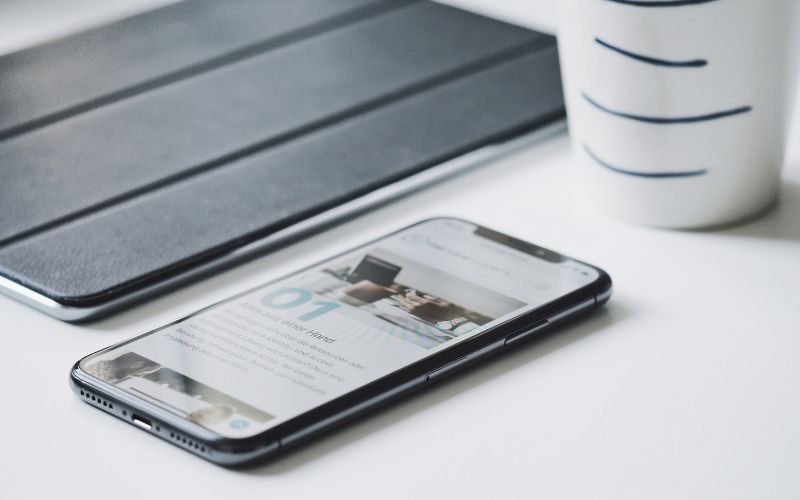
Guide to switching SIM cards between devices. (Image by Unsplash)
Step 1: Turn Off the Phone
You should start by turning off your phone completely before removing the SIM card. This step prevents potential hardware or software conflicts during the transfer. Powering off the device also ensures that the SIM is recognized properly when inserted into another phone.
Step 2: Locate the SIM Card Tray
Next, you need to find the SIM card tray, which is usually located on the side of your device. Most trays have a small pinhole that allows you to eject them using a SIM tool or paperclip.
If you’re wondering, How do I switch from one SIM to another?, identifying the tray location is the first practical step before removing the card.
Step 3: Remove the SIM Card
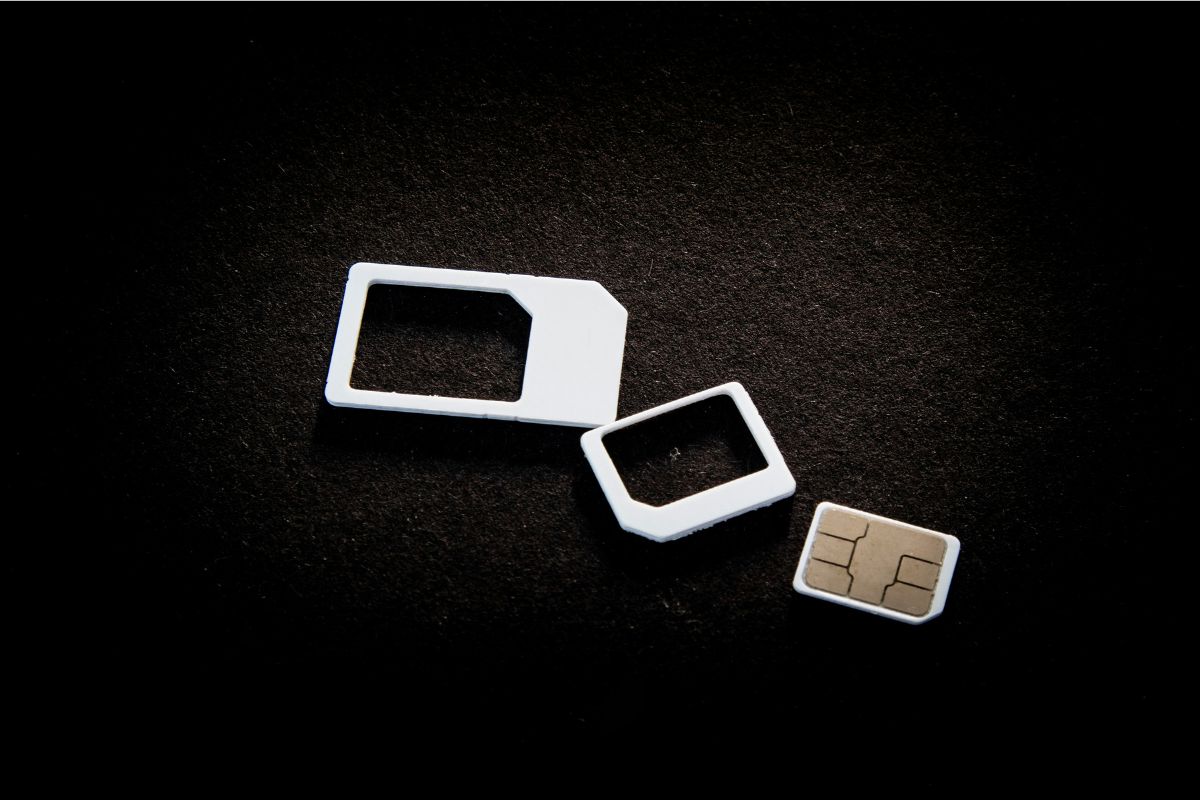
Using a SIM eject tool, gently press into the pinhole to release the tray. Carefully remove the SIM card and handle it by the edges to avoid touching the metal contacts.
How do I swap my SIM card without losing everything, you may ask. The key is to remove and transfer the SIM safely. Your number and service remain stored on the card.
Step 4: Insert the SIM Card Into the New Phone
Place the SIM card into the tray of the new phone, making sure it is aligned correctly with the cut corner. The card should fit securely without forcing it into position. Proper alignment ensures the new device can read the SIM and connect to the network without issues.
Step 5: Turn On the Phone
After inserting the SIM, turn on the phone and wait for it to detect the network. The device should automatically connect within a few moments if everything is set up correctly. You can then check signal strength or test calls and data to confirm the switch was successful.
3. Upgrade Your Mobile Setup When Switching SIM Cards
Many people switch SIM cards when upgrading phones or activating a new mobile plan. This is also a great opportunity to improve your overall mobile setup by choosing a better device and a more reliable service provider.
- **Step 1: Check your eligibility **Start by confirming you qualify for the Lifeline Program based on income or participation in government assistance programs. Preparing documents in advance will help make the process faster.
**Go to the official website and enter your ZIP code to check available services in your area. This step helps you see eligible plans, devices, and SIM card options.
**Step 3: Choose a plan and device **Select a plan that fits your needs, then pick a free or discounted phone from the available list. Your plan will typically include a SIM card or eSIM for activation.
**Step 4: Enter your information and verify eligibility **Fill out the application form with your personal details, such as name, address, and identification. You may need to upload supporting documents to prove your eligibility.
Step 5: Submit your application and wait for delivery** **After reviewing your information, submit the application for approval. Once approved, your phone and SIM card will be shipped to your address, usually within 7-10 business days, with instructions for easy activation.
4. FAQs About Switching SIM Cards
Switching SIM cards is a common process, but many users still have questions about how it works in different situations. Understanding these answers can help you avoid confusion and ensure a smooth transition between devices.
Can I switch my SIM card to another phone?
Yes, you can move your SIM card to another phone as long as the device is compatible and unlocked. The new phone must support your carrier’s network and the correct SIM size or eSIM format. If you’re learning how to switch SIM cards, this is one of the most basic and widely used methods.
Will I keep my phone number when switching SIM cards?
Yes, your phone number is linked to your SIM card, so it will remain the same when you move it to another device. As long as the SIM is active and properly inserted, your number, calls, and texts will continue to work. However, contacts stored on the phone itself may need to be transferred separately.
Can I switch SIM cards between Android and iPhone?
Yes, you can switch SIM cards between Android and iPhone if both devices are unlocked and support the same network bands. The SIM card works independently of the operating system, so compatibility depends more on the carrier and device hardware.
After switching, you may need to adjust settings like iMessage or APN to ensure everything functions correctly.
5. Final Words
Understanding how to switch SIM cards makes upgrading or changing devices much easier and more stress-free. With the right steps, you can keep your number active and maintain seamless connectivity without interruptions. Taking a little time to follow the proper process helps avoid common issues and ensures everything works smoothly.