
On This Page
Understanding how a **Samsung SIM card **works is essential when setting up a new device or switching mobile service. While SIM cards may seem simple, choosing the correct type and activating it properly can directly impact connectivity and performance.
1. What Is a Samsung SIM Card?
A Samsung SIM card is a small chip that connects a Samsung device to a mobile network. It stores key information, including the phone number, carrier credentials, and authentication data required for calls, messaging, and mobile data.
Modern Samsung devices may support either a physical SIM card or a digital eSIM. Regardless of format, a Samsung SIM card is required for network access and plays a central role in how the device communicates with mobile carriers.
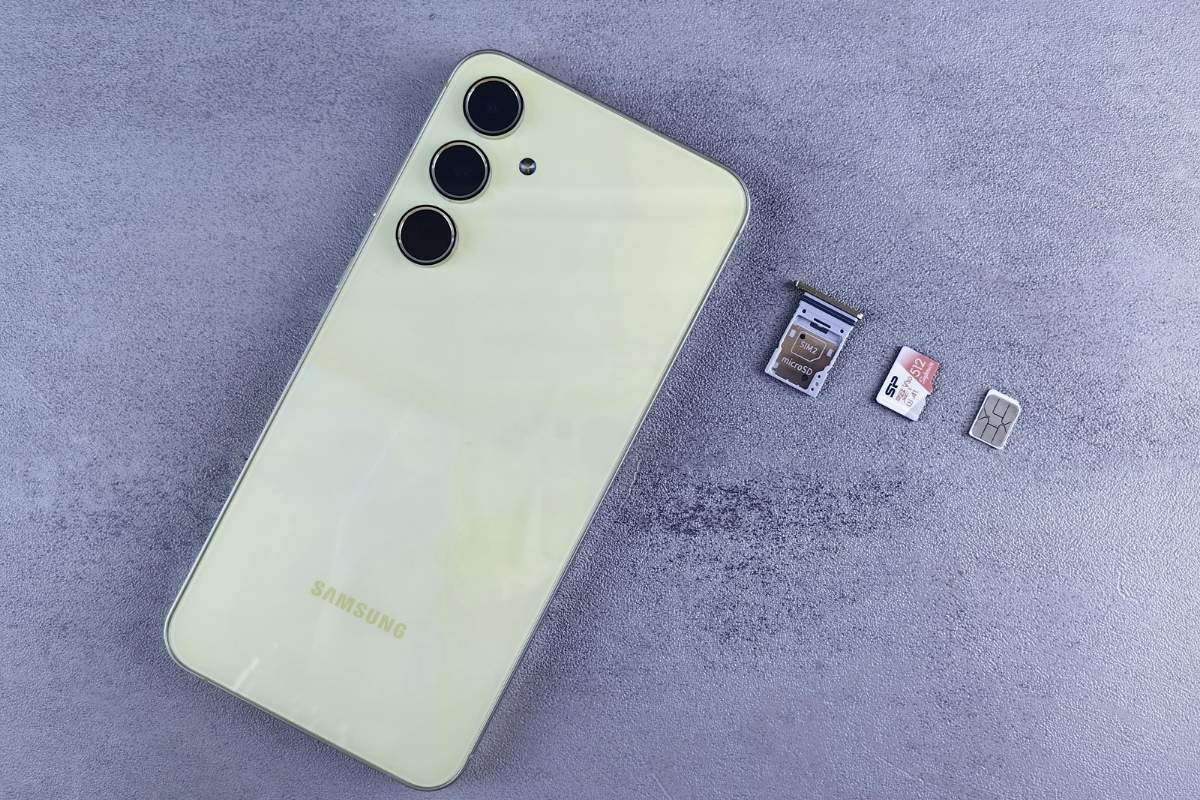
Samsung SIM card used to connect a device to a mobile network (Image by Pexels)
2. What Kind of SIM Card Does Samsung Use?
The answer depends on the device model, as Samsung supports multiple SIM formats across its product lineup.
Nano SIM, eSIM, and Model Differences
Most current Samsung devices use Nano SIM cards, which are smaller and more efficient than older SIM formats. In addition, newer models support eSIM, allowing users to activate a Samsung SIM card digitally without inserting a physical card.
Some Samsung phones also support dual SIM functionality, combining a physical SIM with an eSIM. This provides flexibility for users who manage multiple numbers or switch between carriers.
How to Check Which SIM Card Your Samsung Phone Needs
To identify the correct Samsung SIM card type, users can check the device specifications, packaging, or SIM tray design. The settings menu may also indicate whether eSIM is supported.
Verifying this information in advance helps avoid compatibility issues and ensures a smoother setup experience.
3. How to Insert and Activate a Samsung SIM Card
Setting up a Samsung SIM card correctly ensures stable network connectivity and avoids activation issues.
How to Insert a Samsung SIM Card
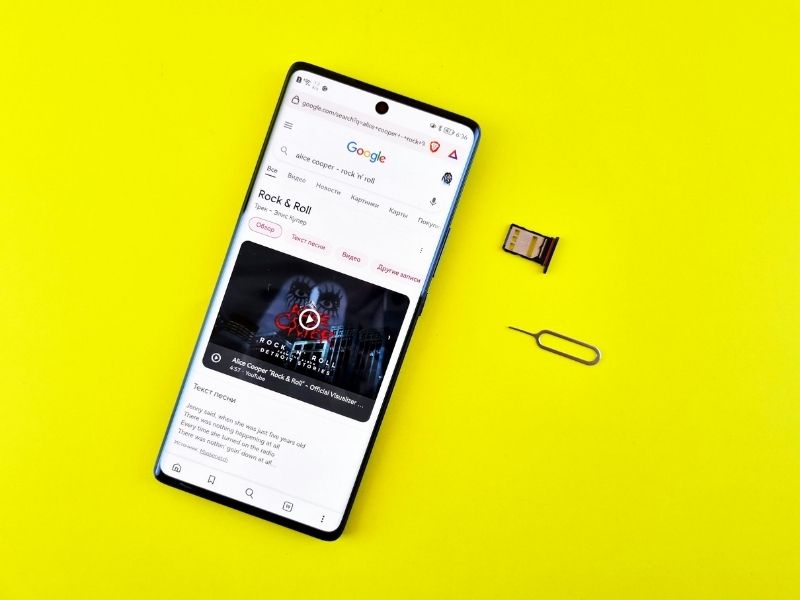
To insert a Samsung SIM card, locate the SIM tray on the side of the device and use a SIM ejector tool to open it. Place the SIM card into the tray according to the indicated orientation, then gently slide the tray back into the device.
Proper alignment is important, as incorrect placement may prevent the Samsung SIM card from being recognized.
How to Activate Service After Inserting the SIM
After inserting the Samsung SIM card, activation is required to connect to the network. This process is typically completed through the carrier’s website or mobile app.
4. Free SIM Card Options
For users looking to reduce mobile costs, there are several ways to obtain a free SIM card that works with a Samsung device.
Where to Get a Free SIM Card
Free SIM cards are available through promotions, trial offers, or government-supported programs designed to expand access to mobile services.
What to Check Before Ordering a Free SIM Card
Before requesting a free SIM card, users should confirm that the Samsung SIM card is compatible with their device and supported network.
It is also important to review plan details, activation requirements, and any usage limitations. This ensures the Samsung SIM card works properly after setup and avoids service interruptions.
Through federally supported Lifeline benefits, qualified applicants may receive discounted or no-cost monthly mobile service designed to help maintain reliable access to calls, text messaging, and mobile data.
Depending on eligibility and current program availability, users may choose either to bring their own compatible device or to select plans that include access to discounted devices such as smartphones and tablets.
6. FAQs
Can you buy a SIM card for a Samsung phone?
Yes, a Samsung SIM card can be purchased through carriers, retail stores, or online platforms, depending on availability and plan options.
Which Samsung will stop working in 2026?
Older Samsung devices that do not support updated network technologies may lose compatibility depending on carrier upgrades.
How do I access my SIM card on my Samsung phone?
The SIM card can be accessed by opening the SIM tray using an ejector tool, typically located on the side of the device.
When should you replace a Samsung phone?
A Samsung phone should be replaced when it no longer supports software updates, network compatibility, or performance requirements.
How do I know which Samsung SIM card I need?
Users can check device specifications, SIM tray design, or settings to determine the correct Samsung SIM card type.
Final Word
A Samsung SIM card is essential for connecting devices to mobile networks, and choosing the right type ensures smooth performance and compatibility. With support for Nano SIM and eSIM, Samsung devices offer flexible options for different user needs.