
On This Page
Navigating the world of digital SIM technology can be confusing when your device is tethered to a specific network. Many users hope to use an SIM locked iphone to take advantage of dual-network capabilities or cheaper international data plans.
However, Apple’s security protocols often prevent these digital profiles from activating on restricted hardware. This guide will clarify the technical realities of carrier locks and help you find a path to total mobile freedom. By following these steps, you can move toward a more flexible and affordable cellular experience.
1. What Does a SIM Lock iPhone Mean in 2026?
To understand a SIM lock iPhone, one must look at the way Apple’s activation servers interact with your device. A SIM lock is not a physical part of the phone; rather, it is a software-level policy stored in Apple’s database. When you first activate an iPhone or insert a new SIM card, the device “checks in” with Apple’s servers to see which carriers are authorized to provide service.
If your device is a SIM lock iPhone, the activation server sends a signal back to the device that restricts it to one specific carrier. This means that even if you have a perfectly functional 5G SIM card from a different provider, the iPhone will refuse to connect to those towers.
In 2026, this technology is more advanced than ever, often locking both the physical SIM tray and the internal eSIM chip to the same primary provider.
2. Why Are iPhones SIM Locked?
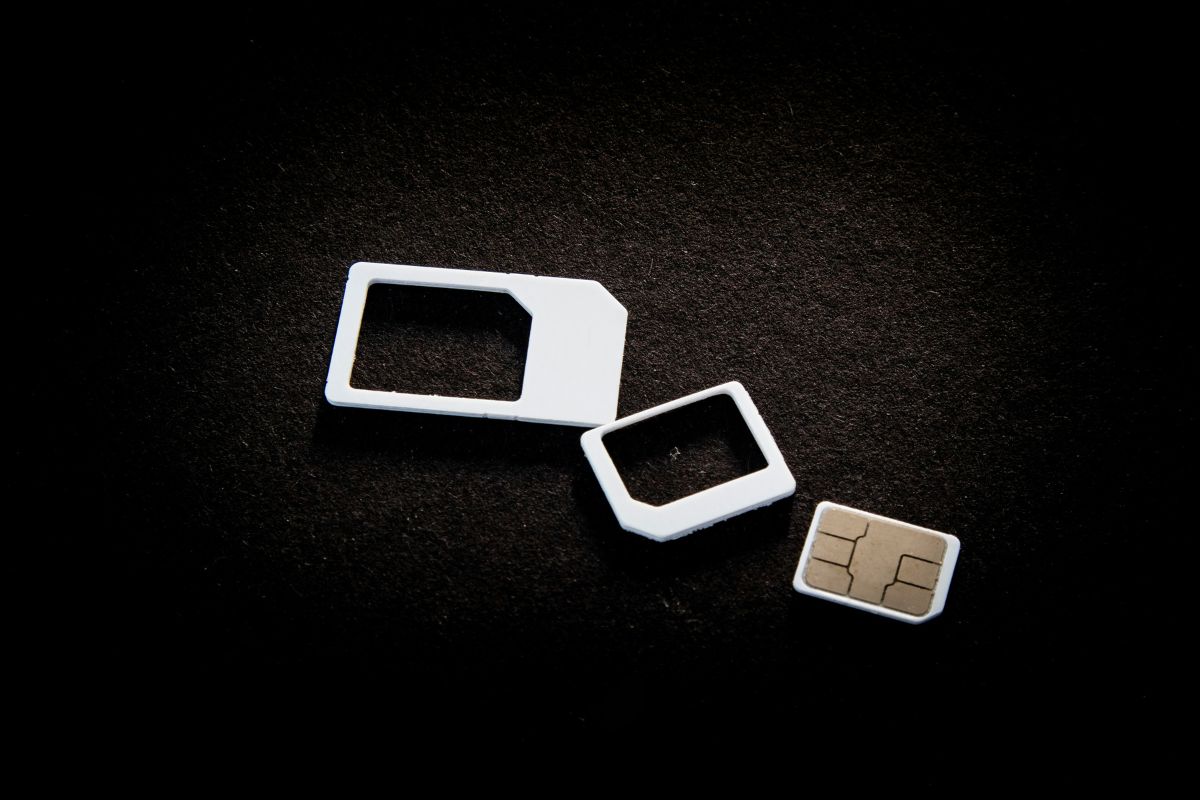
The reason why your iPhone SIM is locked. (Image by Unsplash)
The existence of a SIM lock iPhone is almost always a result of a financial subsidy or a protective contract. Carriers often sell iPhones at prices well below their retail value or offer them on long-term installment plans. To ensure the customer doesn’t immediately take that subsidized hardware to a cheaper competitor, they implement a lock.
For many users, a SIM lock iPhone is a way for the carrier to guarantee that the service contract is fulfilled. In the government assistance sector, certain providers may also implement a temporary lock to ensure that the hardware benefit, stays active with the network that issued the device.
This helps maintain the integrity of the service while the subscriber establishes their eligibility and service history.
3. 3 Simple Steps to Check and Unlock Your iPhone
If you suspect you have a SIM lock iPhone, you don’t need to visit a repair shop to confirm it. Apple has made it relatively easy to check your status in iOS.
3.1. Step 1: Verify the Lock Status via iOS Settings
The most reliable way to confirm a SIM lock iPhone is to go to Settings > General > About. Scroll down until you see the “Carrier Lock” section. If the device is restricted, it will say “SIM Locked.” If the device is fully open for use on any network, it will display “No SIM Restrictions.”
3.2. Step 2: Contact Your Carrier for Unlock Authorization
If your device is a SIM lock iPhone, only the original carrier has the authority to remove the restriction. You must contact their customer service department or use their online portal to request an unlock.
They will check if the device has been active for the required number of days (usually 60 to 180) and ensure there are no unpaid balances on the account.
3.3. Step 3: Complete the Unlock with a SIM Swap
Once the carrier approves the request, they send a signal to Apple’s servers. You don’t need to enter a code; simply connect the sim lock iphone to Wi-Fi and insert a SIM card from a different network.
The phone will perform a quick “Activation Required” check, and once it recognizes the updated server policy, it will immediately begin searching for the new network signal.
4. Getting a Working SIM and Reliable Service Made Simple
While the technical steps to unlock a phone are straightforward, dealing with major carriers can be exhausting. Many users find their unlock requests denied due to complex “original owner” requirements or disputed billing histories on second-hand devices. Sometimes, the simplest solution for a SIM lock iPhone user is to move to a device that comes with an active SIM and ready-to-use service.
By qualifying for the federal Lifeline program, you can receive a high-quality smartphone and an active SIM card on a major nationwide 5G network. This bypasses the SIM lock iPhone problem entirely by providing you with a fresh start and a reliable connection.
4.2. How to Secure Your New Device in 4 Simple Steps
Securing your government-assisted service and a reliable phone is a simple process designed for the 2026 digital landscape:
- Step 1: Check Eligibility. The first step is to determine whether you meet the federal criteria based on your income (at or below 135% of federal guidelines) or on participation in programs such as SNAP, Medicaid, or SSI. It is highly recommended to prepare your documents, such as your benefit award letters, before you begin.
- Step 3: Enter Personal Information and Upload Documents. Fill out the enrollment form with your legal name, date of birth, and contact information. While many are verified automatically through federal databases, you may need to manually upload proof of eligibility if the system requires it. You may qualify for these benefits based on your current status.
- Step 4: Complete Application and Wait for Delivery. Review your information and submit for final approval. Once approved, the carrier will process your order and ship your new device directly to your address. Delivery typically takes 7-10 business days, and the package includes clear activation instructions so you can get online immediately.
Apply for the best phone at the best values for you.
5. Final Words
Take advantage of your federal benefits today to leave the frustration of a SIM lock iPhone behind and enjoy the freedom of a truly connected mobile experience.