
On This Page
Printing settings can sometimes feel confusing, especially when preparing multi-page documents, school assignments, reports, or office paperwork. Many users search what does collate mean when printing when trying to organize pages correctly before starting a print job.
1. What Does Collate Mean When Printing?
**When printing documents, “collate” means arranging multiple-page copies into complete sets in the correct page order automatically. **Instead of printing all copies of page one first, followed by page two and page three separately, the printer organizes each full document set together before starting the next copy.
Many users searching what does it mean to collate when printing are usually preparing reports, presentations, school assignments, contracts, or office paperwork with several pages. Using the collate setting may help reduce manual sorting, save time during larger print jobs, and keep printed documents organized more efficiently.
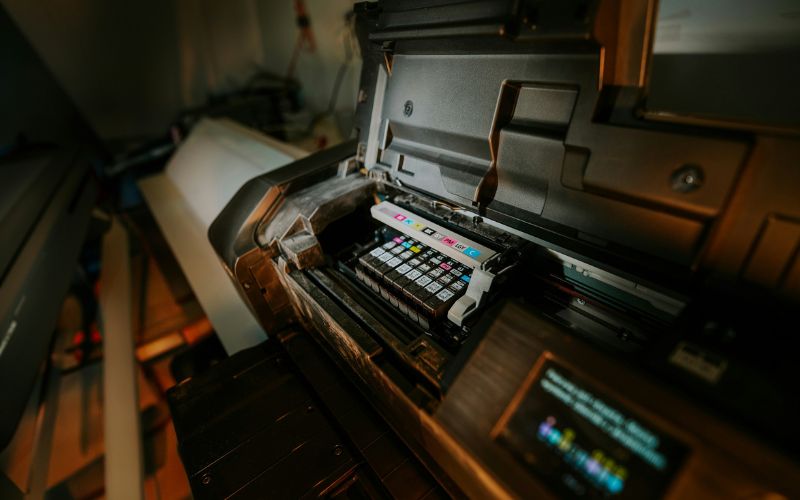
What does collate mean when printing? (Image by Unsplash)**
2. Common Situations Where Collated Printing Helps
Collated printing is especially useful when handling documents with multiple pages and several copies. Organizing pages automatically into complete sets may help reduce sorting mistakes and save time during printing tasks at home, school, or work.
School Assignments
Students often print essays, research papers, presentations, and classroom projects containing several pages. Using collated printing helps keep each assignment copy arranged correctly from the first page to the last without manually reorganizing papers afterward. Many people learning what does collate mean when printing first encounter the setting while printing school documents or study materials.
Office Packets
Businesses frequently print contracts, reports, training materials, invoices, and meeting packets in multiple copies. Collated printing automatically organizes each complete document set together, making distribution faster during presentations, conferences, or internal office meetings. This may also help reduce paperwork confusion in busy work environments.
Study Guides
Teachers, tutors, and students often print study packets that contain notes, exercises, diagrams, and review questions across several pages. Collated printing keeps each guide organized correctly, which may help students follow lessons more easily without mixing pages from different copies together accidentally.
Event Programs
Collated printing is useful for event schedules, wedding programs, conference guides, church bulletins, and community handouts containing multiple pages. Printing complete sets in the correct order may help organizers distribute materials more efficiently while avoiding extra time spent manually arranging papers before events begin.
Family Paperwork
Households sometimes print medical forms, travel documents, insurance paperwork, school records, or tax information with several pages per copy. Collated printing helps keep related pages grouped correctly together, making family paperwork easier to organize, review, store, or distribute when multiple copies are required.
3. How to Turn Collate On or Off
Most printers include a collate option directly inside the printing setup menu before documents are printed. Adjusting this setting correctly may help organize pages more efficiently, depending on whether users need complete document sets or grouped page copies.
Print Settings Menus
The collate setting is often located inside the main print settings menu before printing begins. Users can usually find it near page selection, copy quantity, paper size, or orientation settings. You typically need “collate” turned on when printing complete multi-page document sets in the correct order automatically.
Printer Dialog Boxes
Many computers display a printer dialog box after selecting the print option from an application or browser. This window commonly includes a checkbox or a dropdown menu for collated printing. Turning collation off usually prints identical page numbers together instead of arranging full document copies separately.
Advanced Printing Options
Some printers place collate controls inside advanced settings rather than the main printing menu. These advanced options may also include duplex printing, paper tray selection, color preferences, or page ordering features. Checking advanced settings carefully may help users avoid incorrectly sorted print jobs during larger printing tasks.
»> Also read: How to Declutter Digital Files? Organization & Storage Tips for 2026
4. Frequently Asked Questions About Collated Printing
Many printer settings can feel confusing, especially when printing multiple copies of documents with several pages. Understanding how collated printing works may help users organize printed materials more efficiently and avoid common printing mistakes.
What does collate sheets mean when printing?
Collating sheets means arranging printed pages into complete document sets automatically. Instead of grouping identical pages together, the printer organizes pages in the correct reading order for each copy.
Many users looking for what does collate mean when printing are usually trying to understand this automatic page-ordering process before printing reports or assignments.
What does collate mean when printing multiple copies?
When printing several copies of the same file, the collate option keeps every document set arranged in proper reading order before printing the next copy.
A three-page document, for example, prints as 1-2-3, then repeats 1-2-3 again instead of grouping identical pages together separately. This setting is useful for reports, classroom packets, presentations, and other multi-page documents that need organized page sequencing.
What does “collate” mean when printing double-sided?
Collating during double-sided printing still organizes pages into complete sets while printing on both sides of the paper. The printer automatically keeps page order correct, so documents remain readable after printing. This may help reduce manual sorting and improve organization for longer reports or book-style documents.
Final Words
Knowing what does collate mean when printing can make multi-page printing much easier when preparing reports, school assignments, business packets, or family paperwork. Using the correct print settings helps keep pages organized, reduces sorting mistakes, and saves extra time during larger printing tasks.