
On This Page
Have you recently navigated your smartphone’s settings and found yourself wondering, what does no sim restrictions mean?
In 2026, understanding this critical device status is essential for maximizing your mobile freedom and avoiding unnecessary carrier fees. Unlocked devices empower you to choose your preferred mobile network and find the most cost-effective service plans available.
1. What Does No SIM Restrictions Mean?
What does no SIM restrictions mean? Seeing this notification on your smartphone simply indicates that your device is completely free from any carrier-specific locks. This hardware freedom allows you to seamlessly insert and use a SIM card from any compatible network worldwide.
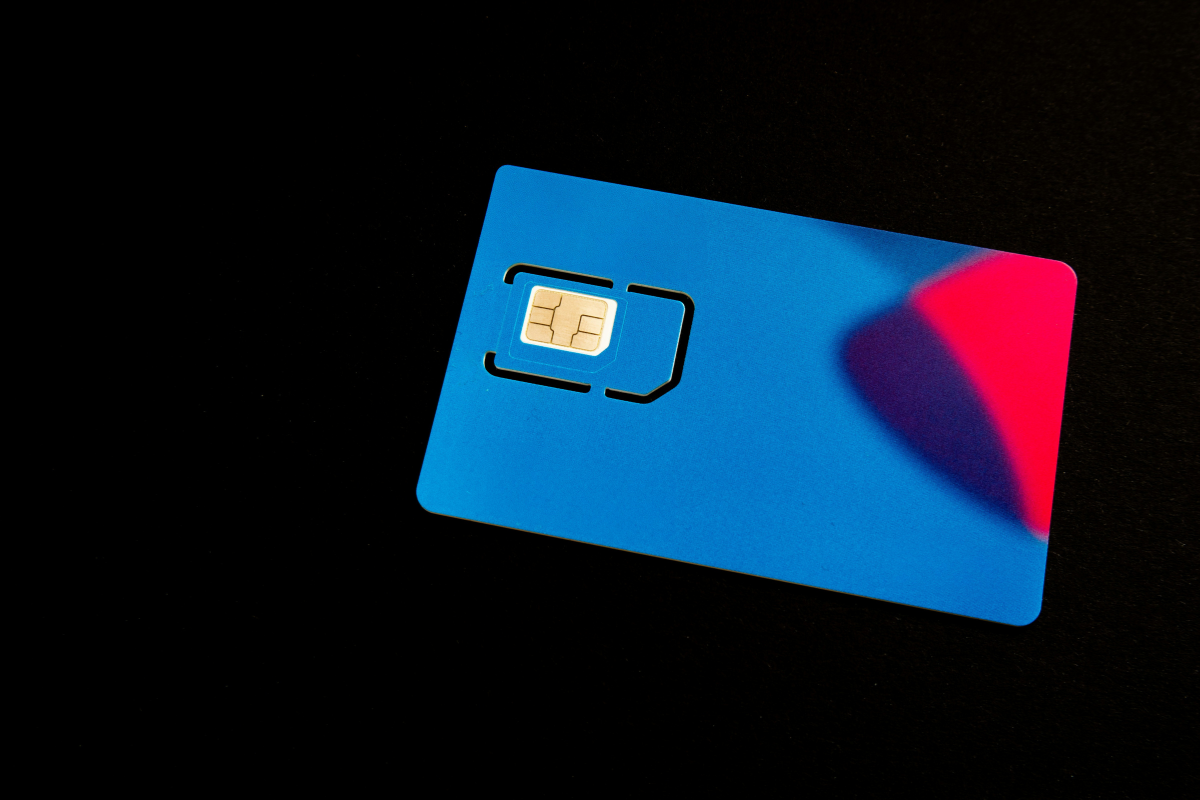
What does no SIM restrictions mean?(Image by Unsplash)
Definition: “No SIM Restrictions” vs “Carrier Locked”
When a mobile phone is classified as “Carrier Locked,” it contains specialized software programming that strictly restricts its usage to a single, specific wireless provider. Telecommunication companies often implement this digital lock to subsidize the initial retail cost of the smartphone, effectively ensuring that the customer remains on their network long enough to pay off the device through a multi-year contract. You cannot use another company’s network until the original carrier agrees to remove the lock.
Conversely, “No SIM Restrictions” means the device is fully unlocked straight out of the box or has been officially released by the carrier. According to theFCC’s mobile device guidelines, unlocking gives consumers the legal flexibility and fundamental right to switch to any compatible provider of their choice without being forced into purchasing brand-new hardware. This essentially puts the power back into the hands of the consumer, where it rightfully belongs in a modern, hyper-connected society.
How to Check Your Lock Status in Settings (iOS & Android)
Checking your phone’s official lock status only takes a few seconds and does not require any specialized technical knowledge.
iPhone (iOS)
- Open Settings
- Tap General
- Tap About
- Scroll to Carrier Lock
Since Android does not always clearly display the lock status in its settings, here is the Most Reliable Method (Recommended):
- Insert a SIM card from a different carrier
- Restart the phone if needed
If the phone connects to the new network, it’s likely unlocked. Otherwise, if you see a prompt that says “SIM network unlock PIN” or “Network locked,” your phone is carrier locked.
Alternative Method (Not 100% Reliable)
- Go to Settings
- Tap Network & Internet or Connections
- Select Mobile Network
- Open Network Operators
If you are able to manually select different carriers from this list, your device is likely unlocked.
Samsung (Device-Specific)
- Some Samsung phones show lock status under Service Provider Lock Status
- You may see indicators like “Network Lock” (varies by model)
If you need step-by-step visual guides or troubleshooting advice for older operating systems, you can always check more comprehensive mobile guides. Taking just a few moments to verify this setting can save you massive headaches when you decide it is finally time to make a transition to a new provider.
Benefits of Having a Fully Unlocked Device
An unrestricted smartphone gives you ultimate purchasing power in the telecom market. You are never forced to endure a carrier’s price hikes because you can simply swap out your SIM card at any time. Recentsmartphone usage statistics reveal that an increasing number of consumers are buying unlocked devices directly from manufacturers to maintain this financial flexibility and avoid long-term installment plans.
2. Carrier Lock No SIM Restrictions: Why It Matters
The concept of carrier lock no sim restrictions highlights the important shift from being bound by rigid corporate contracts to experiencing true wireless independence. Understanding why this status matters can directly impact both your monthly budget and your device’s overall lifespan.
Freedom to Switch Providers
The most significant advantage of an unlocked phone is the ability to shop around for the best coverage and prices. If one provider drops their signal quality in your area, you can seamlessly port your number to a competitor.
Using International SIM Cards While Traveling
If you love traveling abroad, an unlocked phone is a necessity. Instead of paying exorbitant daily roaming fees to your domestic provider, you can purchase a cheap local SIM card at your destination. Industry data fromPew Research on mobile connectivity highlights how crucial mobile internet access is, and avoiding roaming charges makes staying connected overseas much more affordable.
*»> Also read: **Can I Receive a Free Laptop with Medicaid? Here’s the Truth and a Better Option *
Higher Resale Value for Unlocked Smartphones
When it is finally time to upgrade, a phone with no SIM restrictions holds its value much better than a locked counterpart. Buyers on the secondhand market prefer devices they can activate immediately on their own networks, meaning you can sell your phone faster and for a premium price compared to devices tied to a specific carrier.
3. Bringing Unlocked Phones To Government Networks
How to Check Your Device Compatibility Before Switching Services
It is important to understand that having an unlocked phone does not automatically guarantee it will work on every single network infrastructure. You cannot simply “unlock” a phone to fit a network if the internal hardware antennas are completely different.
The only definitive way to check if your unlocked phone can be brought over is by verifying your device’s 15-digit IMEI number. By inputting your IMEI into a carrier’s compatibility checker, you ensure that your phone’s specific hardware bands align perfectly with the provider’s network towers.
Final Words
Knowing exactly what does no sim restrictions mean transforms you into a savvy, empowered mobile consumer ready for 2026 and beyond.