
On This Page
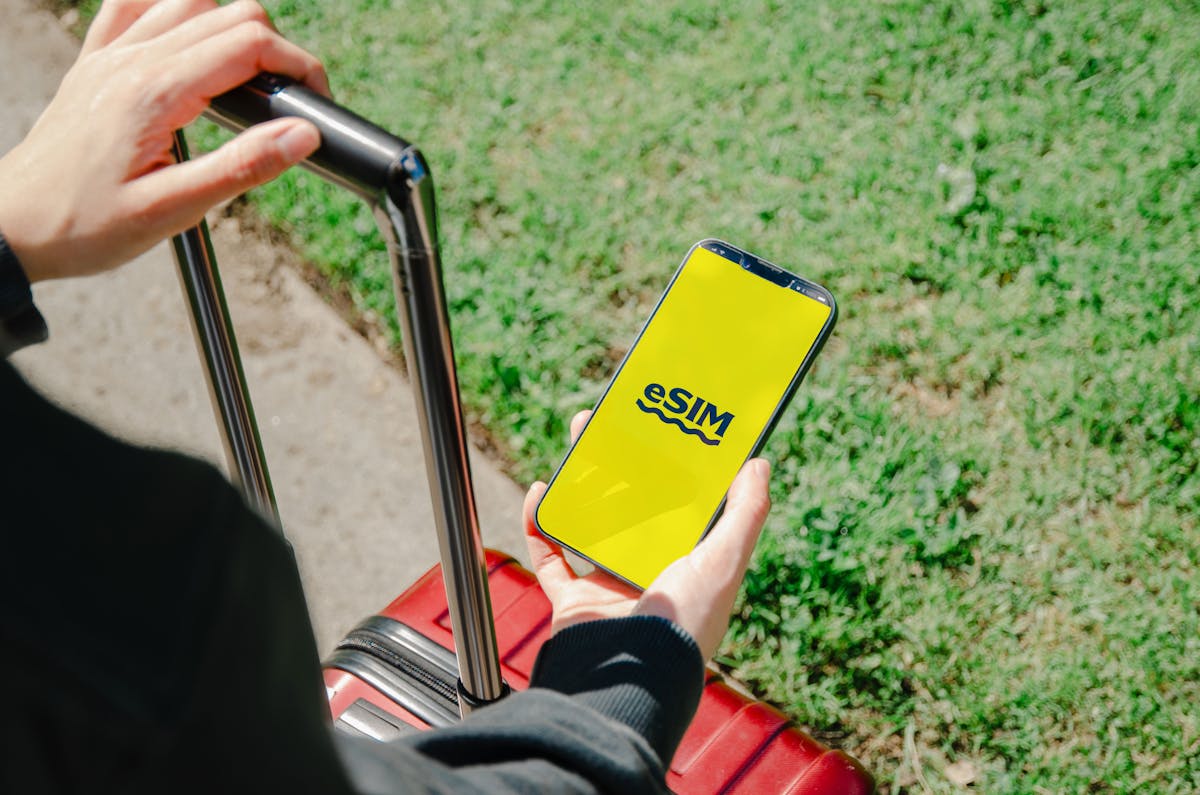
Have you ever wondered how mobile connectivity is evolving beyond those tiny, easy-to-lose plastic chips? As technology advances, more users are asking “What is eSIM?” and why it is rapidly becoming the new standard for flagship smartphones.
This invisible innovation is changing the way we think about switching carriers and managing our data plans. In the following guide, we will pull back the curtain on how this digital technology works and show you how to leverage it to stay connected more easily than ever before.
1. What is eSIM And How It Works For Modern Users
The Lifeline Program
The Lifeline program is a federal assistance initiative designed to make essential communication services more affordable for eligible low-income households in the United States.
By reducing the cost barrier, the program helps people stay connected to job opportunities, healthcare services, emergency support, and loved ones.
To qualify for the Lifeline program, your household income must be at or below 135% of the Federal Poverty Guidelines, or if someone in your household participates in certain government assistance programs such as Medicaid, SNAP, SSI, or Federal Public Housing Assistance.
Free & Discounted Devices with free eSIM
- iPhone: iPhone XS, iPhone XR, iPhone 11 series, iPhone 12 series, iPhone 13 series, iPhone SE 3, etc.
- Android: Samsung Galaxy Z Flip series, Google Pixel 6, etc.
How to Apply for a Free Phone with a Free eSIM Service
Step 1: Check service availability
Step 2: Select your plan & device
Choose the Lifeline Plan that fits your needs. During this step, select a model from the available catalog.
Make sure to pick a device that’s compatible with an eSIM. If your selected device is eSIM compatible, you will be able to select the eSIM option during the application process.
Otherwise, you can also choose to get only the new SIM to use with your current phone. In this case, make sure you opt for BYOD (Bring Your Own Device) option.
Step 3: Fill out personal information
Complete the application form by entering your legal name, date of birth, address, and the last four digits of your Social Security number.
Step 4: Upload proof of eligibility
Submit clear photos or digital copies of required documents, such as a government-issued ID and proof of participation in assistance programs (e.g., SNAP, Medicaid) or income.
Step 5: Submit & activate
Once approved, you will receive an eSIM activation QR code via email for instant setup or have your physical device shipped to you within a few business days.
- Check compatibility: Ensure your device is unlocked and eSIM-compatible.
- Make sure your device is unlocked & compatible with eSIM.
- Access the SIM Replacement section within our app or our website.
- Simply follow the provided prompts in the app to order your eSIM.
5. Frequently Asked Questions (FAQs)
How much does the service cost?
For qualified Lifeline participants, the standard monthly service (including talk, text, and data) is $0. There are no contracts and no hidden monthly fees.
Can I keep my current phone number?
Yes. Lifeline users can “port in” their existing number. You’ll typically need to provide your current carrier’s account number and transfer PIN. Make sure your number remains active until the transfer is complete to avoid any service interruptions.
Final Words
Whether you are traveling internationally or simply want to manage your personal and business lines on a single device, eSIMs offer a streamlined solution for modern connectivity.