
On This Page
What is stored on a SIM card? A surprising number of smartphone users still believe the SIM card stores everything on the phone, including photos, apps, and full message histories.
In reality, modern smartphones handle storage very differently than older mobile phones did years ago. Today, most personal content is stored through cloud accounts or internal phone memory instead of the SIM card itself.
That confusion becomes especially noticeable when switching phones or changing carriers because many people expect all their data to move automatically with the SIM card.
Let’s see exactly what modern SIM cards contain, what they actually do inside a phone, and how SIM storage differs from normal device storage today.
1. What Is Stored on a SIM Card?
Modern SIM cards are designed mainly for secure network authentication rather than large-scale personal storage.
The amount of information physically stored on a SIM card is actually very small compared to modern smartphone storage systems.
A SIM card may contain:
- Subscriber identity credentials
- Carrier authentication information
- Limited contact entries
- Basic network settings
- Small amounts of SMS data on some older devices
The storage capacity itself is also extremely limited. Traditional SIM cards often store only around 250 contacts depending on carrier configuration and SIM type.
DataReportal reported that the average smartphone user now stores thousands of photos and app files on devices and cloud platforms, far beyond what a SIM card was ever designed to handle.
That difference explains why “what is stored on a SIM card**”** is much more limited than many users expect.

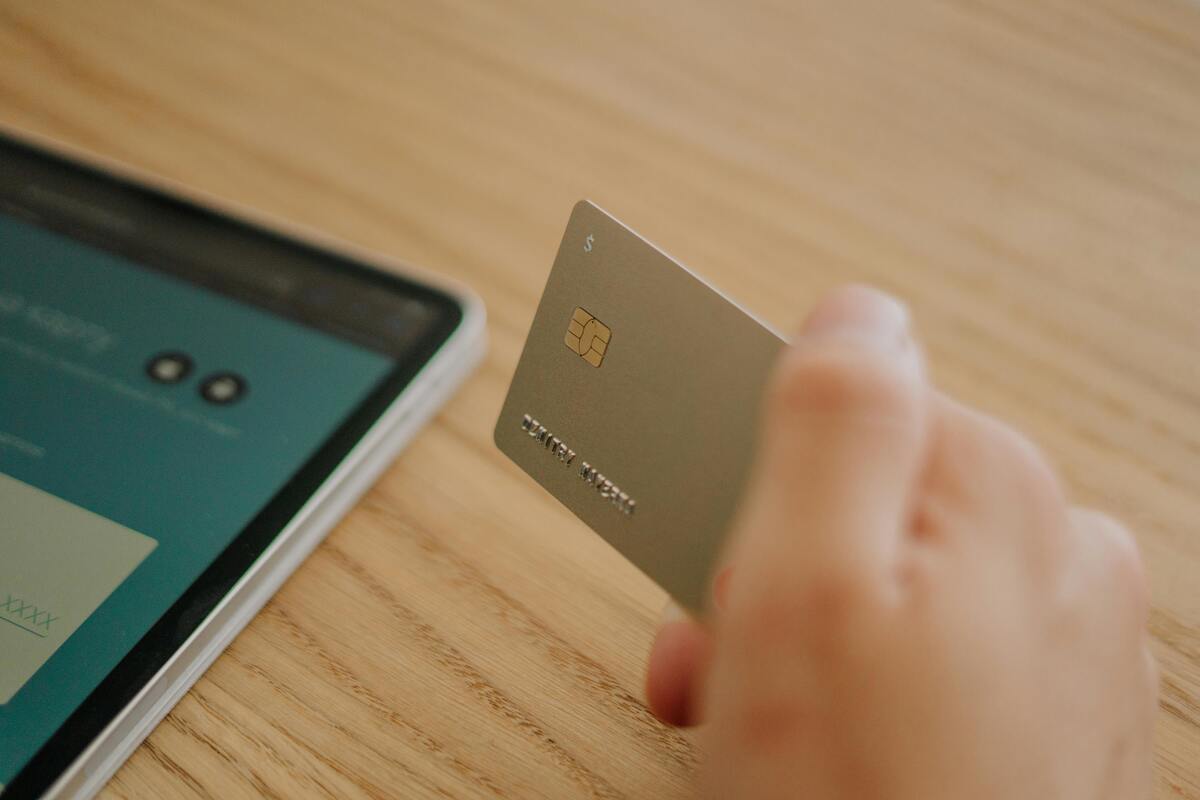
What does a SIM card do inside a phone? (Image by Pexels)
This is one of the most misunderstood parts of smartphone technology.
A SIM card may still store:
- Small contact lists
- Limited SMS messages on certain older phones
However, modern SIM cards usually do not store:
- Photos
- Videos
- Apps
- Social media accounts
- Cloud backups
- Full message histories
- Downloaded files
Most smartphone content is now stored through:
- Internal phone storage
- Google accounts
- iCloud backups
- External memory cards on supported Android devices
Apple notes that iCloud Photos alone syncs full-resolution media libraries across devices automatically without relying on SIM storage.
This explains why moving a SIM card between phones rarely transfers personal media or apps automatically.
2. What Does a SIM Card Actually Do in a Phone?
Many people understand that phones need SIM cards for mobile service but are still unclear about what does a SIM card do behind the scenes.
A SIM card mainly functions as the phone’s secure identity credential for connecting to the carrier network.
Without valid SIM authentication, most phones cannot:
- Access carrier mobile data
- Place traditional voice calls
- Send SMS messages
- Register properly on the wireless network
Inside the phone, the SIM helps manage:
- Subscriber authentication
- Mobile number association
- Carrier network access
- Secure communication between device and network
That is why removing the SIM card may disconnect cellular service while apps, Wi-Fi features, and downloaded content continue working normally. Even with eSIM technology, the core function remains similar because both physical SIM and eSIM systems perform the same carrier authentication role.
3. How to Check What Is Saved on Your SIM Card?
Most smartphones still allow users to check at least some SIM-related information directly through device settings.
On Android phones, SIM-stored contacts can often be viewed by:
- Opening the Contacts app
- Selecting Manage Contacts or Import/Export settings
- Viewing available SIM contact storage options
Some Android devices also allow users to:
- Copy SIM contacts to the phone
- Move contacts into cloud storage
- Export SIM contacts to Google accounts
On iPhone, SIM contacts can be imported into device storage, although Apple generally does not display SIM storage separately inside the Contacts app.
Checking what is stored on a SIM card today usually reveals only a relatively small amount of network-related information and contact data rather than full personal content libraries.
4. SIM Card Storage vs Phone Storage: What’s the Difference?
One major reason smartphone users become confused about what is stored on a SIM card is because modern phones separate network identity from personal storage almost completely.
A SIM card mainly handles:
- Carrier identification
- Subscriber authentication
- Limited network data
Meanwhile, phone storage manages:
- Photos
- Apps
- Videos
- Downloads
- Documents
- App data
- Cloud synchronization
Modern smartphone storage capacity has expanded dramatically over time. Apple now offers iPhones with storage capacities reaching 1 TB, while SIM cards still maintain only tiny amounts of carrier-related memory by comparison.
That gap helps clarify why changing SIM cards does not transfer most personal content automatically between devices anymore.
Understanding what does a SIM Card do also becomes more important during:
- Device upgrades
- Carrier switching
- eSIM activation
- BYOD setup
- Mobile troubleshooting
5. Understand Your SIM Before Switching Phones or Service
Before changing devices or replacing a SIM card, it helps to understand which information actually remains tied to the SIM itself.
For example:
- Contacts stored in cloud accounts usually transfer automatically
- Photos remain linked to device storage or cloud backups
- SIM cards mainly preserve carrier identity and authentication data
This becomes especially important during:
- New phone activation
- Carrier transfers
- eSIM setup
- Wireless troubleshooting
- BYOD activation
Some supported devices may allow both physical SIM and eSIM activation, helping users switch service more flexibly between phones or wireless plans.
Knowing what is stored on a SIM card before changing service can help reduce activation confusion and prevent unnecessary concerns about losing personal files during the process.
Final Thoughts
Modern SIM cards play a much smaller storage role than many smartphone users realize.
What is stored on a SIM card? Today, it mainly involves network authentication, subscriber identification, and limited carrier-related information rather than photos, apps, or large media libraries.
Most personal data now lives through cloud systems, internal device storage, and account synchronization services instead.